Blend AI Studio
Description
Tool Name:
Blend
Categories: 🔖
• Photo Design and Editing
• Text and Images to Video
• Motion Graphics, Titles, and Subtitles
️ What does this tool offer? ✏
Blend offers a comprehensive suite of AI-powered design tools aimed at helping entrepreneurs and creators produce professional images and videos. Its core features include generating images using AI models, photographing products in virtual studios (Studio Shot), creating AI-generated videos, and designing logos (Logo Maker). It also offers tools for image upscaling, background removal, and a "Magic Erase" feature to remove unwanted elements, as well as a smart design assistant called "DesignGPT."
What does it actually offer based on user experience? ⭐
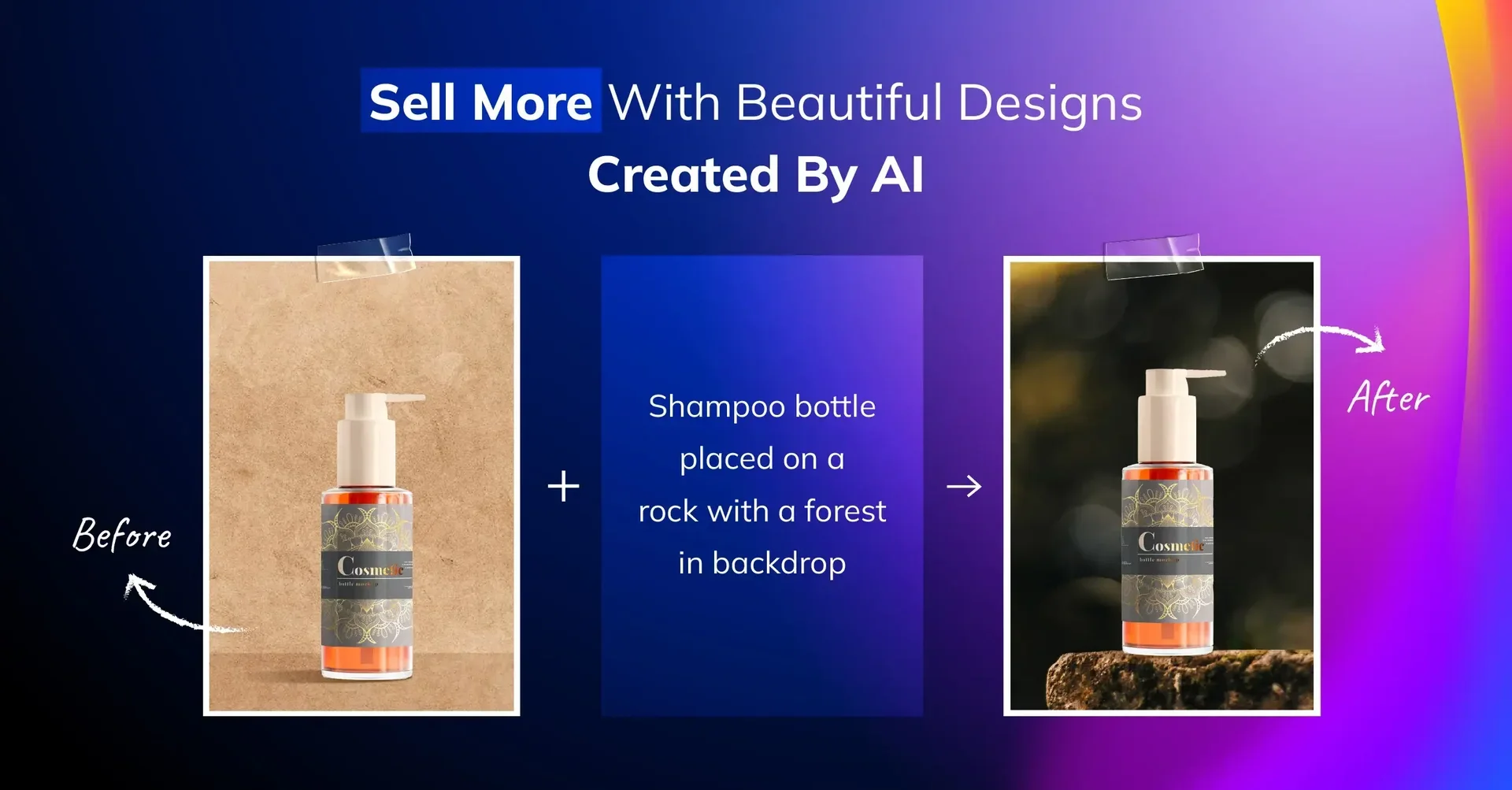
The tool provides a practical solution for transforming ordinary product photos into high-quality marketing designs with the click of a button. It allows users to replace backgrounds with professional AI-generated backgrounds, add text behind elements, and upscale images to 4K resolution. It also simplifies the process of creating complete social media content through ready-made templates, saving time and effort on complex manual design processes.
Does it include automation? 🤖
Yes, automation is integral to all its operations; the tool automatically generates backgrounds, removes elements, enhances image quality, and generates complete videos and designs based on text commands or uploaded images without manual intervention in fine design details.
Pricing Model: 💰
The tool uses a monthly or annual subscription model with two main plans (Pro and Max).
🆓 Free Plan Details:
The tool allows users to access the interface and try out basic functions, but full access to advanced features and high-quality export of results requires a subscription to the paid plans.
Paid plan details: 💳
Pro Plan:
Features: Access to all AI features, HD image export, upscaling to 4K, and availability on both web and mobile apps.
Annual cost: Approximately $4.17 per week (paid annually at $49.99) with a 67% discount.
Monthly cost: $12.99 per month.
MAX Plan:
Features: Includes all Pro plan features plus increased credits (50X credits), 50 video creations per month, 500 logos and images per month, and 500 virtual try-ons per month.
Annual cost: Approximately $20.83 per month (paid annually at $249.99) with a 30% discount.
Monthly cost: 29.99 AED per month.
How to access the tool: 🧭 The tool can be accessed via the official website on a desktop browser or through the mobile app, where design creation options are available immediately after logging in.
Trial link or official website: 🔗 https://www.blendit.ai/