• Image design and creation
• Cross-publishing and collaboration
• Tasks and projects
• Productivity and scheduling
• Content management and publishing
Description
Tool name:
Webdraw
Tool category: 🔖
️ What does this tool offer? ✏
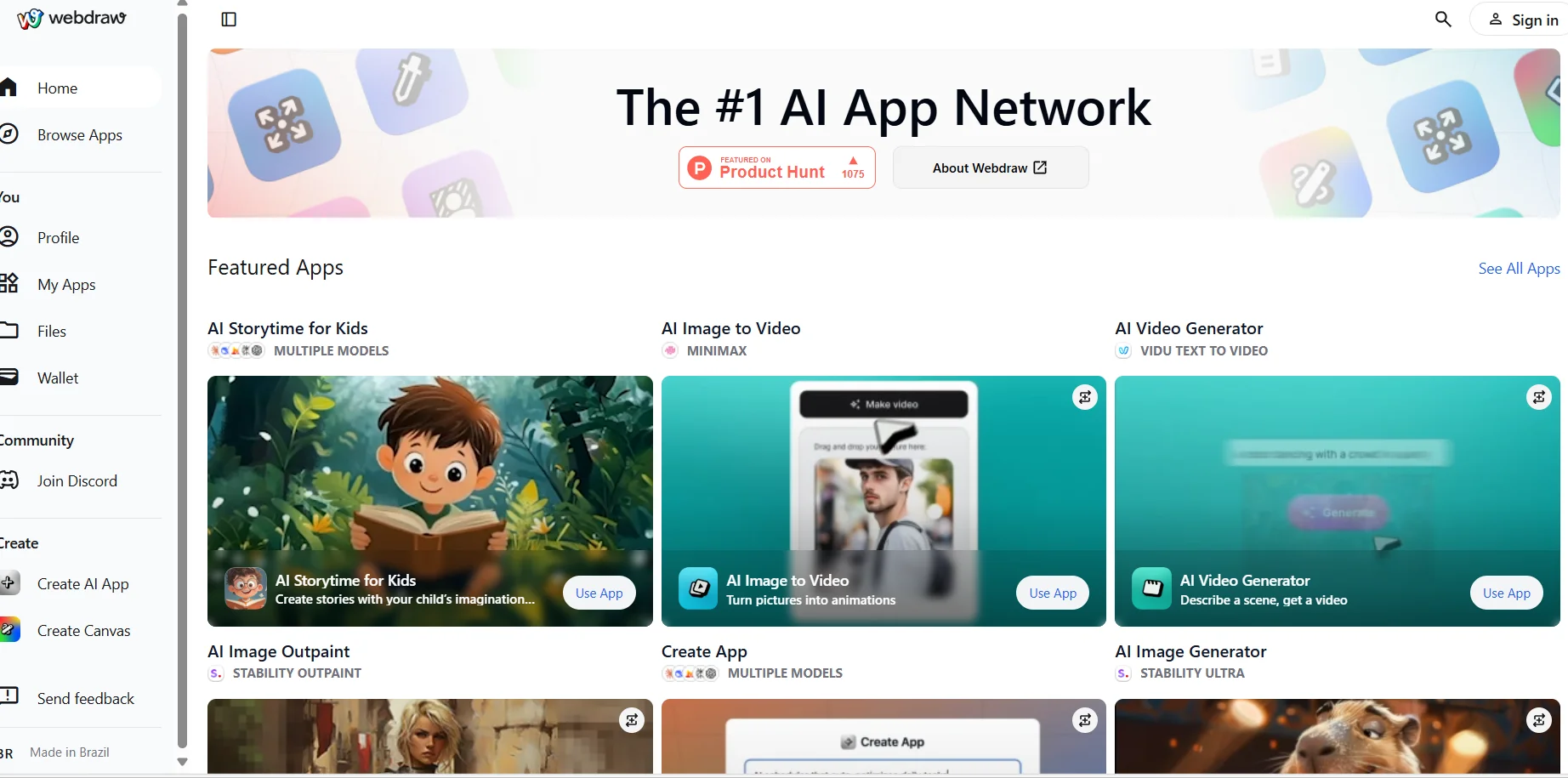
Webdraw provides an integrated digital environment for creators, allowing them to design and build interactive visual experiences with ease and flexibility. The tool aims to empower users to create and manage advanced digital content within a unified context management system, while providing tools to help organize ideas and transform them into actionable creative projects. With the platform's development, its capabilities have been expanded to include more advanced functions in the field of content management and digital experience development, giving users greater ability to innovate and work in a professional and organized manner.
What does it actually offer based on user experience? ⭐
Webdraw has built a large community of more than 20,000 creators who have used the platform to build diverse projects and visual experiences. User experience has shown that the tool provides a flexible and suitable working environment for creating creative digital content, helping them to easily transform their ideas into practical projects. The community's interaction and continuous feedback have also been a key factor in developing the platform and adding new features that meet their needs. Practical experience confirms that Webdraw has become a reliable tool for creators looking for effective solutions to manage their ideas and digital projects.
Does it include automation? 🤖
Yes, the platform includes automation elements through an integrated context management system that helps organize content and creative processes automatically and systematically, making it easier for users to manage their projects more efficiently without having to perform each step manually.
Pricing model: 💰
It is based on a model with two main plans that suit the needs of individual users, teams, and large organizations that use the platform extensively.
🆓 Free Plan Details:
The Free plan is available for $0 per month and is aimed at teams who want to explore the possibilities of artificial intelligence. This plan includes unlimited users and tool calls, self-managed infrastructure, the ability to use your own keys (BYOK), access to basic features, and community support.
Paid plan details: 💳
The Enterprise plan is designed for organizations that deploy AI solutions at scale. It includes everything in the free plan, plus advanced features such as single sign-on and role-based access control (SSO + RBAC), cost tracking capabilities (FinOps), a commitment to 1 million tool calls per month with dedicated management, plus premium support and a dedicated team to help your organization get the most out of the platform.
How to access the tool: 🧭
The platform can be accessed directly through its website, where users can explore the upgraded version and join the community to take advantage of the tools available for content creation and management.
Link to the trial or official website: 🔗
https://webdraw.deco.page/
Pricing Details
No clear details about a specific pricing model are mentioned in the available information, and it appears that the primary focus is on developing the platform and expanding its benefits to the creative community. The available information does not include any explicit mention of a free plan or specific free features. It is also unclear whether the platform is available for free in whole or in part. There are no published details about paid plans or monthly or annual subscription prices, and no official pricing packages are presented in the available content about the tool. The platform relies on two main models that meet the needs of different users, whether individuals and small teams or large organizations that use the platform extensively. The Free plan is available for $0 per month and is intended for teams that want to explore the possibilities of artificial intelligence. This plan offers unlimited users and tool invocations, self-managed infrastructure, bring your own key (BYOK) capability, access to core features, and community support. The paid Enterprise plan is aimed at organizations that rely on AI solutions on a large scale. It includes all the features of the free plan, with advanced additions such as single sign-on and role-based access control (SSO + RBAC), cost tracking tools (FinOps), a commitment to 1 million tool calls per month with dedicated management, as well as premium support and a dedicated team to ensure you get the most out of the platform's capabilities.