Nero AI Video Upscaler
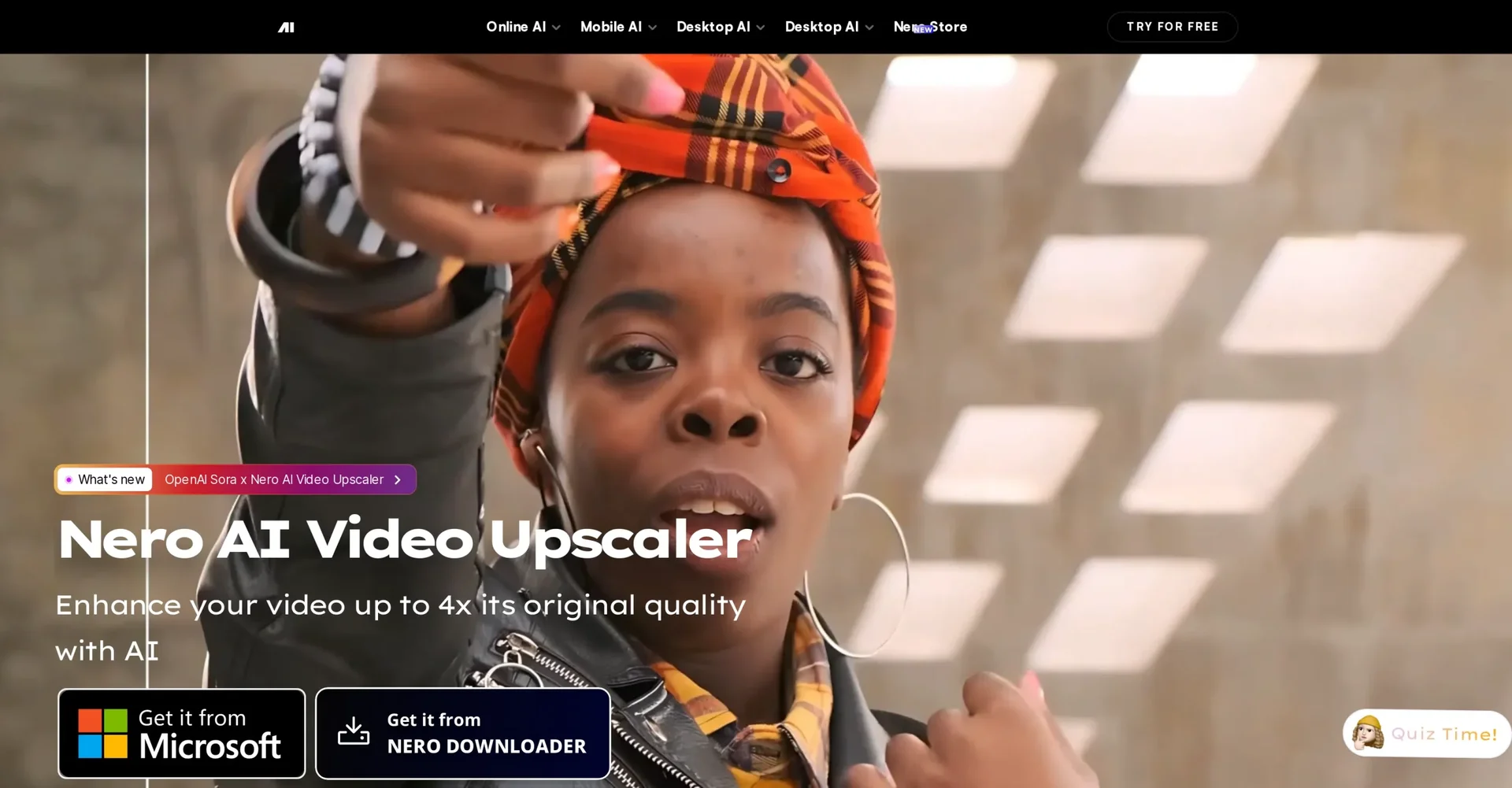
Description
🖼️ Tool Name:
Nero AI Video Upscaler
✏️ What does this tool offer?
Multi-Model Upscaling: Offers 6 specialized AI models including:
Realistic: For live-action footage.
Animation: Specifically for cartoons and anime.
Face Enhancement: Uses deep learning to reconstruct facial details from blurry shots.
Restoration (New in 2026): Focuses on recovering fine textures in vintage or damaged film.
4K & 8K Support: Can intelligently upscale videos from SD or 720p up to 4K and even 8K resolution.
AI Frame Interpolation: Analyzes motion to fill gaps between frames, boosting frame rates up to 120 FPS for ultra-smooth motion or high-quality slow-motion.
Batch Processing: Allows users to drag and drop entire folders to upscale dozens of videos simultaneously with saved presets.
Color & Noise Control: Built-in tools to automatically denoise grainy low-light footage and adjust brightness, contrast, and saturation.
⭐️ What does the tool actually offer? (User Experiences)
"Time Machine" Effect: Users frequently praise the tool for making 20-year-old VHS or low-quality phone videos look like they were shot on modern hardware.
Hardware Efficiency: Optimized for 2026 GPUs, allowing it to utilize up to 95% of your graphics card's power to slash rendering times.
Simple Workflow: Beginners appreciate that they don't need to understand complex technical settings—choosing a model and a target resolution is usually enough.
🤖 Does the tool have automation features?
Yes, it is a Processing Automation Tool:
Smart Presets: You can save specific configurations (Model + Resolution + Frame Rate) and apply them to thousands of files in one click.
Automatic Scene Detection: Can identify different shot types and suggest the best AI model for the job.
💵 Pricing (2026 Plans)
Nero offers both subscription and "Lifetime" ownership models, which is rare in 2026.
🎁 Is the free version a trial or completely free?
It is a limited free version. You can download the software and use the "Fast" model without a watermark, but more advanced models (like Face Enhancement or Restoration) will add a watermark to the output unless you upgrade. There is also a 7-day free trial for the full Pro version.
💳 What does the Paid version offer?
Watermark-Free Pro Models: Access to the best restoration and facial algorithms.
8K Export: Unlock the highest possible resolution.
120 FPS Smoothing: Access to advanced frame interpolation.
Local Processing: Unlike cloud tools, the paid desktop version processes everything on your PC, ensuring privacy for sensitive personal videos.
⚙️ Access or Source:
Official Website
App Store: Available on the Microsoft Store for Windows 10/11.
🔗 Experience Link: