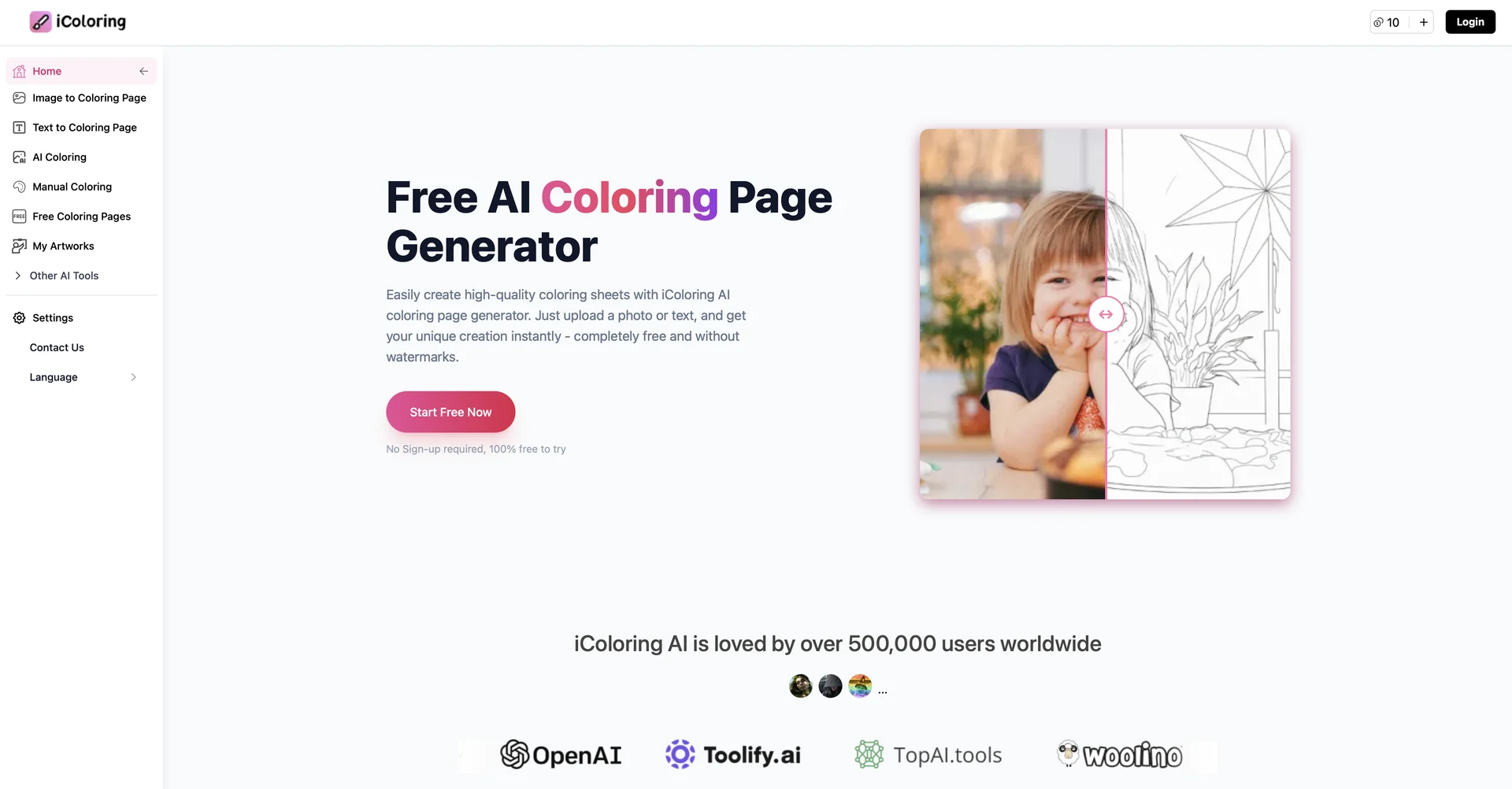
Description
🖼️Tool Name:
iColoring AI
✏️ Overview & AI Features (2026 Edition):
Dual-Input Engine: Users can generate art in two ways: Text-to-Coloring (e.g., "A steampunk owl wearing a top hat") or Image-to-Coloring (uploading a personal photo of a pet, family member, or landscape to be converted into an outline).
AI Colorizer & Editor: Features an "AI Colorizer" that can automatically apply vibrant palettes to black-and-white sketches. It also includes an Online Coloring Tool with brushes, buckets, and erasers for digital coloring directly in the browser.
Pro-Grade Line Extraction: Unlike generic filters, iColoring AI uses advanced deep learning to ensure lines are symmetrical, sharp, and "closed"—meaning they are perfectly prepared for easy filling with physical or digital colors.
High-Resolution Exports: All creations can be downloaded as HD PDFs or PNGs. This makes them ready for professional printing or inclusion in digital coloring apps like those on the iPad.
No-Friction Experience: The tool famously requires no sign-up and leaves no watermarks on the generated pages, making it a go-to for quick, spontaneous creative projects.
Batch Creation (2026 Update): For power users, the platform now supports batch generation, allowing creators to produce dozens of themed pages simultaneously to build entire coloring books in minutes.
⭐️ User Experience (2026):
"Pure Creative Zen": Rated 4.7/5. It is highly praised for its simplicity. Teachers value the educational speed, while adults find the "Image-to-Sketch" feature a highly therapeutic way to preserve memories.
💵 Pricing & Plans (February 2026 Status)
iColoring AI remains one of the most generous freemium tools in the market:
🎁 How to Get Started:
Visit icoloring.ai. Simply type a prompt or upload a favorite photo from your phone. Hit "Generate," and in about 5–10 seconds, your custom coloring page is ready to print or color online.
⚙️ Access or Source:
Official Website
Category: AI Image Generation, Creative Arts, EdTech.
Primary Use Case: Creating personalized coloring pages from photos, generating themed art from text, and building commercial coloring book products.
🔗 Experience Link: