Remover ZMO AI
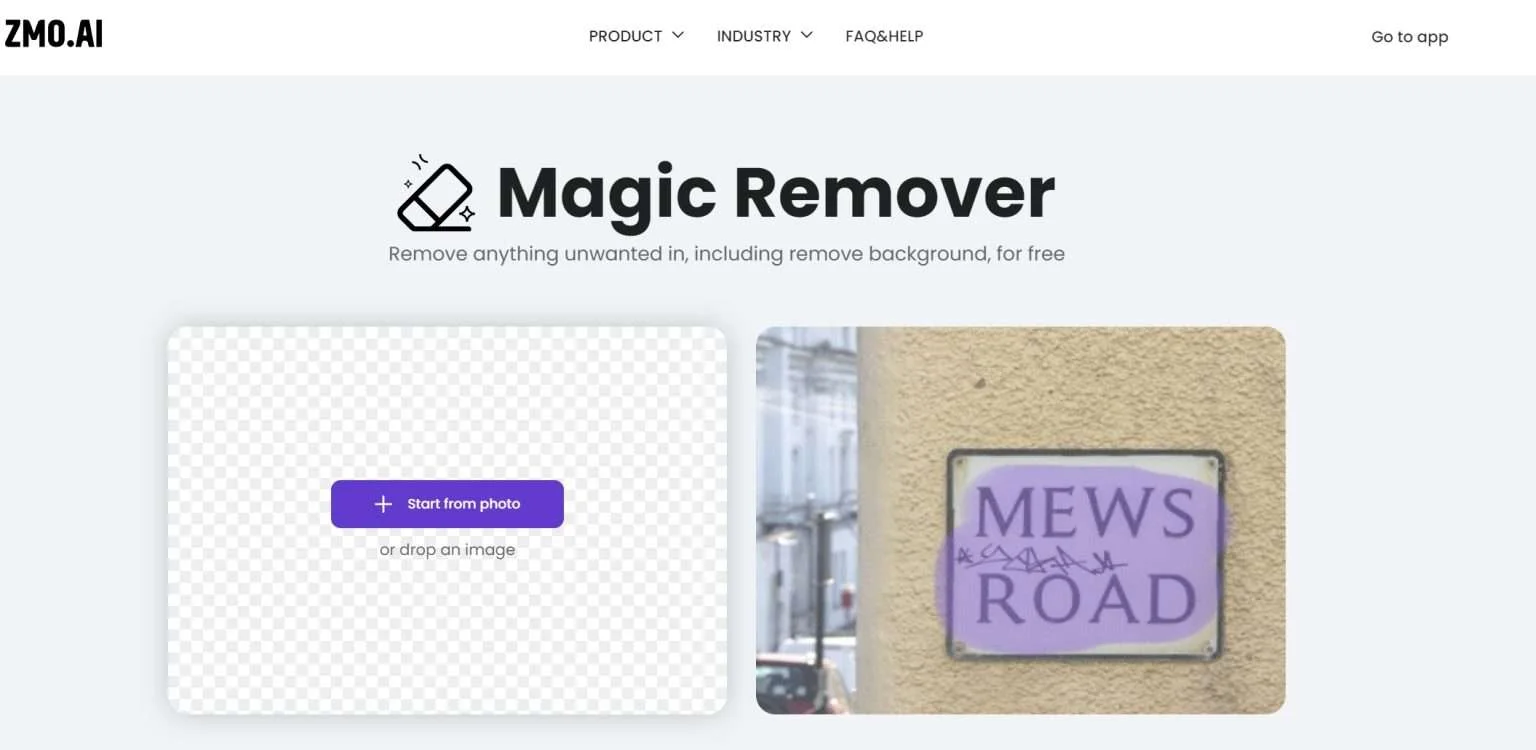
Description
️ 🖼Tool Name:
Remover by ZMO.ai (aka Magic Eraser)
🔖 Tool Rating:
Edit/optimize/upscale.
Remove and replace elements and backgrounds.
Design and create photos.
Intelligent automation and agents.
️ ✏What does this tool offer?
An advanced artificial intelligence tool for cleaning photos, allowing to erase any unwanted element such as people, text, watermarks, or remove the entire background with the push of a button. The tool intelligently reconstructs the missing parts to make it look like the element was never there.
⭐ What do you actually offer based on user experience?
The fastest solution for cleaning up product photos or optimizing portraits.
High quality inpainting, especially for simple backgrounds.
Easy and intuitive user interface that allows you to finish your work in a few seconds.
🤖 Does it include automation?
Yes, it includes full automation to detect the edges of objects and fill the scanning gaps to match the texture and lighting of the original image, without any complex manual intervention.
💰 Pricing model:
Freemiummodel ;free basic features with the ability to upgrade to high-resolution results.
🆓 F reemium plan details:
Unlimited use of Eraser on the web.
Instantly upload and process images without the need for a login.
Download in standard resolution (720p or 1080p for registrants).
Images are not stored on servers to ensure privacy.
💳 Details of paid plans (Pro/ZMO Credits):
High Definition / 4K photo downloads.
Remove restrictions on the number of photos or videos processed at once (Batch Processing).
Additional credits to access other ZMO tools such as mannequin generation or AI wardrobe changes.
Prices typically start at around $9.9 per month depending on the volume of consumption.
🧭 How to access the tool:
Through the browser: remover.zmo.ai