A Comparison of VisualGPT and NoteGPT for Creating Free Images and Designs on GPT Image 2
· 3 min read
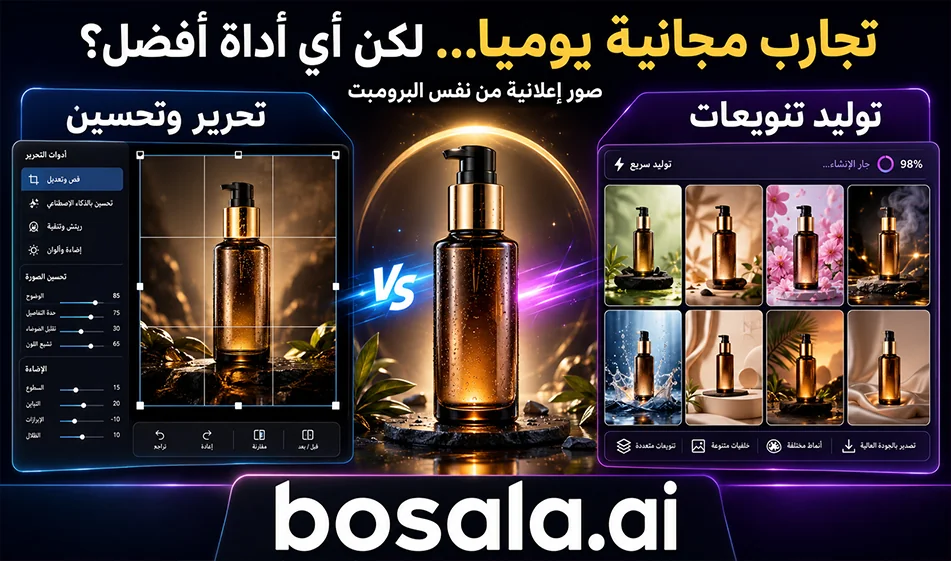
A Comparison of VisualGPT andNoteGPT for Creating Free Images and Designs on GPT Image 2
Short Summary
If you’re looking for two tools to help you create images and designs for free using GPT Image2, VisualGPT and NoteGPT are both good options. But the difference between them is clear: VisualGPT is better suited for those who want to generate images with the ability to edit and refine them, while NoteGPT is better suited for those who want to create images quickly with simple steps.
Overview
Many content creators and designers are now looking for tools that offer an easy, free experience for generating images and designs, especially if they’re based on GPT Image 2. In this comparison, it appears that the first tool , VisualGPT, leans more toward editing and refinement, while NoteGPT leanstoward quick and direct generation from text.
The two websites
The first site , VisualGPT: https://visualgpt.io/ai-image-editor
The second site , NoteGPT: https://notegpt.io/ai-image-generator
What sets VisualGPT apart?
VisualGPT doesn’t just focus on generating images; it excels in editing and modification. Therefore, it is suitable for those who want to create an image, then enhance it, edit it, or use it in advertising design or visual content more broadly. This makes it a more practical option for designers and content creators who don’t just want a quick image, but a result that can be developed and improved upon.
What sets NoteGPT apart?
NoteGPT is characterized by simplicity and speed. The concept is clear to novice users: type a description, then get the image quickly. This makes it more suitable for those who want to generate images directly from text, without getting into the nitty-gritty details of editing or modification.
Which is better for creating images and designs?
If your goal is quick and simple generation, NoteGPT seems like a very suitable option.
However, if your goal is to generate images with the ability to edit, refine, and use them within a larger design, VisualGPT seems to be the better choice.
In simpler terms: NoteGPT is easier to get started with, while VisualGPT is more powerful for those who want greater flexibility when working on images and designs.
What about the free trial?
Both tools emphasize the idea of a direct free trial, which makes them very appealing to users who want to test GPT Image 2 without any hassle. But the practical difference isn’t just in the free access—it’s in the way they’re used: one is geared more toward design and editing, while the other is geared more toward rapid generation.
Conclusion
If you want a quick and simple tool for generating images on GPT Image2, NoteGPT isa good choice.
But if you want a tool that gives you more room to edit, refine, and work on designs, VisualGPT is the better option.
So, in practical use:
VisualGPT is better for design and editing.
NoteGPT is better for speed and simplicity.
About NoteGPT
- Summarizes YouTube videos, audio lectures and educational videos
- Extracts transcripts from video, audio and documents
- Chat with PDFs and documents
- Translates documents, videos and text
- Creates AI presentations and mind maps
- Text to speech and speech to text
- Voice cloning and voice design
- Summarizes entire YouTube channels
- Processes multiple files at once
Related Tips
- How to Use the Pokecut Tool to Easily Extract Images
- A professional prompt for turning a meal name into a full recipe infographic
- Bosala Brand Studio Explains: How to Create a Complete Visual Identity from a Logo in Minutes?
- An Explanation of GeminiGen AI for Creating Videos and Images for Children
- AI Room Designer Explained: How to Redesign Rooms in Your Home Using a Single Photo?