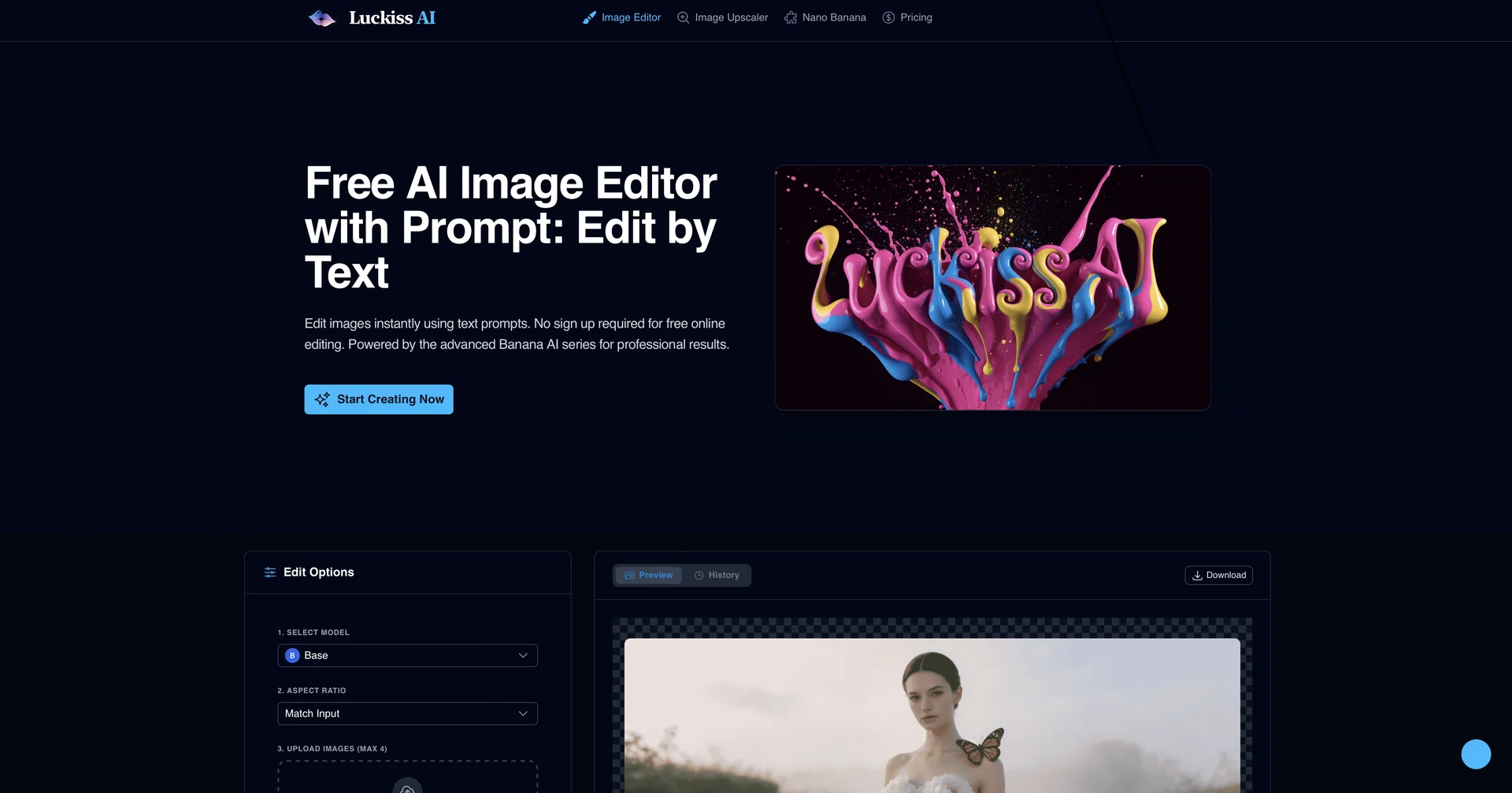
Description

🖼️ Tool Name:

Luckiss AI

🔖 Selected Classifications:

  • Editing, Enhancement & Upscaling (Core AI image manipulation)

  • Object & Background Editing (Precise masking and replacement)

  • Text to Image Generation (Generative art from text prompts)

  • Style Transfer & Batch (Applying consistent aesthetics)

  • Style & Paraphrasing (Transformative visual styles)

  • Social Templates & Auto-Editing (Ready-to-use social content)

✏️ Overview & Key AI Features:

  • The "Zero-Friction" Image Editor: Luckiss AI is a streamlined, web-based image manipulation tool built on the advanced "Banana AI" model series. It is designed to prioritize speed and professional output without the complexity of traditional editing software.

  • Prompt-Driven Editing: Its standout feature is the ability to edit images using natural language prompts.Instead of manual brushes, you can simply type "add a vintage film look" or "change the jacket to leather," and the AI handles the pixel-perfect transformation.

  • No-Sign-Up Accessibility: Unlike many 2026 tools that require extensive onboarding, Luckiss AI allows users to jump straight into editing, making it a favorite for "on-the-fly" creative tasks.

  • Banana AI Power: Leverages the latest multimodal flow-matching technology, which ensures that edits stay contextually relevant—maintaining lighting, shadows, and perspective even during radical object replacements.

  • Precision Masking: The AI automatically detects subjects, foregrounds, and backgrounds, allowing for targeted local edits (e.g., changing only the eye color or the sky) without affecting the rest of the composition.

  • High-Fidelity Upscaling: Includes an integrated enhancement engine that cleans up digital noise and sharpens low-resolution images for professional-grade exports.

⭐️ User Experience:

  • "Professionalism in Seconds": In April 2026, Luckiss AI is highly rated (4.8/5) for its "instant gratification" workflow. It has become a staple for social media managers and digital creators who need high-end results but lack the time for deep Photoshop sessions. Users often describe it as the "Editor's Editor" because it handles the most tedious parts of retouching through a simple text box.

💵 Pricing & Plans (April 2026 Status):

Luckiss AI offers a generous free tier to encourage immediate use.

PlanPrice (Approx.)Key Features
Free / Online$0No sign-up required; Standard resolution; Basic AI prompt editing.
Premium / Max$9.99 / moHigh-res exports; Priority "Banana AI Max" processing; No watermarks; Batch editing.

🎁 How to Get Started:

  • Visit luckiss.ai, upload any photo, and type a simple instruction in the prompt box. Start with something easy like "transform this into a cinematic night scene" to see the AI’s contextual understanding in action.

⚙️ Access or Source:

  • Official Website

  • Platform: Web-based (Cloud SaaS).

🔗 Experience Link:

https://luckiss.ai/

Pricing Details

💵 Pricing & Plans (April 2026 Status): Luckiss AI offers a generous free tier to encourage immediate use. Plan Price (Approx.) Key Features Free / Online $0 No sign-up required; Standard resolution; Basic AI prompt editing. Premium / Max $9.99 / mo High-res exports; Priority "Banana AI Max" processing; No watermarks; Batch editing. 🎁 How to Get Started: Visit luckiss.ai, upload any photo, and type a simple instruction in the prompt box. Start with something easy like "transform this into a cinematic night scene" to see the AI’s contextual understanding in action.