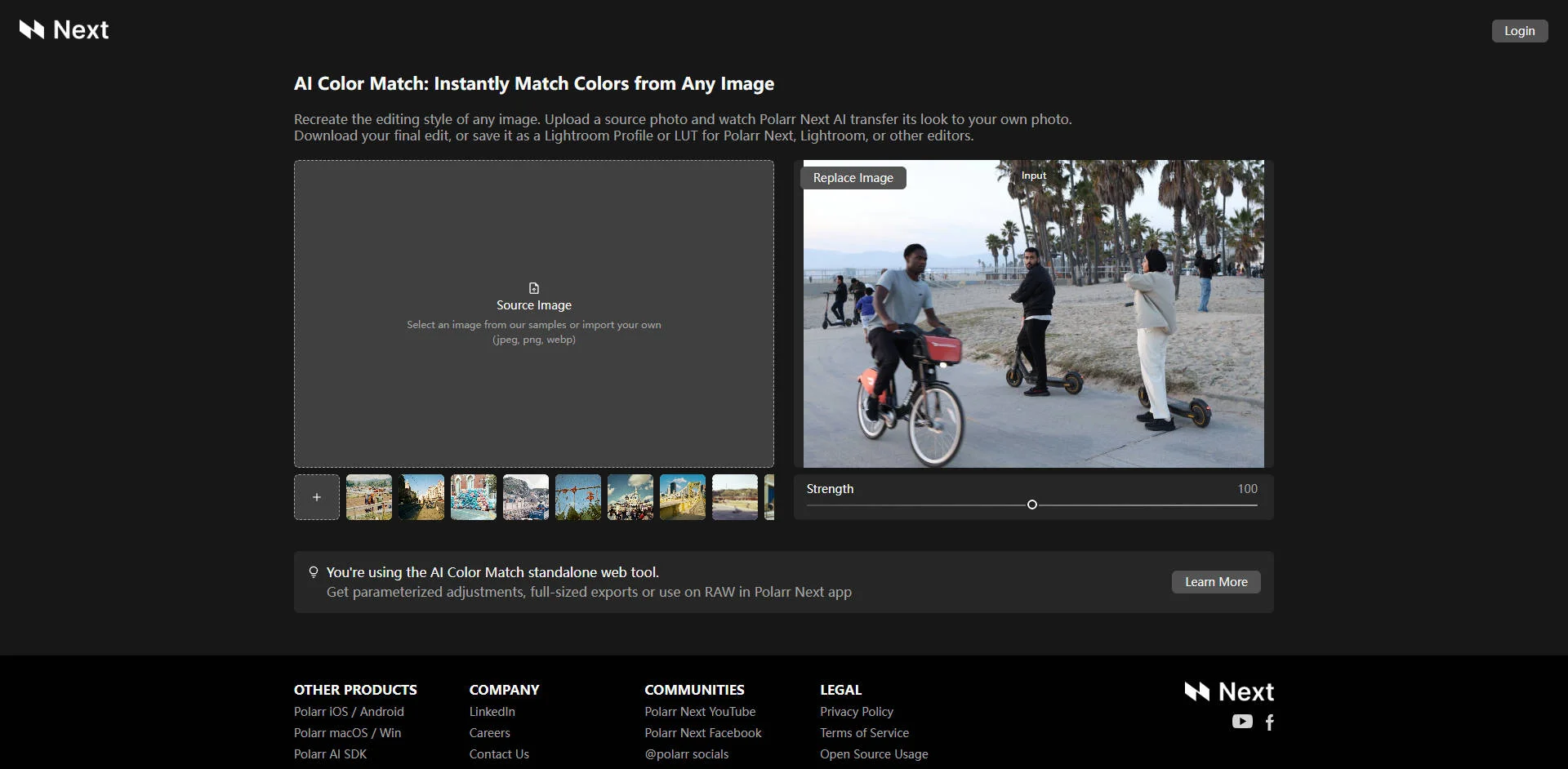
Polarr AI Color Match
It is a sophisticated web tool that allows photographers to clone the color style of any image they like and apply it to their own photos with the click of a button. The AI analyzes the colors, contrast, and curves in the reference image and then "paints" them onto the new image with high accuracy, with the ability to convert this modification into filters ready for use in other programs.
Last updated
Features
- Clones the color style of a reference photo and applies it to your photos
- Analyzes colors, contrast and curves of the reference image
- Matches lighting and exposure automatically
- Exports the result as a LUT file for Lightroom or Premiere
- Applies edits to large batches of images in Polarr Next
- Works on the web or in the Polarr Next desktop app
Pricing Details
Polarr Next is based on a flexible pricing model, where the tool can be tried for free on the web, with a choice between a "pay for what you export" system or a monthly or annual subscription for additional features. The free plan provides access to the web-based color matching tool and a limited trial of the features, and upon registration the user typically gets 2000 free Export Credits as a trial period, with the ability to export in JPG format, but the customization features are limited compared to the professional version, making it suitable for trying out the tool before making a financial commitment.
The paid plans include the Pay-as-you-go system, where the user pays about $0.05 per image exported if they don't want a regular subscription, which is suitable for users who need limited and not continuous exporting. In addition, there is a monthly subscription of around $29.99, which allows unlimited image export, RAW file support, and AI image sorting, while an annual subscription of around $19.99 per month gives full access to all Polarr Next's advanced features, making it the perfect choice for professionals and photographers who need to frequently produce and review a large number of images with advanced smart tools.
Related Tips
- How to Use the Pokecut Tool to Easily Extract Images · Image Design and Creation, Editing, Enhancement & Upscaling…
- A professional prompt for turning a meal name into a full recipe infographic · Image Design and Creation, Text to Image Generation…
- Bosala Brand Studio Explains: How to Create a Complete Visual Identity from a Logo in Minutes? · Image Design and Creation, Text to Image Generation…
- An Explanation of GeminiGen AI for Creating Videos and Images for Children · Video Generation & Editing, Text and Images to Video…
- A Comparison of VisualGPT and NoteGPT for Creating Free Images and Designs on GPT Image 2 · Image Design and Creation, Text to Image Generation