Motionleap: 3D Photo Animator
Description
🖼️ Tool Name:
Motionleap: 3D Photo Animator
✏️ What does this tool offer in 2026?
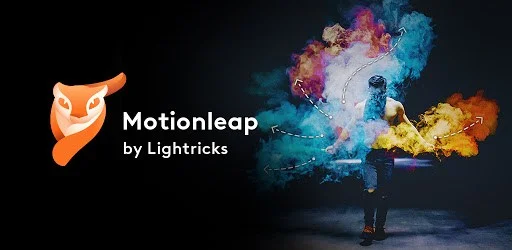
AI Path Animation: Draw simple arrows to define the direction of movement (e.g., making water flow or clouds drift).
AI Sky Replacement: Instantly swap a dull sky for a moving one (sunset, aurora, or stormy clouds) that syncs with the photo's lighting.
Text-to-Image AI: Describe any scene, and the AI will generate the artwork, which you can then animate immediately.
Anchor Points & Freeze Brush: Lock specific parts of the image to stay still while others move, ensuring professional-level precision.
3D Motion (Parallax): Creates a "3D photo" effect by adding depth and camera movement (Tilt, Zoom) to flat images.
Overlays & Elements: Add atmospheric effects like falling snow, rain, floating butterflies, or glowing embers.
Geometric Motion: A 2026 advanced feature that allows for the animation of geometric patterns and architectural lines.
Apple Vision Integration: Fully compatible with the 2026 Apple Vision ecosystem for viewing animated "living photos" in immersive 3D.
⭐️ What does it offer? (User Experience)
"The Animator’s Magic Wand": Rated 4.8/5 for its intuitive interface. It’s famous for making complex VFX accessible to beginners.
High-Impact Social Content: Users report a significant increase in engagement when using Motionleap for their social media posts compared to static images.
🤖 Automation:
Auto-Animate: Analyzes the image (like identifying a waterfall or a river) and applies the correct motion vectors automatically with one tap.
💵 Pricing (January 2026 Status)
🎁 Is the free version a trial or completely free?
It is Freemium. The free version is a great starting point, allowing you to animate and share basic creations. However, high-resolution exports and the most advanced AI features (like the full Text-to-Image suite) are reserved for Pro subscribers.
⚙️ Access or Source:
Official Website
Platforms: iOS, Android, and Apple Vision.
🔗 Experience Link: