🖼️ Tool Name
Fotor🧠 Tool category categorization
✅ AI photo editing tools ✅ Graphic design and collage tools ✅ Photo generators and digital art with AI
✏️ What does this tool offer?
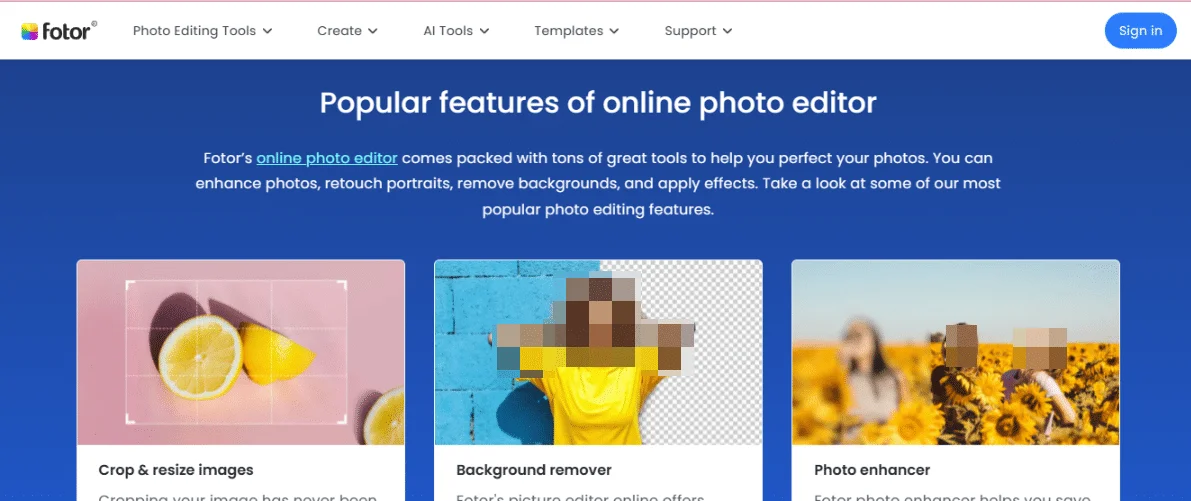
Fotor is a comprehensive AI-based photo editing and graphic design platform, offering a wide range of tools that include.
- Basic and advanced photo editing.
- Automatically optimize images using artificial intelligence.
- Remove unwanted backgrounds and elements.
- Generate images and digital art from text.
- Design collages, cards, and posters.
- Optimize portraits andheadshots.
🛠️ How do you use it?
- Visit the official website: https://www.fotor.com/
- Choose the appropriate tool from the available tools.
- Upload an image or enter the required text.
- Apply edits or create designs using the available tools.
- Download the final result or share it directly via social media.Fotor+2Taafer+2Android Apps on Google Play+2
⭐ Tool Review
Fotor is a powerful and innovative AI photo editing and graphic design tool. It features a simple and intuitive user interface, allowing users to create professional visual content quickly and efficiently. The tool offers a variety of features that cater to the needs of different users, from beginners to professionals.
💵 Type of tool (in terms of cost)
✅ Partially free with paid options
🎁 What does the free version offer you?
- Access to basic editing tools.
- Ability to create and design collages and cards using limited templates.
- Apply some basic effects and filters.
- Upload images in standard quality with watermarks.
🎁 What does the paid version offer you?
- Access to advanced AI-based editing tools.
- Remove watermarks from edited photos.
- Access to an extensive library of professional templates and designs.
- High-quality, unrestricted image uploads.
- Dedicated technical support and priority order processing.
⚙️ Access or Source
✅ Ready to use via the official website: h
ttps://www.fotor.com/