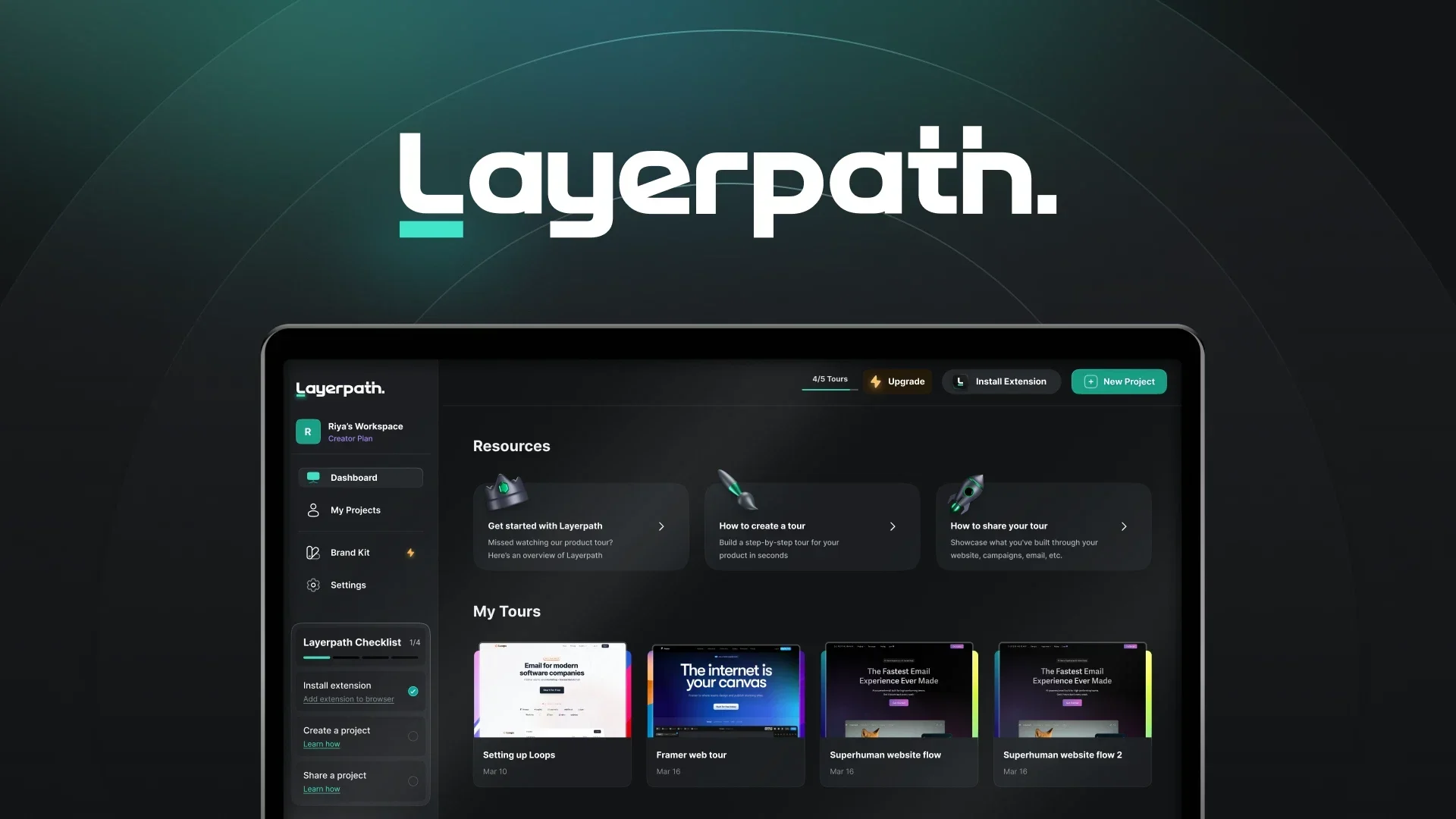
Description

️ 🖼Tool Name:
Layerpath (layerpath.com)

🔖 Categories:
Content Management and Publishing
Knowledge Base and Self-Service
No-Code Workflows
Education and Research
Teaching Assistants and Smart Notes
Summaries, Headlines, and Ideas
Social Media Templates and Automation
Video, Editing, and Motion Graphics (Converting Explanations to Video)
Business and Operations Management
Governance, compliance, and policies (process documentation)

️ ✏What does this tool offer?
Layerpath provides a platform for automating process documentation and creating educational and training content, allowing users to record any process just once and then automatically convert it into multiple formats such as interactive walkthroughs, standard operating procedures (SOPs), instructional videos, and structured training courses.

The platform is based on the “record once, reuse” concept, allowing screen recordings, Loom/Zoom videos, or even screenshots into structured training content that can be published within internal portals or learning systems such as LMS, Notion, or help centers.

It also provides AI tools to enhance content, such as text editing, adding voice-overs, and automatically optimizing explanations, with support for more than 28 languages and over 100 different voices. In addition, it supports flexible content updates without the need to recreate the process from scratch.

What does it actually offer based on user experience?

  • Automatically converts screen recordings into step-by-step walkthroughs
  • Create SOPs and training paths from a single video
  • Reuse videos (Loom / Zoom) to create training content
  • Update part of the content without having to completely re-produce it
  • Support for creating videos and training guides in multiple formats
  • Add multilingual voice-overs
  • Optimize scripts and content using AI
  • Create playlists for organized training paths
  • Embed content within LMS, Notion, and help centers
  • Track content performance through analytics

🤖 Does it include automation?
Yes, essentially:

  • Automatically converting recorded processes into tutorials
  • Create SOPs and training paths with minimal manual intervention
  • Automatically extract steps from videos
  • Dynamically updating content when part of it is modified
  • Automatically add audio, subtitles, and AI enhancements
  • Organize content into playlists semi-automatically
    However, this is not business process automation, but rather automation of documentation and training.

💰 Pricing model:
Freemium + Subscriptions + Enterprise

🆓 Free plan details:

ItemDetails
Price$0 per month
UsageIndividuals or small teams
FeaturesCreate one demo + editor + sharing + basic analytics
ExportsUp to 5 HD exports per month
AI/VoiceUp to 20 uses per month
LimitationsLimited number of projects and seats

💳 Paid plan details:

PlanDetails
Pro$129/month — Unlimited creations + 5 seats + Unlimited HD exports + Watermark removal + Custom domain + Advanced collaboration features
EnterpriseCustom pricing — SSO/SAML + API + Account Manager + Dedicated Slack channel + Advanced security + Professional training + Enterprise support

🧭 How to access the tool:

MethodDetails
WebVia the official website layerpath.com
AppNot listed as a standalone app
APIAvailable as part of the Enterprise plan

🔗 Demo link or official website:
https://www.layerpath.com/pricing

Pricing Details

The pricing model is based on a Freemium system with subscriptions and Enterprise plans. The free plan allows individuals or small teams to use the platform for $0 per month, with basic features including the ability to create a single demo, a built-in editor, sharing tools, and basic analytics. The plan also allows for a limited number of HD exports—up to 5 per month—as well as limits on the use of AI and voice features (up to 20 uses per month), with restrictions on the number of projects and available seats. Paid plans start with the Pro plan at $129 per month, which offers unlimited creations, 5 team seats, unlimited HD exports, watermark removal, as well as the ability to use a custom domain and advanced collaboration features. At the enterprise level, the Enterprise plan is custom-priced based on the company’s needs and offers advanced benefits such as single sign-on (SSO/SAML), APIs, a dedicated account manager, and support via Slack, as well as high levels of security, professional training, and comprehensive enterprise support.