Description

️ Tool Name: 🖼
Magic Animator 2.0 by Lottielab

Categories: 🔖

  • Motion Graphics, Titles, and Subtitles
  • Video, Editing, and Motion
  • Design and Image Creation

️ What does this tool offer? ✏
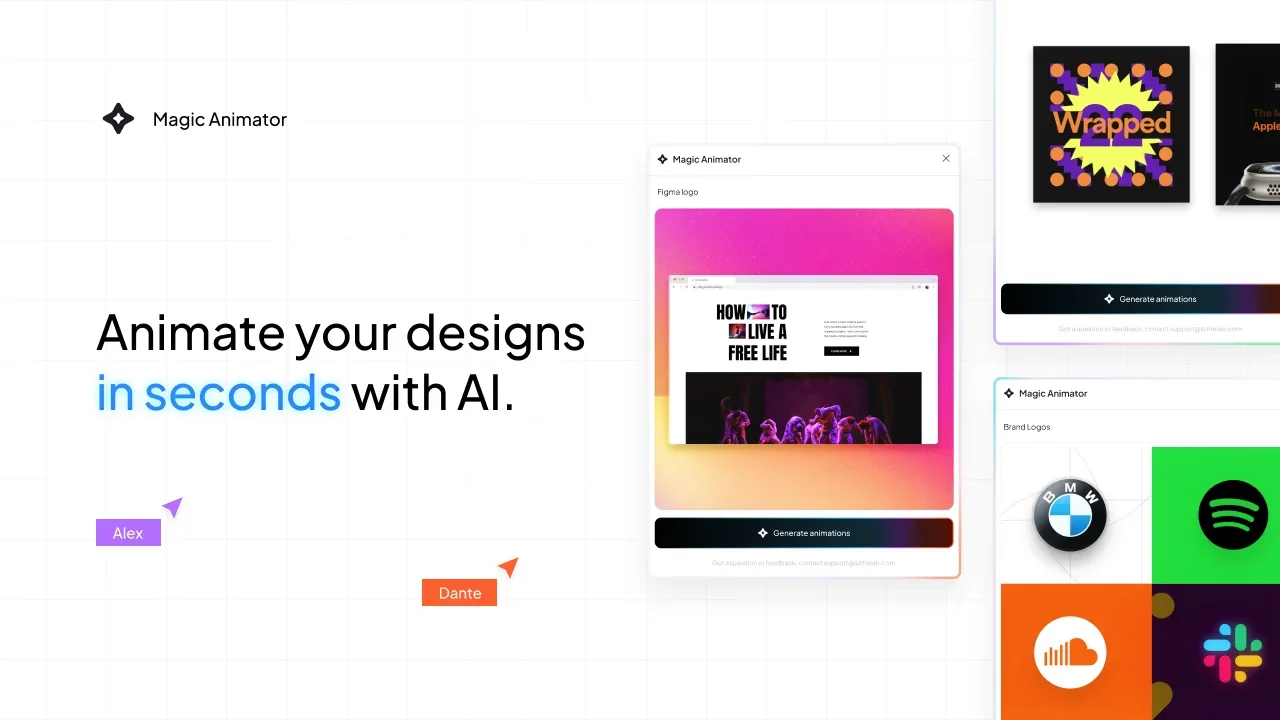
Magic Animator 2.0 by Lottielab is an AI-powered tool that transforms static designs into animations in seconds, allowing users to easily create professional-looking animations with a single click.

The tool works via the “Generate Animations” feature, which automatically creates animations for the design; users can click this option to view a set of pre-generated animations created by Magic Animator. It also offers the “Animation Assistant” feature, which allows users to interact via chat to create custom animations tailored to their needs.

The tool supports converting various types of designs into animated experiences, such as Instagram posts, loading screens, logos, icons, Instagram Stories, and animated widgets. The resulting animations can be used in various fields, such as social media content, advertising campaigns, websites, and mobile apps.

Magic Animator allows you to export animations in several formats, including MP4, GIF, and Lottie, with an upcoming feature that will let you edit keyframes for greater control and refinement of movements.

What does it actually offer based on user experience? ⭐

  • Quickly turn static designs into animations using artificial intelligence.
  • Create automatic animations for your designs using the “Generate Animations” option.
  • Create custom animations via the Animation Assistant using conversational prompts.
  • Support for multiple design types, such as Instagram posts and Stories, logos, icons, and loading screens.
  • Export results in MP4, GIF, and Lottie formats.
  • Use animated designs in digital marketing, websites, apps, and social media content.
  • The keyframe editing feature has not been released yet; it’s coming soon.

Does it include automation? 🤖
Yes, Magic Animator includes AI-powered automation that automatically generates animations for your designs without the need to manually animate elements. This is done through the “Generate Animations” feature, which suggests ready-made animations, as well as the “Animation Assistant,” which helps create custom animations via text commands.

Pricing Model: 💰
Currently free during the beta testing period; paid plans have not yet been announced.

🆓 Free Plan Details:

ElementDetails
Free PlanAvailable during the beta testing period
PriceCurrently free
UsageCreate animations for designs using artificial intelligence
IntegrationWork with design tools such as Figma, Canva, and Adobe Express
ExportExport results as MP4 videos, GIFs, or Lottie files
LimitationsNo usage limits or number of free projects have been announced

Paid plan details: 💳

PlanPriceFeatures
Paid PlansNot yet announcedNo official details on pricing or features
Team and Enterprise PlansNot announcedSeating system and team collaboration features have not been disclosed

How to access the tool: 🧭

MethodDetails
WebAvailable via the official Magic Animator website
AppNot specified
APINot specified
IntegrationWorks with design tools such as Figma, Canva, and Adobe Express

Demo link or official website: 🔗
Official Magic Animator

Pricing Details

Magic Animator is currently available for free during its beta testing phase, with paid plans yet to be announced. The free plan allows users to create AI-powered animations for their designs at no cost, It supports integration with design tools such as Figma, Canva, and Adobe Express, and allows users to export results as MP4 videos, GIFs, or Lottie files. However, no usage limits or the number of free projects available have been announced. As for the paid plans, they have not yet been announced, and there are no official details regarding their pricing or features. Similarly, plans for teams and organizations have not been announced, and the seating system or collaborative options have not been disclosed. The tool is accessible through Lottielab’s Magic Animator platform.