Studio Lite
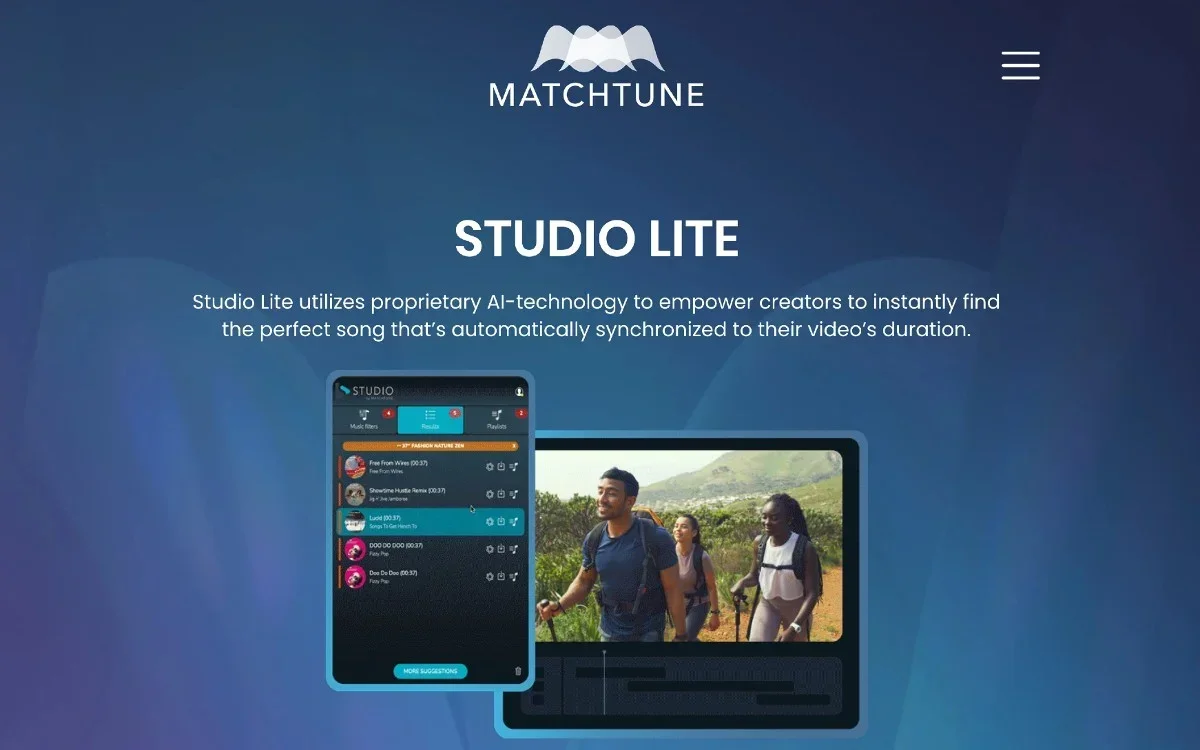
Description
🖼️ Tool Name:
Studio Lite (by MatchTune)
🔖 Tool Category:
AI-powered music synchronization assistant for video creators; best placed under Audio Editing (syncing and adapting music to video) and Generative AI & Media Creation (AI-assisted creative content generation).
✏️ What does this tool offer?
Studio Lite is designed for video editors who need perfectly matched music. It offers an extensive catalog of over 2 million pre-cleared, rights-managed tracks, and automatically synchronizes them to match video duration, key moments, or story beats using AI. Available as a plugin for Adobe Creative Suite, standalone app for Mac, Android, iOS, and as a web-based tool.
⭐ What does the tool actually deliver based on user experience?
Automatically analyzes video to select and trim music that fits in length and relevance.
Offers advanced filters: mood, genre, duration, tempo—helping users quickly find the right track.
Provides pre-cleared licensing with easy publishing to social platforms.
Seamlessly integrates with Adobe Premiere via plugin, or works as standalone on Mac, web, and mobile.
🤖 Does it include automation?
Yes — all music-matching and synchronization tasks are fully automated:
AI analyzes video structure and outputs edited music clips that match video length and content flow.
One-click integration and export into editing timelines.
💰 Pricing Model:
Freemium with in-app subscriptions.
Free Plan:
Basic access with limited features and availability.
Paid Plans:
Personal: ~US$9.99/month — unlimited royalty‑free music, watermark-free exports, auto-editing tools (non-commercial use).
Business: ~US$74.99/month — includes rights clearance for online ads, social media, commercial use, and full Studio tools.
🧭 Access Method:
Plugin: Works inside Adobe Premiere as a plugin extension.
Standalone: Available on Mac (via App Store), iOS, Android, and optimized as a browser-based web app.
🔗 Experience Link:
https://ltx.studio