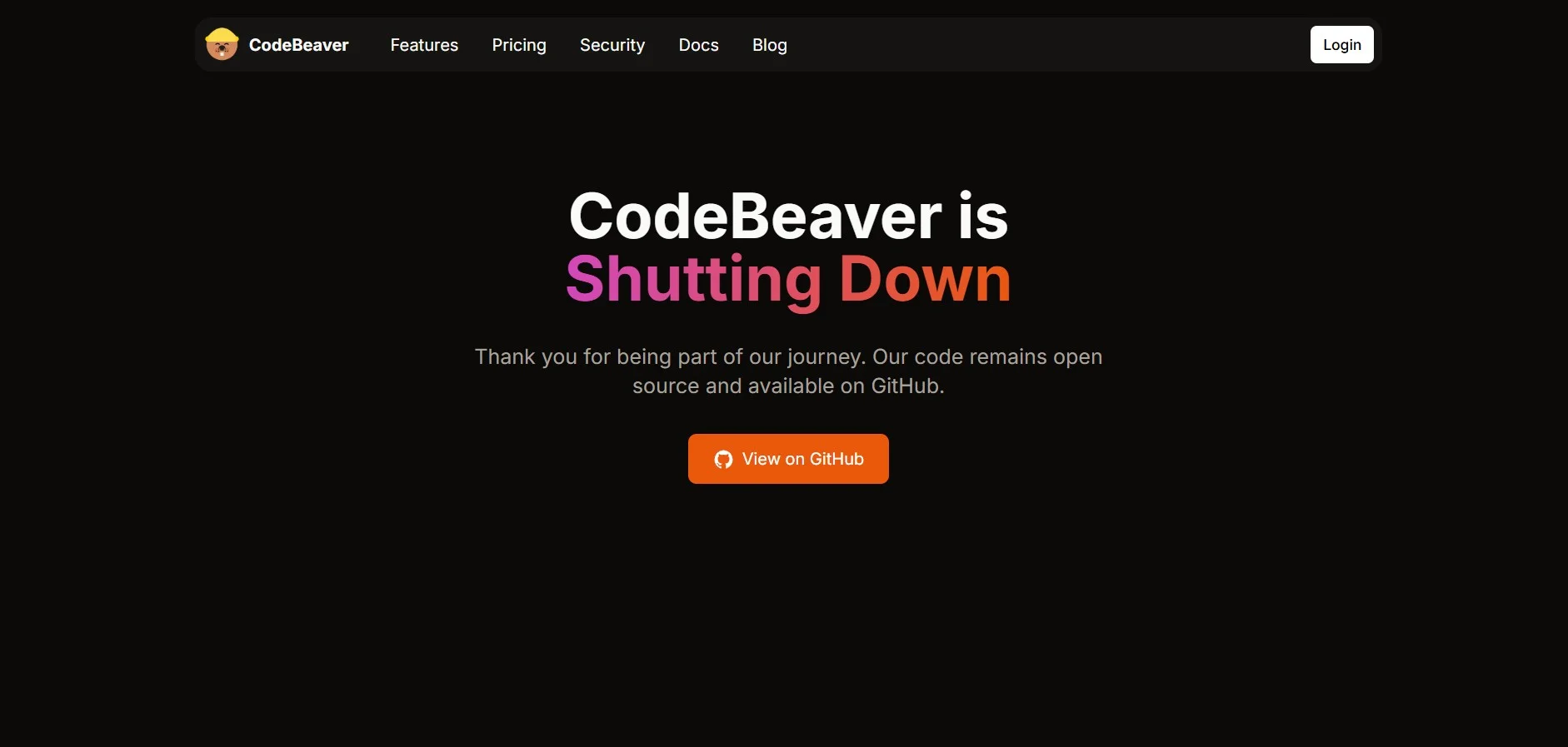
Description
🖼️ Tool name:
CodeBeaver
🔖 Tool classification:
An AI platform specialized in software test automation, focused on automatically generating and maintaining Unit Tests and End-to-End Tests within the development workflow. It is a tool for improving software quality and accelerating the development cycle.
✏️ What does it do?
CodeBeaver makes it easy for development teams to automatically create, run, and maintain unit tests with every Pull Request. The tool relies on AI techniques to analyze source code, generate tests covering common scenarios and borderline cases, and run them to validate code and detect bugs. The tool integrates seamlessly with version control platforms such as GitHub, GitLab, and Bitbucket, improving code quality and reducing the manual effort of writing tests.
⭐ What does the tool actually deliver based on user experience?
Automatic generation of unit tests: The tool analyzes code changes and generates new tests that cover added or modified functionality.
Maintain existing tests: When code is modified, the tool updates existing tests to match the changes, minimizing failed tests due to modifications.
Bug detection: The tool runs tests and analyzes the results to identify potential bugs, providing detailed reports that help developers understand and fix issues.
Covering borderline cases: The tool generates tests that cover unexpected scenarios or borderline cases that developers may have overlooked.
Detailed reports: The tool provides comprehensive reports showing test results, coverage, and bugs found, making it easy to review and make decisions.
🤖 Does it have automation?
Yes, automation is included:
Automatic code analysis: The tool analyzes source code to understand the functionality and relationships between components.
Test generation: New tests are automatically generated based on changes in the code.
Run tests: The tool automatically runs tests with each pull request.
Update tests: The tool updates existing tests to conform to changes in the code.
Reporting: Automatic reports are provided showing test results and detected errors.
💵 Cost type:
Free Plan: Offers a 14-day free trial with no credit card required, with support for public and private repositories.
Paid plan (Pro): Starting at $12 per month, includes unlimited support for pull requests and repositories, as well as priority technical support.
Enterprise Plan (Enterprise): Includes all the features of the Pro plan, plus SSO integration, self-hosted Git support, and dedicated support.
🎁 F ree version details:
14-day free trial.
Support for public and private repositories.
No credit card needed to sign up.
🎁 Paid version details:
Unlimited support for pull requests and warehouses.
Priority technical support.
Integration with SSO systems and self-hosted Git support (in the Enterprise plan).
⚙️ Access or source:
Web platform: The tool can be accessed via the official website: https://www.codebeaver.ai
Integration with Git: The tool integrates seamlessly with GitHub, GitLab, and Bitbucket.
Fast installation: The tool installs within 30 seconds with no complicated setup required.
🔗 Link to try the tool: