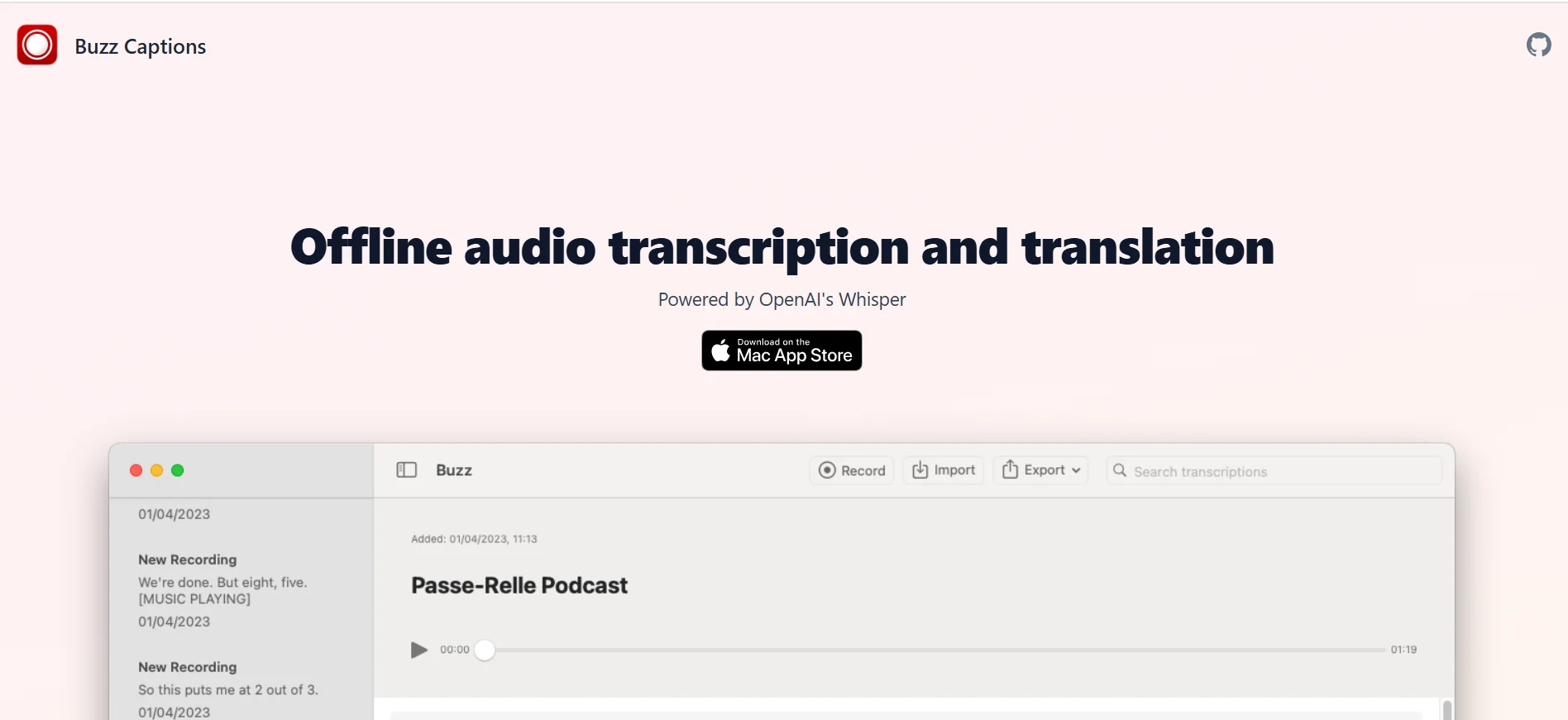
Description
️ Tool Name: 🖼
Buzz
Categories: 🔖
- Text-to-Speech / Speech-to-Text
- Editing/Optimization/Accuracy Improvement
- Automation and Smart Agents
- No-Code Workflows
- Summarization, Headings, and Ideas
- Programming and Development
- Text and Images to Video
️ What does this tool offer? ✏
Buzz is an open-source tool for converting audio to text and translating audio locally on the user’s device, based on Whisper models. It allows you to convert audio and video files and YouTube links to text, as well as transcribe audio directly from the microphone.
The tool supports speech segmentation before transcription to improve accuracy in recordings containing noise, and speaker recognition in the media being processed. It also supports a wide range of transcription engines and models, including Whisper, Whisper.cpp, Faster Whisper, compatible Whisper models from Hugging Face, Parakeet, Qwen3-ASR, VibeVoice ASR, and the OpenAI Whisper API.
Buzz allows you to export transcripts to TXT, SRT, and VTTformats, with an advanced transcript viewer that offers search, playback controls, and playback speed adjustment, as well as keyboard shortcuts. It also includes a Watch Folder system for automatic transcription of new files, a command-line interface for programming and automation, and an extension system featuring extensions such as AI-powered summarization and automatic text resizing.
Buzz supports accelerated processing using CUDA on Nvidia cards,Apple Silicon on Macs, andVulkan via Whisper.cpp on a wide range of graphics processing units.
What does it actually offer based on user experience? ⭐
- Transcribe audio and video files to text.
- Transcribe YouTube links.
- Convert speech from a microphone to text in real time.
- Translating audio and text.
- Separate speech before transcription to improve accuracy in recordings with background noise.
- Speaker recognition.
- Export results in TXT, SRT, and VTT formats.
- Create word-level timestamps when the option is enabled.
- Search within transcripts using the transcript viewer.
- Control playback of the recording and adjust playback speed.
- Use keyboard shortcuts to navigate efficiently.
- Monitor specific folders and automatically transcribe new files.
- Use the command-line interface for programming and automation.
- Take advantage of the plugin system, including AI-powered summarization.
- Run processing locally on your computer instead of relying on a cloud service for basic transcription.
Does it include automation? 🤖
Yes. Buzz includes several automation features, most notably Watch Folder, which allows you to monitor a folder and automatically start copying new files, as well as a command-line interface designed for programming and creating automation scripts. There’s also a plugin system that supports features such as automatically generating summaries and reformatting text.
Pricing Model: 💰
Free and open source. The project is released under the MIT License,and multiple installation methods are available in the official repository without any mention of subscriptions or paid plans.
🆓 Free Plan Details:
| Item | Details |
|---|---|
| Price | Free |
| License | MIT License |
| Copies | Available |
| Voice Translation | Available |
| Supported Files | Audio and Video |
| YouTube | YouTube Link Support |
| Recording from the microphone | Available |
| Speaker Recognition | Available |
| Speech Segmentation | Available |
| Export | TXT, SRT, and VTT |
| Watch Folder | Available |
| Command-Line Interface | Available |
| Plugin System | Available |
| Local Processing | Available |
| GPU Acceleration | CUDA, Apple Silicon, and Vulkan, depending on the device and model used |
Paid plan details: 💳
| Plan | Price | Features and Differences |
| No paid plans announced | — | The project is open source and available under the MIT License; the official repository does not list any subscription plans or paid tiers. |
How to access the tool: 🧭
| How to Access | Details |
| Desktop app | Available for macOS, Windows, and Linux |
| macOS | You can install the .dmg file |
| Windows | Installation files are available |
| Linux | Available via Flatpak or Snap |
| PyPI | Can be installed using the buzz-captions package and run via Python |
| Command Line | Command-line interface for programming and automation |
| GitHub | Source code and files are available via the open-source repository |
The official documentation states that Buzz is available on Mac, Windows, and Linux,and provides installation instructions via PyPI, as well as Flatpak and Snap for Linux.
Link to the demo or official website: 🔗
Buzz – GitHub Repository