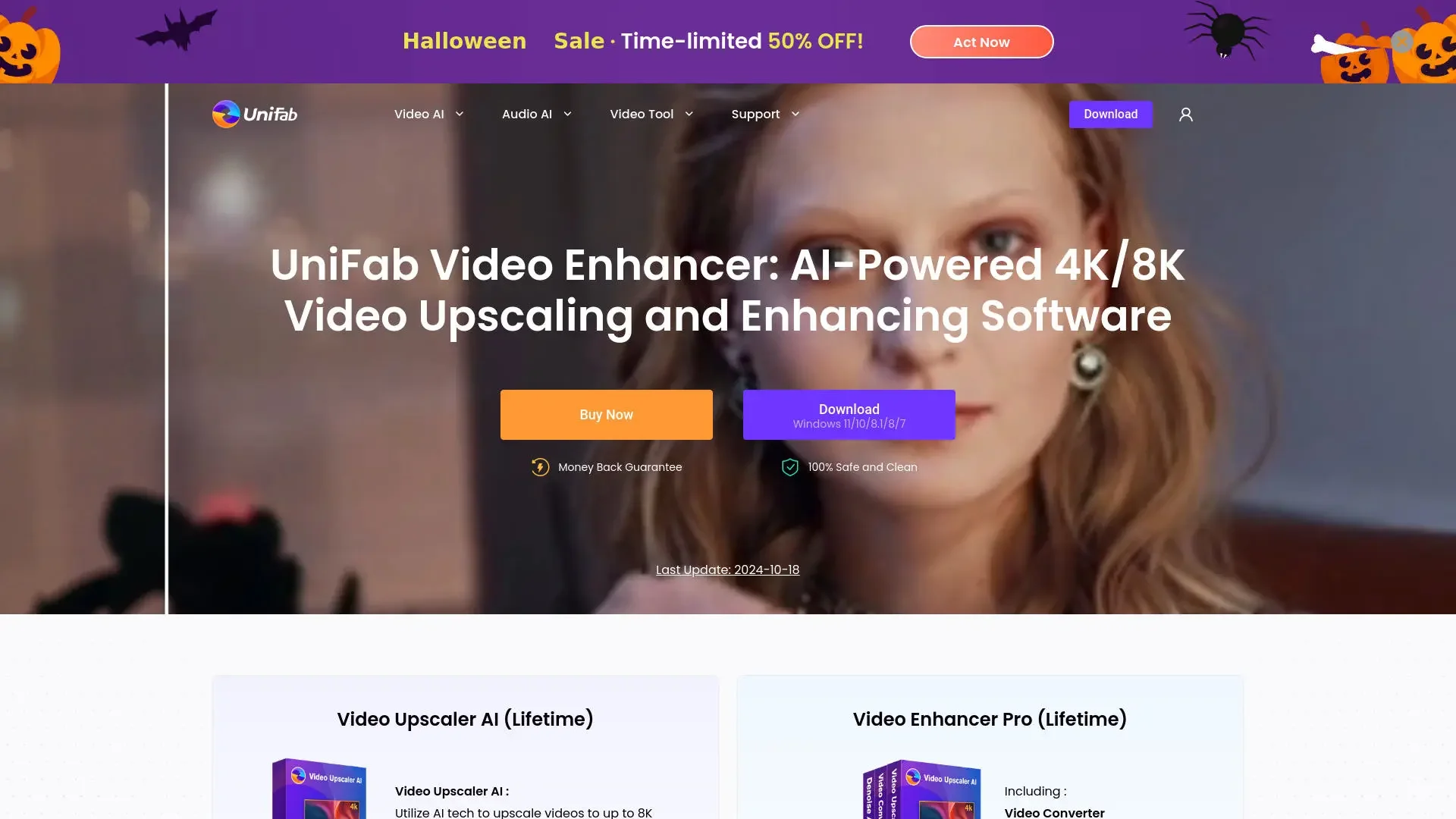
Description

️ 🖼Tool Name:

UniFab AI

🔖 Categories:

Editing/Optimization/Up-sampling
Audio Cleaning and Mixing
Audio, Speech, and Music
Removing and Replacing Elements and Backgrounds
Video, Editing, and Motion
Automation and Smart Agents

️ ✏What does this tool offer?

UniFab AI is a platform specializing in AI-powered video and audio enhancement and processing, bringing together a wide range of processing and enhancement tools within a single application. The platform allows you to upscaling video quality to resolutions of up to 1080p, 4K, 8K, and 16K, while enhancing brightness, contrast, sharpness, and detail, as well as removing noise and grain from low-quality videos or those shot in low-light conditions. It also provides tools for colorizing old and black-and-white videos, enhancing facial details, increasing the frame rate for smoother motion, and removing jitter to improve video stability.

The platform also includes audio processing tools, such as Audio Upmix AI, which can upmix audio to surround sound formats like EAC3 5.1 and DTS 7.1,as well as the Vocal Remover tool for removing vocals. It also offers a tool for removing or replacing video backgrounds, along with tools for converting, compressing, and editing videos, supporting over 1,000 formats.

UniFab also leverages FabCloud to handle certain AI tasks via the cloud, allowing operations such as video upscaling and SDR-to-HDR conversion without relying entirely on the power of the local graphics card. The platform also allows users to process files locally on their computer or use cloud processing for certain functions, depending on the product and the processing method used.

The platform includes the Autopilot system, which can detect optimization needs and create workflows suitable for multitasking, and it also provides an AI assistant to help with technical guidance and troubleshoot certain usage issues. Basic editing tools allow you to cut, trim, and flip videos, as well as add filters, correct colors, and add subtitles.

⭐ What does it actually offer based on user experience?

  • It provides an interface that combines video and audio enhancement, conversion, and editing tools into a single app.
  • It can be used to restore and enhance old videos, including removing noise, improving colors, and addressing interference issues.
  • It supports local video processing, with FabCloud providing some processing operations that can be performed via the cloud.
  • It supports upscaling video resolution to levels as high as 16K in some local processing tools.
  • The platform features user reviews and testimonials that highlight the ease of use of the menus and interface, describing UniFab as a multifunctional tool for video enhancement and processing.
  • It offers free tools such as the basic Video Converter, as well as tools for removing video backgrounds and vocal tracks, according to information published on the UniFab website.

🤖 Does it include automation?

Yes, UniFab includes AI-powered automation capabilities. The Autopilot system detects video enhancement needs and creates a suitable workflow for multitasking processing, eliminating the need to specify each process separately. The app also features an AI assistant that provides technical guidance and helps resolve certain conversion and processing issues.

💰 Pricing Model:

Paid + Free Trial + Annual and Lifetime Licenses + Credit-Based Cloud Services (FabCloud).

UniFab offers a 30-day free trial with access to all features and no watermark, allowing you to test each module up to three times during the trial period. It also offers paid annual or lifetime licenses for certain products, as well as an All-In-Onepackage ,while FabCloud services are credit-based and can be purchased through monthly or annual subscriptions or on a pay-as-you-go basis.

🆓 Free Plan Details:

ItemDetails
Free Trial30 days
WatermarkNo Watermark
AccessAll features during the trial period
Number of TrialsUp to 3 trials per module
Video ConverterFree, supports over 1,000 formats
Background Remover AIAvailable for free according to published information
Vocal Remover AIAvailable for free, according to published information

💳 Paid plan details:

Plan / ProductPriceFeatures and Differences
UniFab Video Upscaler AI$99.99 per year or $129.99 for a lifetime licenseVideo upscaling, support for resolutions up to 16K, and multiple enhancement models
UniFab Denoise AI$89.99 per year or $109.99 for a lifetime licenseRemove noise and grain, and enhance video clarity
UniFab HDR Upconverter AI$99.99 per year or $129.99 for a lifetime licenseConvert and enhance SDR content to HDR
Video Colorizer AI$99.99 per year or $129.99 for a lifetime licenseColorize old and black-and-white videos
Face Enhancer AI$99.99 per year or $129.99 for a lifetimeEnhance facial details and clarity
Video Stabilizer AI$89.99 per year or $109.99 for a lifetimeImprove video stability
Smoother AI$69.99 per year or $89.99 for a lifetimeImprove motion smoothness and increase frame rate
Deinterlace AI$69.99 per year or $89.99 for a lifetimeRemove interlacing from video
Audio Upmix AI$79.99 per year or $99.99 for a lifetimeUpmix audio to surround sound formats such as EAC3 5.1 and DTS 7.1
Subtitle Generator AI$89.99 per year or $109.99 for a lifetimeGenerate subtitles using AI
Video Editor$79.99 per year or $99.99 for a lifetimeVideo editing, effects, transitions, and audio tools
Toolkit$59.99 per year or $79.99 for a lifetime licenseOver 20 file processing utilities
UniFab Video Converter Pro$99.99 for a lifetime licenseVideo Editor, Toolkit, and TV Show Converter
UniFab Video Enhancer Pro$179.99 for a lifetime licenseVideo Upscaler AI, TV Show Converter, and Denoise AI
UniFab All-In-One 4.0$319.99 LifetimeA comprehensive bundle featuring a wide range of UniFab products, with a license for 5 devices based on the current offer

The prices above are based on those published on the UniFab website; some offers or promotional prices may vary over time.

FabCloud also offers credit-based plans; subscribers can choose between 600 or 1,000 credits per month, with the option to purchase additional credits on a pay-as-you-go basis. Credits are used across UniFab’s various cloud services, and consumption varies depending on the type of processing.

🧭 How to Access the Tool:

How to AccessDetails
Desktop ApplicationAvailable for Windows and Mac, with tools for local processing
Cloud processingAvailable through FabCloud for select AI tools
WebFabCloud services and cloud-based tools are available via a web browser
APIUnconfirmed based on available official information
MobileNot listed as a major version of UniFab in the available official information

🔗 Demo link or official website:

UniFab AI’s official website

Pricing Details

UniFab is a platform specializing in AI-powered video and audio enhancement and processing. It uses a paid pricing model that combines a free trial with annual and lifetime licenses, along with credit-based cloud services through FabCloud. It offers a 30-day free trial with access to all features and no watermark, and users can try each module up to three times during the trial period. It also offers Video Converter for free, which supports over 1,000 formats, along with Background Remover AI and Vocal Remover AI, both of which are available for free according to published information, Meanwhile, paid products include UniFab Video Upscaler AI, priced at $99.99 per year or $129.99 for a lifetime license, to enhance video quality and support resolutions up to 16K with multiple enhancement models, UniFab Denoise AI, priced at $89.99 per year or $109.99 for a lifetime license, to remove noise and grain and improve video clarity, UniFab HDR Upconverter AI, priced at $99.99 per year or $129.99 for a lifetime license, to convert and enhance SDR content to HDR; Video Colorizer AI, at the same price, to colorize old and black-and-white videos; Face Enhancer AI at the same price to improve facial detail and accuracy, Video Stabilizer AI for $89.99 per year or $109.99 for a lifetime to improve video stability, Smoother AI for $69.99 per year or $89.99 for a lifetime to improve motion smoothness and increase frame rate; Deinterlace AI at the same price to remove interlacing from video; Audio Upmix AI, priced at $79.99 per year or $99.99 for a lifetime, to upmix audio to surround sound formats such as EAC3 5.1 and DTS 7.1, Subtitle Generator AI for $89.99 per year or $109.99 for a lifetime to generate AI-powered subtitles, Video Editor, priced at $79.99 per year or $99.99 for a lifetime license, for editing video and adding effects, transitions, and audio tools, and Toolkit for $59.99 per year or $79.99 for a lifetime, featuring over 20 utilities for file processing, while UniFab Video Converter Pro is available for $99.99 for a lifetime license and combines Video Editor, Toolkit, and TV Show Converter; UniFab Video Enhancer Pro is available for $179.99 for a lifetime license and combines Video Upscaler AI, TV Show Converter, and Denoise AI; whereas UniFab All-In-One 4.0 costs approximately $319.99 for a lifetime license and offers a comprehensive package featuring a wide range of UniFab products with a license for up to 5 devices, according to the current offer, It should be noted that prices and promotional offers may vary over time. FabCloud also offers credit-based plans where subscribers can choose between 600 or 1,000 credits per month, with the option to purchase additional credits on a pay-as-you-go basis. These credits are used for various UniFab cloud services, and consumption varies depending on the type of processing required.