Description
🖼️ Tool Name:
GlossAi
🔖 Tool Category:
AI-powered content repurposing & video editing platform; it falls under the category of Text and Images to Video (and also supports content enrichment and distribution workflows).
✏️ What does this tool offer?
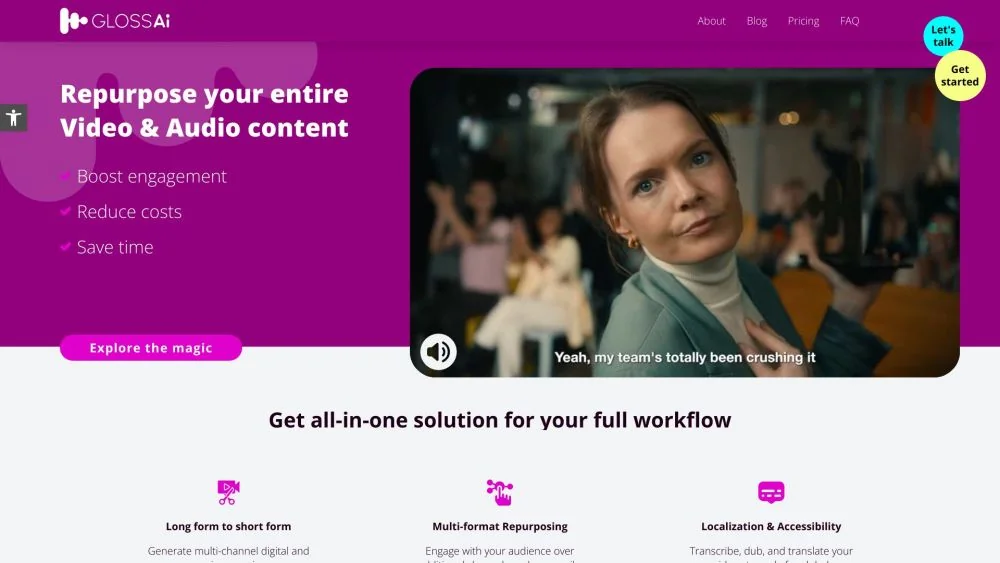
GlossAi helps organisations turn long-form video/audio content (webinars, training sessions, podcasts) into multiple short-form video snippets, blog posts, e-books, image carousels and other assets — all optimised for social media, brand marketing and internal knowledge-sharing.
The tool’s engine analyses text, tone, pace, facial expressions and viewer engagement to intelligently identify the best moments and formats.
⭐ What does the tool actually deliver based on user experience?
• Converts a single long-form video into multiple short clips and formats for various channels.
• Automatically applies brand styling (fonts, colours, logos) and aspect-ratio adjustments for each platform.
• Generates ancillary assets like blog posts, e-books, social posts from the same source material.
• Reported results: up to 30-40% higher engagement with up to 70-80% cost reduction for enterprise users.
🤖 Does it include automation?
Yes — GlossAi is deeply automated:
• Auto-analysis of video content: detects speaker tone, facial cues, engagement metrics to pick best segments.
• Automated editing: cuts, templates, brand enhancement, automatic subtitles/captions, aspect-ratio conversion.
• Asset diversification: from one upload to many formats (video, slide decks, blog posts, carousels) with minimal manual input.
💰 Pricing Model:
Enterprise/SaaS model — appears to be tailored for organisations with large volumes of video-content.
🆓 Free Plan Details:
Not widely publicised; likely limited trial or demonstration access for eligible enterprises.
💳 Paid Plan Details:
Custom pricing based on content hours, usage volume and enterprise features.
🧭 Access Method:
• Web-based platform offered by GlossAi, with enterprise onboarding.
🔗 Experience Link: