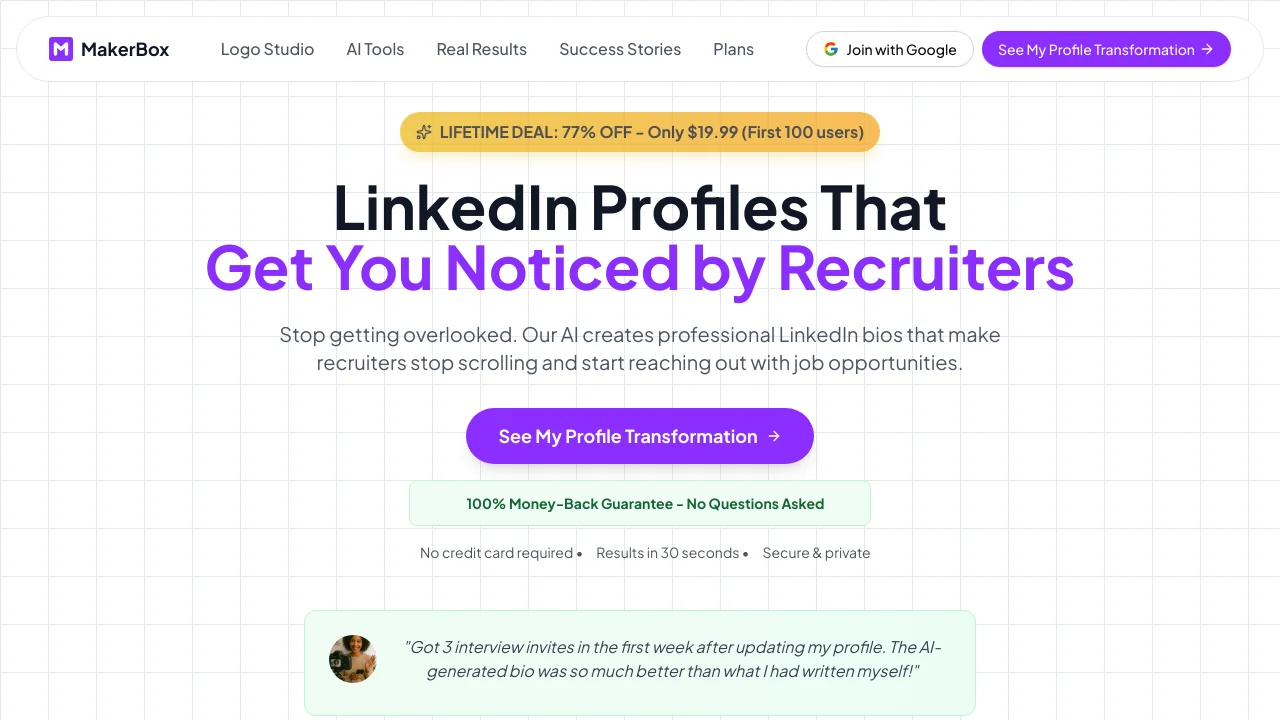
Description
️ 🖼Tool Name:
MakerBox – Landing Page Roasting
🔖 Categories:
Conversion Optimization & A/B Testing; Copywriting & Landing Pages; Marketing & Sales; Performance & Development.
️ ✏What does this tool offer?
MakerBox offers the Landing Page Roasting service by Dan Kulkov, where users can submit a link to their landing page and receive, within 24 hours, a 20-minute video review explaining the reasons why visitors might leave the page without making a purchase, along with solutions and recommendations to help address the identified issues.
The service focuses on providing direct and candid feedback about the landing page, along with actionable recommendations aimed at helping users create a more effective page and improve conversion rates—without having to spend hours identifying and analyzing issues on their own.
MakerBox also offers another consulting service dedicated to product and marketing optimization, which includes a one-on-one call with Dan Kulkov to review product positioning, user acquisition, marketing funnel, and pricing.
Easlo, known as “The Notion Guy,”praised the service, expressing his appreciation for the candid and direct feedback that helped him create a more effective landing page for his product, and recommended it to anyone looking to improve conversion rates without spending a lot of time troubleshooting issues on their own.
⭐ What does it actually offer based on user experience?
- An immediate review of the landing page reveals the possible reasons why visitors are leaving without making a purchase.
- Get honest and direct feedback about the page.
- Provide actionable recommendations to address the issues identified.
- Deliver a video review of the landing page within 24 hours.
- Help improve the effectiveness of your landing page and conversion rates.
- Submit a request whenever you’re ready.
- Easlo praised the service as a way to get immediate feedback that helps create a more effective landing page.
🤖 Does it include automation?
No. The service relies on human review and consultation provided by Dan Kulkov, whether through a video landing page review or a live call, and the information provided does not include a system for automating tasks.
💰 Pricing model:
Paid / One-time payment.
MakerBox offers two paid services on a one-time payment basis. The first service costs $199and includes a 60-minute live call with Dan Kulkov, product positioning optimization, user acquisition and marketing funnel optimization, and pricing optimization, with the option to schedule the call for a time that works for the user. The second service, Landing Page Roasting,costs $99 as a one-time payment, and includes a 20-minute video review of the landing page, candid feedback and actionable recommendations, and delivery of the review within 24 hours, with the option to submit the request whenever the user is ready.
🆓 Free Plan Details:
| Item | Details |
|---|---|
| Free Plan | Currently unavailable |
| Free usage | Not available in the information provided |
💳 Paid plan details:
| Service | Price | Features |
|---|---|---|
| Consultation with Dan Kulkov | $199 one-time payment | A 60-minute live call, product positioning optimization, user acquisition and marketing funnel optimization, pricing optimization, and the ability to schedule the call at a time convenient for the user |
| Landing Page Roasting | $99 one-time payment | A 20-minute video review of your landing page, candid feedback, actionable recommendations, delivery within 24 hours, and the option to submit your request whenever you’re ready |
🧭 How to Access the Tool:
| Access Method | Details |
|---|---|
| Web | Submit a service request via the MakerBox website |
| Video Review | Get a video review of the landing page |
| Live Call | A 60-minute live consultation for your first service |
🔗 Link to the demo or official website: