UniFab Vocal Remover A
Description
️ 🖼Tool Name:
UniFab Vocal Remover AI
🔖 Categories:
Audio, Speech, and Music; Audio Cleaning and Mixing; Editing/Enhancement/Up-sampling; Element and Background Removal and Replacement; Video, Editing, and Motion
️ ✏What does this tool do?
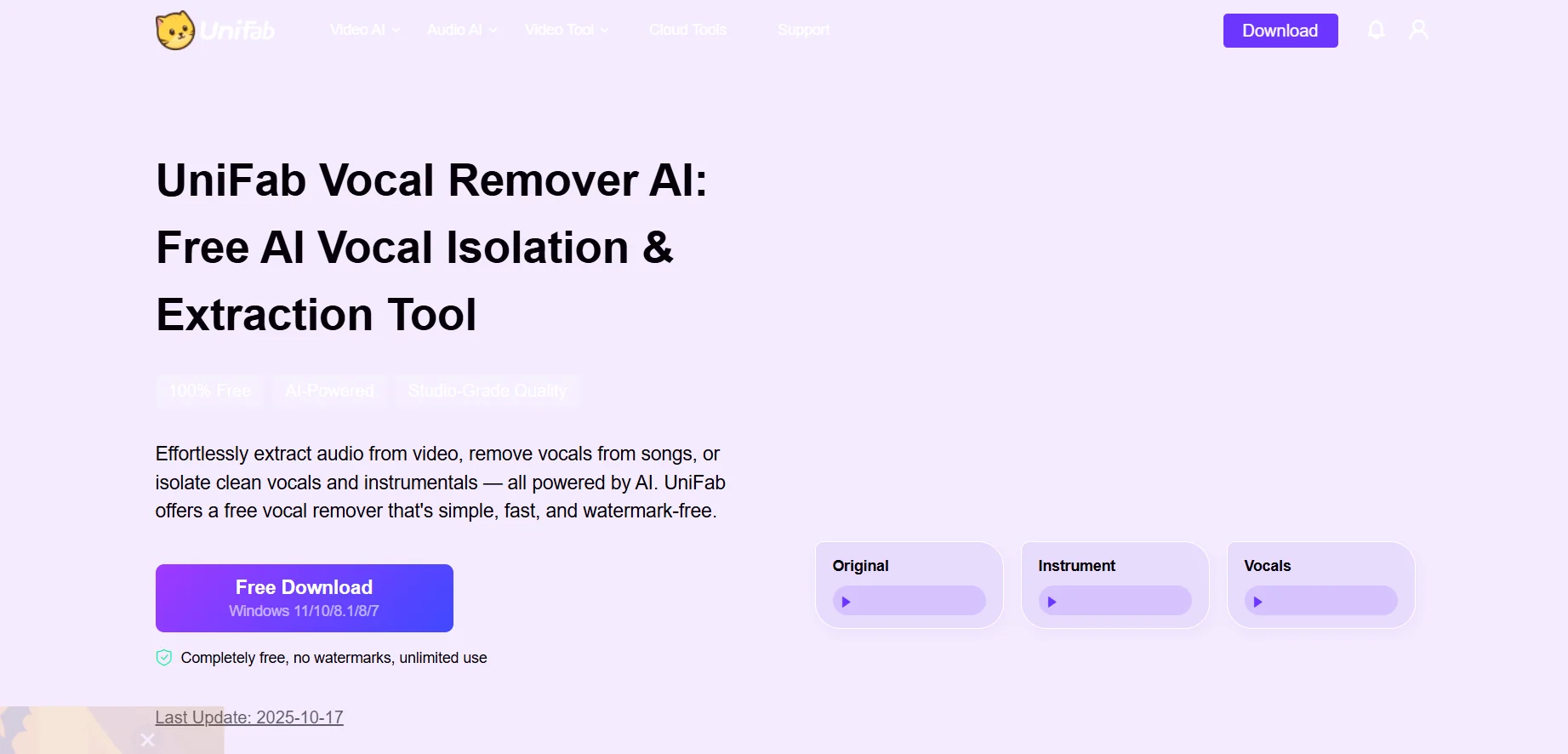
UniFab Vocal Remover AI is an AI-powered tool that separates vocals from music and extracts vocal tracks from audio and video files. It uses a deep learning model to analyze frequencies and harmonic patterns in order to isolate vocals and musical instruments while preserving audio quality as much as possible. It allows you to create karaoke tracks, extract vocals or acapella, create background music, and prepare files for remixing and music production.
The tool also functions as a track splitter and audio extractor and can be used to process audio and video files, with the ability to export results in formats such as MP3, M4A, and WAV. It supports batch processing, allowing you to select multiple files to process sequentially.
Its engines include updates to improve performance; the website states that Engine 3.0 offers processing speeds up to twice as fast, while version 2.0 adds noise reduction to eliminate background hiss and hum, and version 1.0 improves audio extraction accuracy and reduces distortion.
The tool is used to create karaoke tracks, for practice and singing, to extract background music, to prepare material for remixing and DJing, and for video and content production.
⭐ What does it actually offer based on user experience?
Removes vocals from songs and creates karaoke tracks.
Isolating vocals and extracting them as a separate track.
Separate vocals and music from video and audio files.
Processing multiple files using batch processing.
Export results in multiple audio and video formats, including MP3, M4A, and WAV.
Local processing on the user’s device, making it suitable for large files and workflows without relying on uploading files to a cloud service.
Materials published by UniFab indicate good processing speed and clear vocal separation, noting that dense musical arrangements may leave some audio leakage, so results may vary depending on the recording.
Suitable for musicians, content creators, editors, karaoke producers, and DJs.
🤖 Does it include automation?
Yes. The tool uses artificial intelligence and deep learning to automate audio analysis and separate vocals from the music. The user uploads the file and selects the desired track, then the program automatically performs the separation. It also supports batch processing of multiple files, reducing the need to process each file separately.
💰 Pricing model:
UniFab Vocal Remover AI iscompletely free, with unlimited use and no watermarks. There is no need to purchase a separate license to use the basic Vocal Remover AI tool.
Other UniFab products are available separately for a fee, including UniFab All-In-One, which bundles various UniFab tools into a single package. UniFab’s current source lists a price of $319.99 for a lifetime license,which includes 5 computer licenses and a $30 Amazon gift card. The current source also states that the bundle includes 18 tools,a number that differs from the description of 25 tools provided in the information; therefore, I do not recommend listing 25 as a confirmed number at this time.
🆓 Free Plan Details:
| Feature | Details |
|---|---|
| Price | $0 |
| Usage | Completely free and unlimited |
| Watermark | No watermark |
| Vocal Removal | Available |
| Music extraction | Available |
| Vocal isolation | Available |
| Audio Processing | Available |
| Video processing | Available |
| Batch processing | Supported |
| Export | MP3, M4A, WAV, and others depending on the workflow |
| Processing | Local on the user's device |
| Operating System | Windows; note that the current product page lists Windows; some of UniFab’s newer pages mention support for both Windows and Mac, so it’s best to check the Mac download version before listing it as confirmed support for this specific tool. |
💳 Paid plan details:
| Product | Price | Features | Verification Status |
|---|---|---|---|
| UniFab Vocal Remover AI | Free | Separate vocals and music, processor |