Description
🖼️ Tool Name:
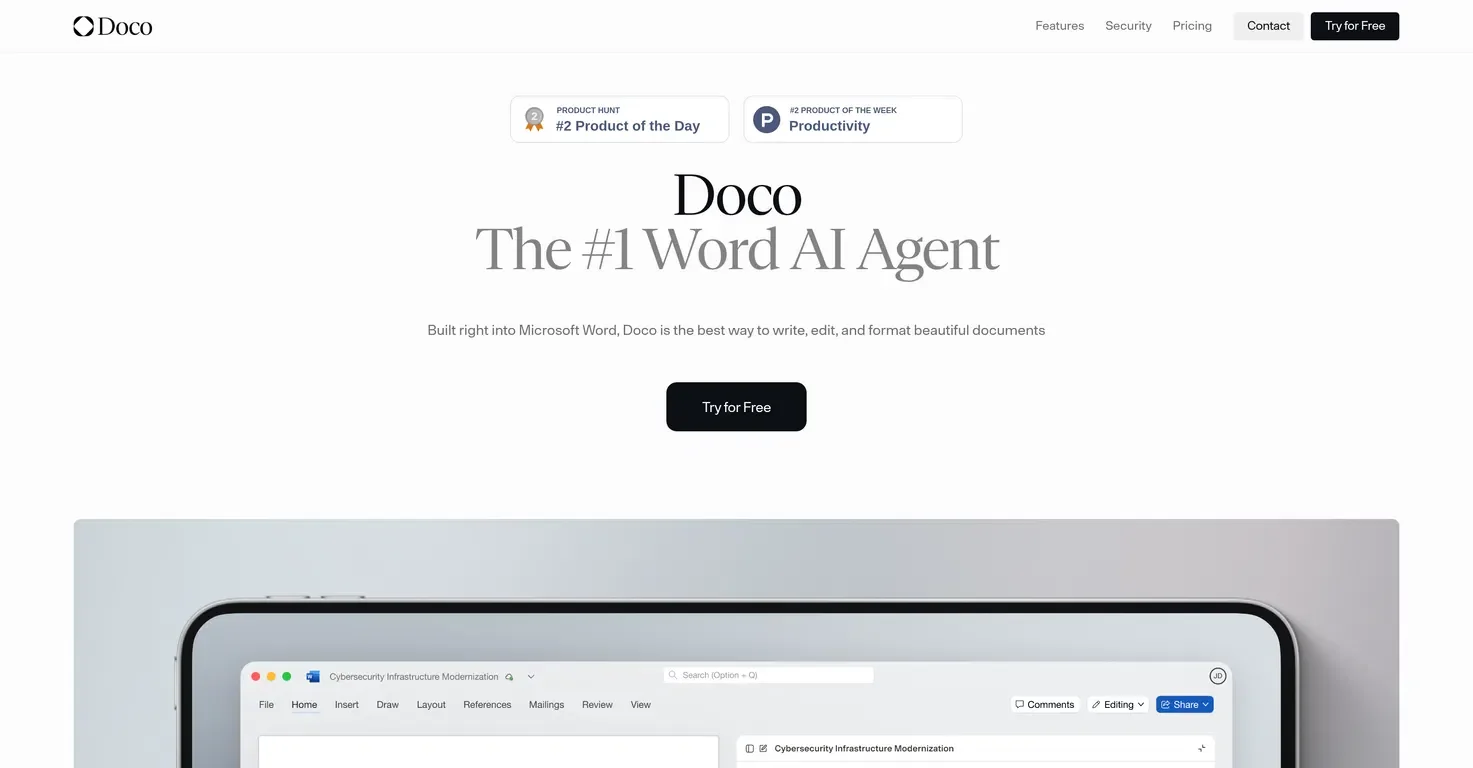
Doco
🔖 Tool Category:
AI‐powered document assistant integrated into Microsoft Word; falls under the category of “Writing assistants & document workflow automation”.
✏️ What does this tool offer?
Doco offers features to streamline document creation, editing and formatting right inside Microsoft Word:
• It understands your existing files, so you can reference content in your library and have edits grounded in context.
• It automates repetitive tasks: rewriting, summarising, formatting, creating tables, handling citations and library references.
• It keeps formatting and style consistent, remains inside Word rather than switching apps, and supports enterprise-grade security (SOC 2 type II, encrypted data) for sensitive documents.
⭐ What does the tool actually deliver based on user experience?
• Users report that Doco significantly reduces the time from draft to final document, especially for structured documents (proposals, reports) where formatting and citation matter.
• The seamless Word integration means writers don’t have to export/import between tools or lose formatting.
• It is geared for professionals (legal, government contracts, technical writing) as well as students or writers working on long-form structured documents.
• Some drawbacks: limited to Word environment; initial adjustments/workflows may require setup.
🤖 Does it include automation?
Yes — Doco automates many aspects of document workflow:
• Automatically drafts sections based on existing files or context prompts inside Word.
• Automates formatting, citation linking, library referencing and ensures changes are traceable back to original sources.
• Custom workflow automation: templates, tasks inside Word, saving time for repetitive document tasks.
💰 Pricing Model:
Freemium + subscription tiers.
🆓 Free Plan Details:
• There is a Free plan: includes limited credits (e.g., 10 credits/month) and access to workflows and projects.
💳 Paid Plan Details:
• Starter plan: approx US $19/month for 100 credits/month, 50MB library storage (~100 PDF pages).
• Pro and Enterprise: unlimited credits/library, priority support, custom integrations, SSO/SAML etc for organisations.
🧭 Access Method:
• Web / Plugin: Doco is an AI agent built into Microsoft Word (installed as a plugin/extension).
• Works within Word; you remain in your document environment.
🔗 Experience Link: