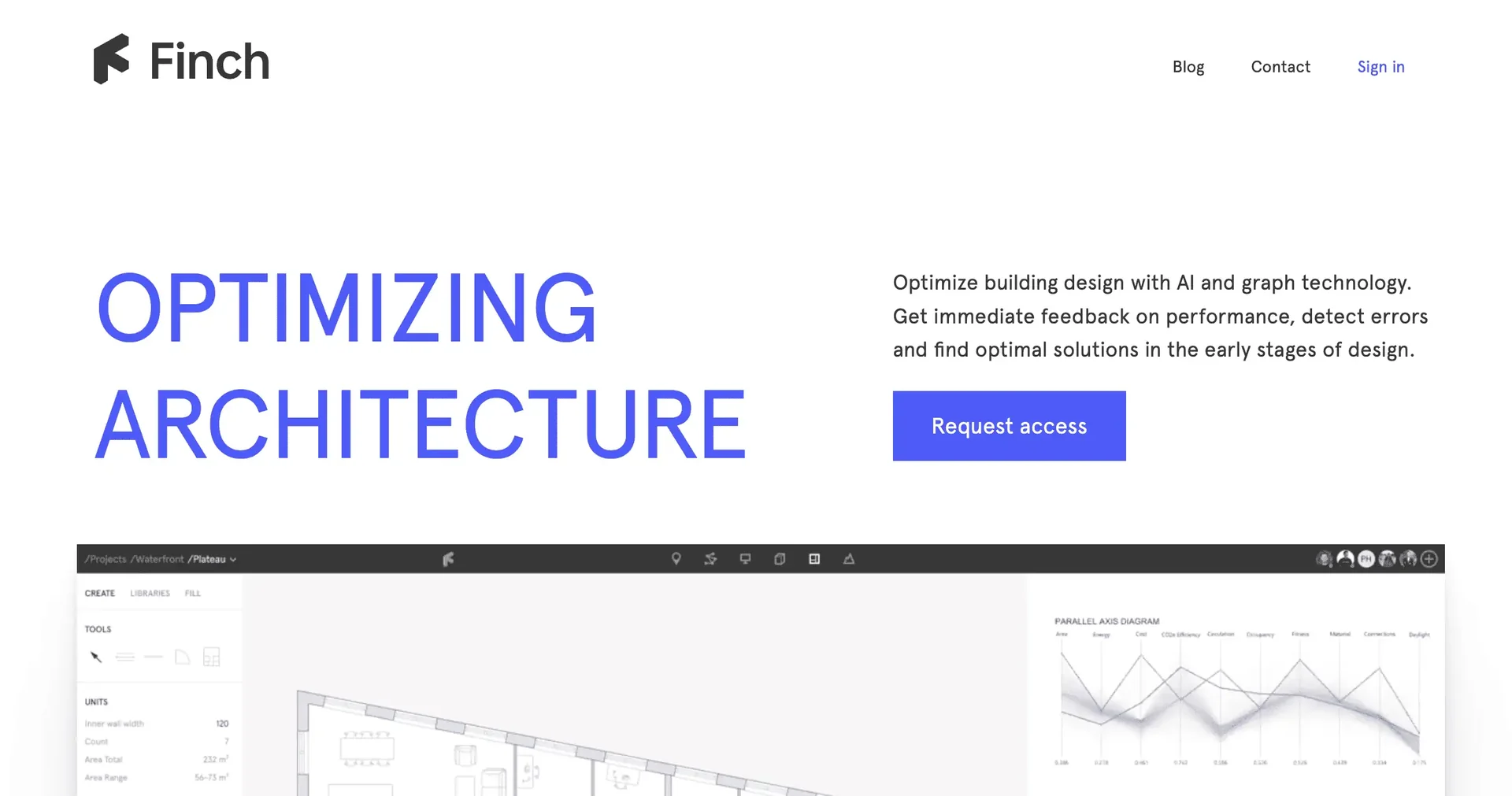
Description
🖼️ Tool Name:
Finch 3D
🔖 Tool Category:
AI-powered architectural design & spatial planning platform; it falls under the category of automated 3D modeling, floor plan generation, and building design optimization tools.
✏️ What does this tool offer?
Finch 3D uses artificial intelligence to help architects and designers generate, test, and optimize building designs. It automates early-stage architecture workflows by creating dynamic floor plans, massing models, site analyses, and design variations in real time, based on constraints such as site boundaries, zoning regulations, daylight, and building performance. It is built to accelerate conceptual design and reduce manual modeling work.
⭐ What does the tool actually deliver based on user experience?
• AI-generated floor plans and massing models
• Real-time geometry updates as constraints change
• Automated spatial optimization
• Zoning, building code, and setback calculations
• Environmental and performance insights (sunlight, shading, airflow, etc.)
• Integration with architectural CAD/BIM tools (Revit, Rhino, etc.)
• Multiple design variations for rapid comparison
• Early-stage planning and feasibility tools
• Automated circulation and space allocation layouts
• Significant time savings in conceptual design phases
🤖 Does it include automation?
Yes — Finch 3D is built around deep automation capabilities:
• Automatic floor plan generation
• Auto adaptation when adjusting building mass or parameters
• Automatic zoning and setback calculations
• Auto-detection of inefficiencies in spatial layouts
• Automated optimization of room sizes, adjacencies, and circulation
• Real-time regeneration of 3D massing models
💰 Pricing Model:**
Subscription (with enterprise options)
🆓 Free Plan Details:
• Limited access (depending on current availability)
• Basic design generation
• Restricted export functionality
💳 Paid Plan Details:
• Full AI design engine access
• Integration with BIM tools
• Unlimited project generation
• Team collaboration features
• Performance simulations
• Priority support
• Enterprise-grade workflows
🧭 Access Method:
• Web App
• Desktop plugin integrations (Revit, Rhino, etc.)
• Cloud-based project workspace
🔗 Experience Link: