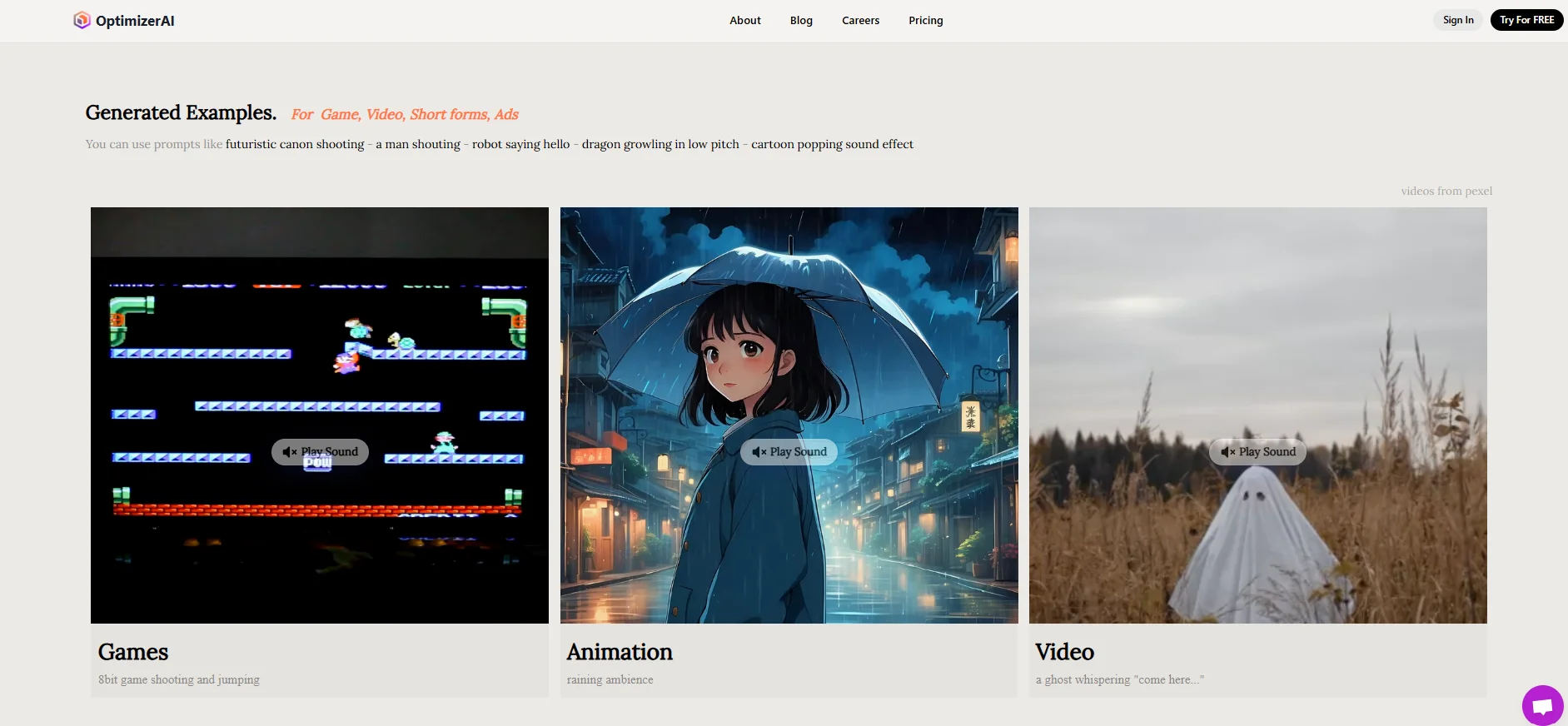
Description
️ 🖼Name of the tool:
OptimizerAI
🔖 Tool Category:
Generate Music & Effects / Audio Cleaning & Sound Mixer / Speech & Music / Text to Audio / Audio to Text / Edit / Optimize / Upscale
️ ✏What does this tool do?
OptimizerAI is an artificial intelligence platform for generating sound effects from text or audio description. It allows individuals, developers, and designers to quickly and flexibly create custom sounds without the need for ready-made sound libraries or manual recordings, with the ability to modify or enhance sounds after they are created.
⭐ What does it actually offer based on user experience?
- Generate sounds quickly and without technical expertise.
- Supports various types of sound effects (games, movies, ads, short digital content).
- User-friendly interface, with the ability to upload sounds in MP3, WAV, FLAC formats.
- Support for commercial use in paid plans, allowing it to be used in paid projects without licensing issues.
🤖 Does it include automation?
Yes, automation is included:
- Generating audio directly from text (Text-to-Sound).
- Automatically modify and optimize the sound.
- Create Variations of generated sounds.
- Support for audio files up to 44.1 kHz in quality and up to 60 seconds in the higher plans.
💰 Pricing model:
The platform is based on a monthly or annual subscription with credits per generation, as well as a limited free trial.
🆓 F ree plan details:
- You can try the platform for free (Try for Free) to generate a limited number of votes before signing up.
- Some trials offer limited credits to test sound quality and generation speed.
💳 Paid plans details:
- Starter: $5 per month (when paid annually), 1800 Credits, MP3 download only, sound duration up to 10 seconds, generate one sound at a time, does not support commercial use.
- Pro: $12 per month (when paid annually), 7200 Credits, MP3/WAV/FLAC upload, generate 3 sounds at the same time, sound duration up to 10 seconds, supports commercial use.
- Unlimited: $32 per month (when paid annually), unlimited credits, 5 simultaneous voices, up to 60 seconds duration, higher speed, support for commercial use, early access to new features.
- Enterprise/API: Customized plans for businesses, including API Access, exclusive ownership of sounds, dedicated server, priority support, full features, price to be determined by contacting the team.
🧭 How to access the tool:
- Directly via browser, no software downloads required.
- You can start creating and testing immediately after registering.
🔗 Link to the trial or official website:
https://www.optimizerai.xyz