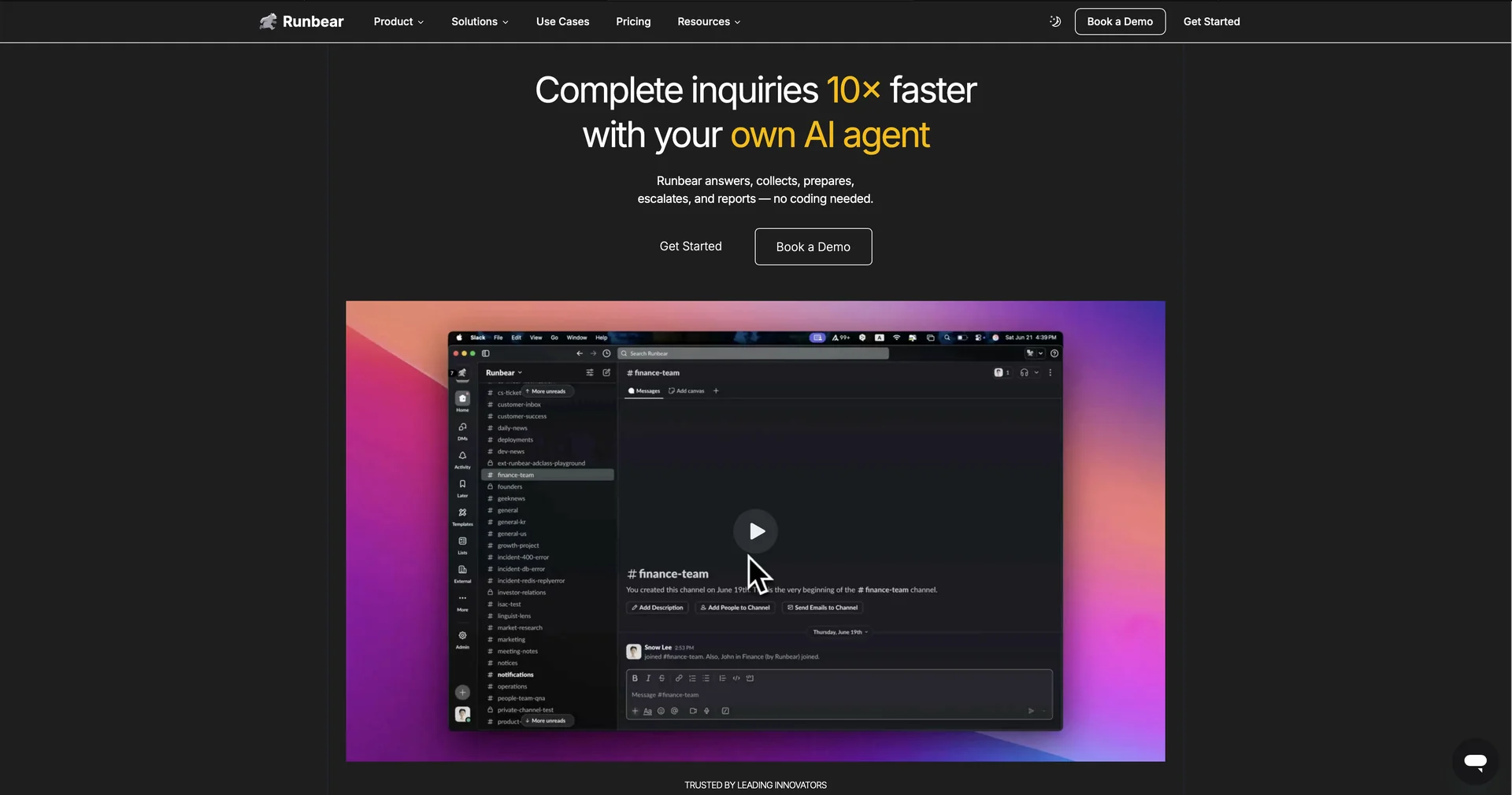
Description

🖼️ Tool Name:

Runbear

✏️ What does this tool offer?

  • No-Code Agent Creation: Build specialized AI teammates in under 10 minutes by simply linking your AI model to your workspace.

  • Knowledge Base Synchronization: Automatically syncs with tools like Notion, Google Drive, Confluence, and Zendesk to provide the AI with real-time company context.

  • Multi-Model Flexibility (BYOM): "Bring Your Own Model" support allows you to choose the best LLM (OpenAI, Anthropic, or Google) for each specific task.

  • Agentic Actions (MCP Support): Powered by the Model Context Protocol (MCP), agents can perform real-world actions like creating Jira tickets, updating Salesforce records, or drafting Stripe invoices.

  • Multi-Channel Presence: Your AI agents can live in Slack, Microsoft Teams, HubSpot, or Discord simultaneously.

⭐️ What does the tool actually offer? (User Experiences)

  • "Zero Learning Curve": Users report high adoption because team members interact with the AI using familiar @mentions in Slack rather than a new dashboard.

  • Massive Time Savings: One case study from LaserAway noted that employees stopped scouring channels for answers and started getting instant, doc-backed replies from the AI.

  • Easy Prototyping: Developers use it to quickly "test" an AI agent idea in a live environment before committing to custom-coded solutions.

🤖 Does the tool have automation features?

Yes, it is an Automation Layer:

  • Trigger-Based Actions: Automatically respond to new threads, summarize long Slack conversations, or triage incoming support emails.

  • Contextual Tracking: Can provide daily summaries in Slack by pulling real-time data from Jira or Asana.

💵 Pricing (2026 Updates)

Runbear uses a model based on the number of Agents and Monthly Credits.

PlanPrice (Monthly)Key Limits
Individual$391 agent, 5,000 credits, 1 builder.
Team$793 agents, 20,000 credits, 5 builders.
Business$3198 agents, 100,000 credits, 10 builders.
EnterpriseCustomUnlimited agents, SOC 2 compliance, 24/7 Slack support.

What is a Credit? Credits are consumed when your AI agent generates a response or performs an action. Generally, one message equals one credit.

🎁 Is the free version a trial or completely free?

Runbear offers a 7-Day Free Trial for its paid plans. There is also a limited Free Tier for testing, but it is typically restricted to a few messages per month to verify the technical connection between your LLM and Slack/Teams.

💳 What does the Paid version offer?

  • Increased Volume: More credits and agents for team-wide deployment.

  • Doc Syncing: Automatic updates from Notion/Google Drive (essential for keeping the AI's knowledge fresh).

  • Brand Customization: Customize your bot’s name and icon to match your company’s brand.

  • Advanced Debugging: Access to the "Message Insights" tool to see common user questions and refine agent responses.

⚙️ Access or Source:

  • Official Website

  • Marketplace: Available on the Slack App Directory and Microsoft AppSource.

🔗 Experience Link: 

https://runbear.io/pricing

Pricing Details

💵 Pricing Runbear uses a model based on the number of Agents and Monthly Credits. Plan Price (Monthly) Key Limits Individual $39 1 agent, 5,000 credits, 1 builder. Team $79 3 agents, 20,000 credits, 5 builders. Business $319 8 agents, 100,000 credits, 10 builders. Enterprise Custom Unlimited agents, SOC 2 compliance, 24/7 Slack support. What is a Credit? Credits are consumed when your AI agent generates a response or performs an action. Generally, one message equals one credit. 🎁 Is the free version a trial or completely free? Runbear offers a 7-Day Free Trial for its paid plans. There is also a limited Free Tier for testing, but it is typically restricted to a few messages per month to verify the technical connection between your LLM and Slack/Teams. 💳 What does the Paid version offer? Increased Volume: More credits and agents for team-wide deployment. Doc Syncing: Automatic updates from Notion/Google Drive (essential for keeping the AI's knowledge fresh). Brand Customization: Customize your bot’s name and icon to match your company’s brand. Advanced Debugging: Access to the "Message Insights" tool to see common user questions and refine agent responses.