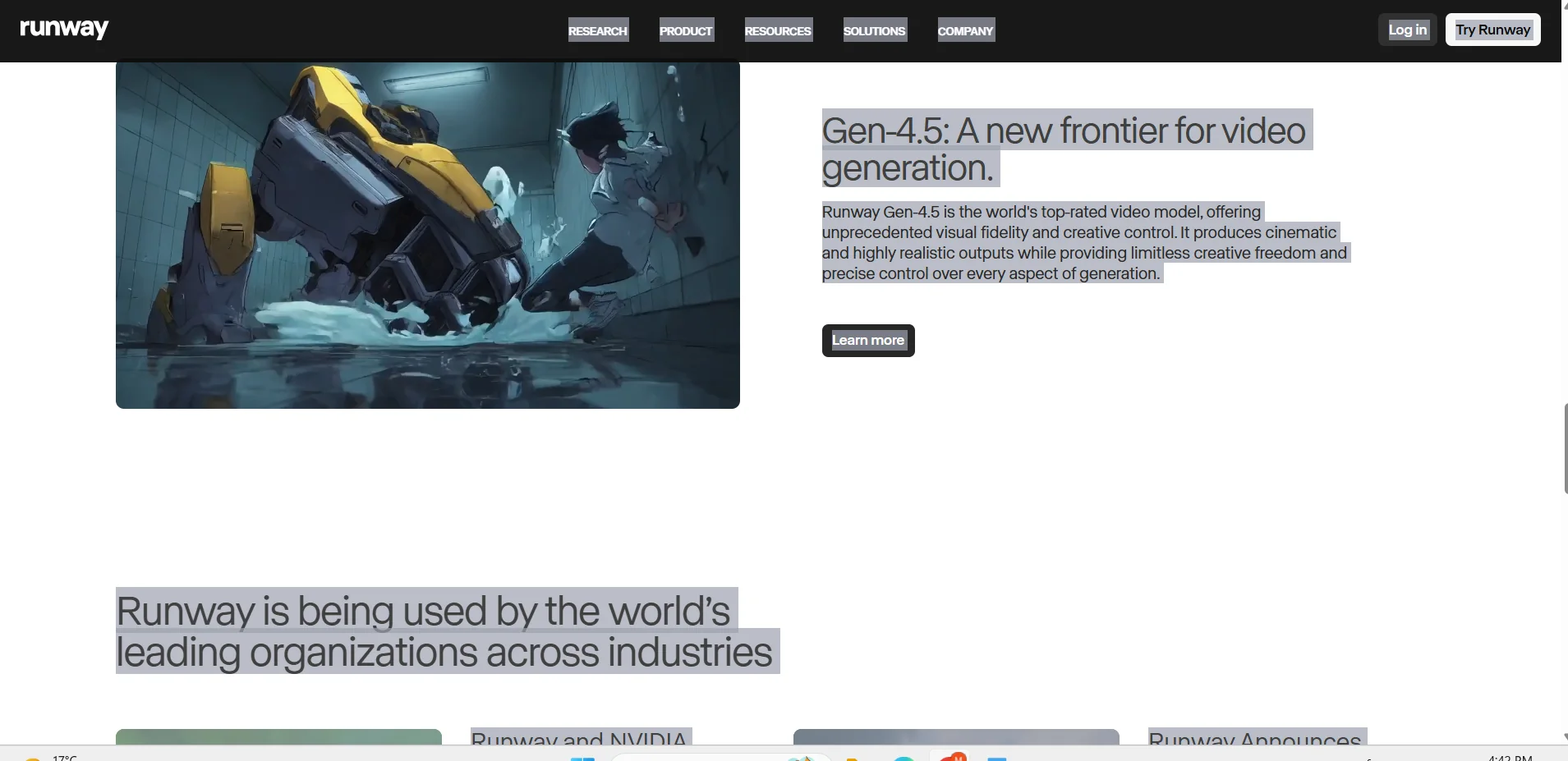
Description
️ Tool name: 🖼
Runway
Tool category: 🔖
• Text and images to video
• Video, editing, and motion
• Generating images from text
• Video ideas and scenarios
• Voice cloning
• Motion graphics, titles, and subtitles
• Music and sound effects generation
• Automation and smart agents
️ What does this tool offer? ✏
Runway offers tools for creating high-quality videos and images, interactive models for virtual worlds, virtual video agents capable of conversation and interaction with the environment, as well as support for robots and research applications.
What does it actually offer based on user experience? ⭐
It enables users to produce realistic cinematic content, edit videos, create animated virtual characters, and simulate interactive environments and robotic processes smoothly and accurately.
Does it include automation? 🤖
Yes, it includes automation in video processing, text-to-video conversion, character animation, and automatic content generation in virtual worlds.
Pricing model: 💰
🆓 Free plan details:
The free plan gives you 125 credits for one-time use, with 3 video editing projects and 5 GB of storage, but it does not include full Gen-4 video.
Paid plan details: 💳
Standard: $12/month per user, 625 credits per month, access to all apps, Gen-4 and Gen-4.5 video editing, 100 GB storage, unlimited editing projects, technical support.
Pro: $28/month per user, 2,250 credits per month, 500 GB storage, custom voice creation, all Standard plan features with unlimited video generation.
Explore: $76/month per user, unlimited access to all models in Explore mode.
How to access the tool: 🧭
Runway can be accessed via a browser or by creating an account for personal or institutional use.
Trial link or official website: 🔗
https://runwayml.com