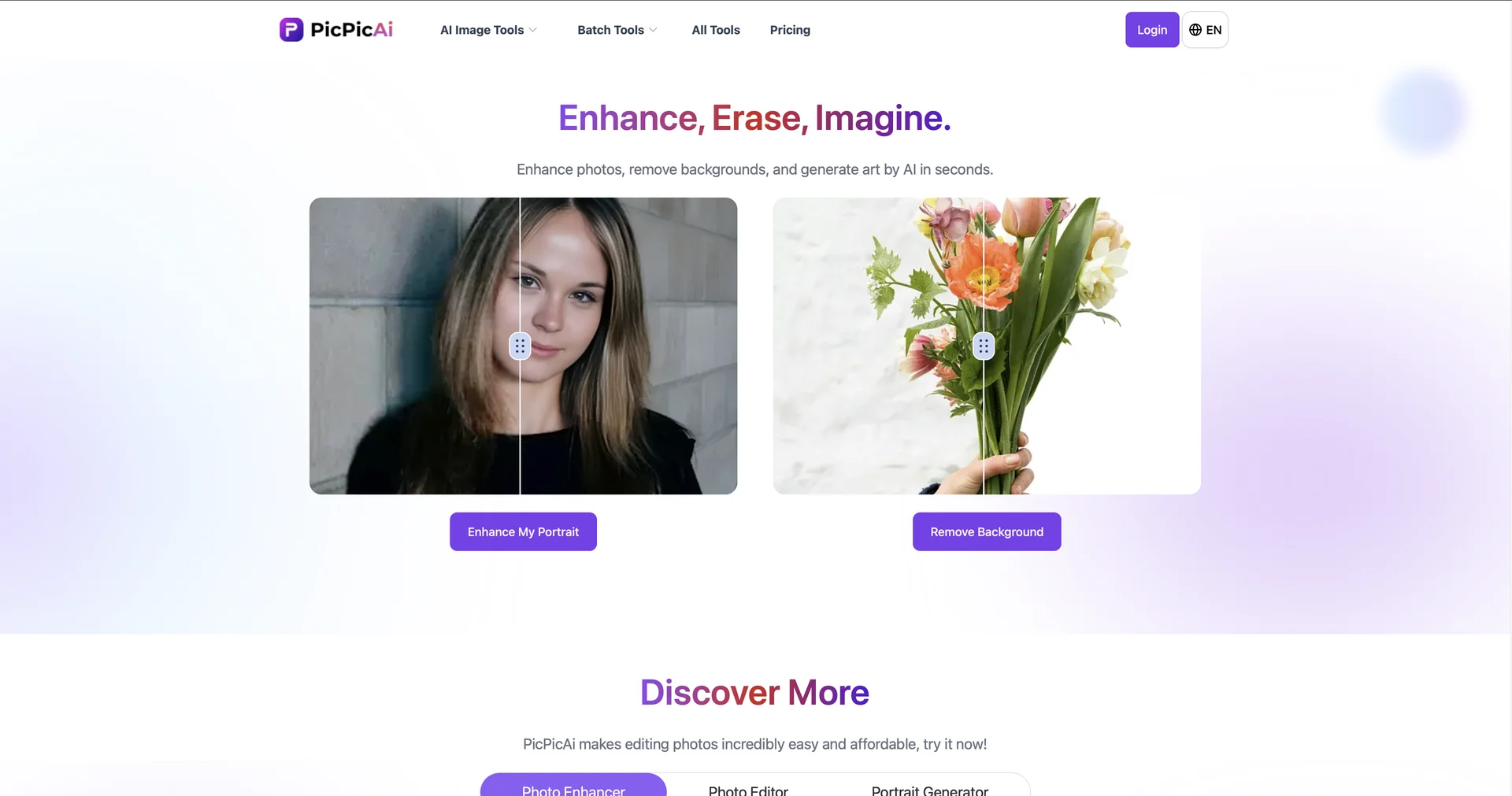
Description

🖼️ Tool Name:

PicPicAI

✏️ What makes PicPicAI unique in 2026?

  • AI Portrait Enhancer: Specifically engineered to "unblur" faces and reconstruct fine details in low-resolution selfies or group shots, making them look like they were taken on a pro DSLR.

  • Specialized Style Generators: Beyond simple filters, it offers themed generators such as Neonpunk, Dreamy Wedding, and Festival Photo Maker for instant creative transformations.

  • Professional Headshot Generator: Converts standard selfies into high-end, LinkedIn-ready professional headshots by intelligently changing outfits and backgrounds.

  • AI Image Extender & Upscaler: Uses generative AI to "outpaint" or expand the borders of an image naturally and upscale visuals up to 800% without quality loss.

  • Smart Hairstyle & Face Swap: Allows users to experiment with different hairstyles or perform seamless face swaps with impressive anatomical accuracy.

  • E-commerce Optimization: Includes an AI Background Remover and "Add Shadow" feature, allowing sellers to create eye-catching product imagery in seconds.

⭐️ User Experience (2026):

  • "The One-Click Studio": Rated 4.6/5. Users love it for its "Swiss Army Knife" approach, providing nearly every popular AI photo trend—from old photo restoration to cartoonification—in one place.

💵 Pricing & Plans (February 2026 Status)

PicPicAI operates on a flexible, credit-based system (typically 1 credit = 1 image):

PlanPrice (Approx.)Key Features
Free / Trial$0~5 free credits upon registration; Access to basic AI tools; Standard resolution.
Standard / Monthly~$9.99 / moLarge credit allowance; High-speed processing; No watermarks; 4K support.
Credit PackagesStarts at ~$6.99Pay-as-you-go; 100+ credits; Credits are permanently valid; Ideal for casual users.

🎁 How to Get Started:

Go to picpicai.com, upload any photo, and select a tool like "Portrait Enhancer" or "Headshot Generator." Once the AI finishes processing, you can compare the "Before and After" and download your enhanced image instantly.

⚙️ Access or Source:

  • Official Website

  • Category: AI Photo Editing, Portrait Enhancement, AI Art Generation.

  • Primary Use Case: Enhancing personal portraits, creating professional headshots, and restoring vintage family photos.

🔗 Experience Link: 

https://picpicai.com/

Pricing Details

💵 Pricing & Plans (February 2026 Status) PicPicAI operates on a flexible, credit-based system (typically 1 credit = 1 image): Plan Price (Approx.) Key Features Free / Trial $0 ~5 free credits upon registration; Access to basic AI tools; Standard resolution. Standard / Monthly ~$9.99 / mo Large credit allowance; High-speed processing; No watermarks; 4K support. Credit Packages Starts at ~$6.99 Pay-as-you-go; 100+ credits; Credits are permanently valid; Ideal for casual users. 🎁 How to Get Started: Go to picpicai.com, upload any photo, and select a tool like "Portrait Enhancer" or "Headshot Generator." Once the AI finishes processing, you can compare the "Before and After" and download your enhanced image instantly.