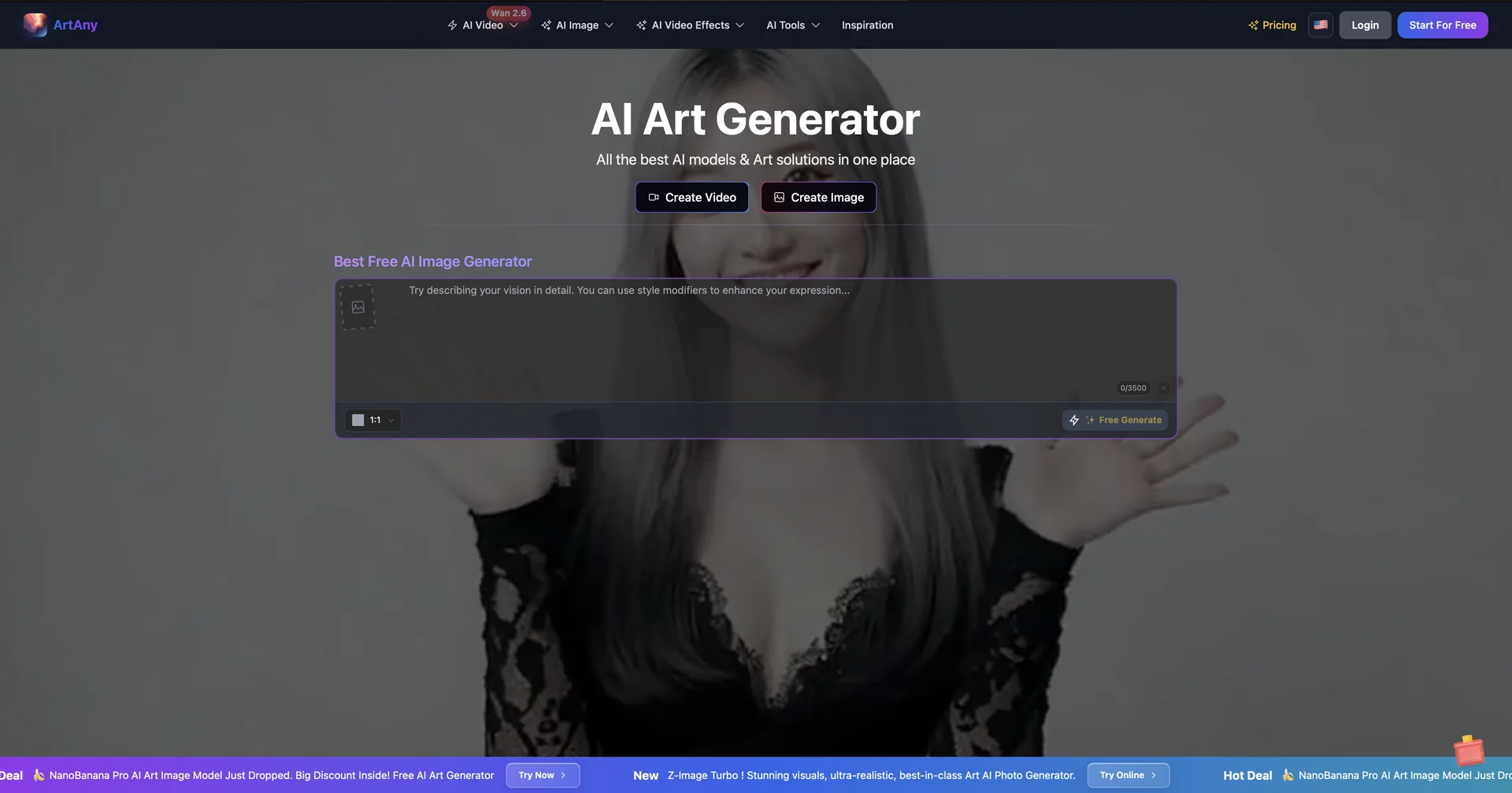
Description

🖼️ Tool Name:

ArtAny AI

✏️ What makes ArtAny's Image to Video unique in 2026?

  • Multi-Model Choice: The standout feature is the ability to choose which AI engine animates your image. You can use Kling for realistic human movement or Veo 3 for cinematic, high-physics environments.

  • "Start & End Frame" Control: You can upload two images—one as the beginning of the video and one as the end—and ArtAny’s AI will intelligently "morph" or transition between them smoothly.

  • Talking Avatar Support: Beyond general motion, ArtAny includes specialized Portrait-to-Video models that can make a person in a photo speak with synchronized lip movements and natural blinking.

  • Advanced Camera Direction: Users can specify camera movements like Orbit, Dolly Zoom, or Pan to be applied to the static image, giving it a 3D cinematic feel.

  • Style Reference Consistency: If you have an image and want to create a video in its exact style, ArtAny’s Reference Mode ensures the colors, lighting, and textures remain consistent throughout the animation.

  • Resolution Upscaling: In 2026, the platform supports upscaling the generated video output up to 4K resolution, making it suitable for professional displays.

⭐️ User Experience (2026):

  • "The Ultimate Choice Platform": Rated 4.7/5. It is particularly praised by creators who want to experiment with different AI "looks" (photorealistic vs. stylized) without subscribing to five different platforms.

💵 Pricing & Plans (February 2026 Status)

ArtAny uses a "Freemium" model with a credit system that varies based on the chosen model's complexity:

PlanPrice (Approx.)Key Features
Free / Basic$0~10 free credits/day; Standard definition; Watermarked; 3-second clips.
Plus Plan~$15 / mo1,500 credits; Access to Kling & Veo models; No watermarks; 1080p exports.
Pro Plan~$30 / mo5,000 credits; Priority queue; Private generation (Stealth mode); HD Talking Avatars.
Business / Team~$60 / mo15,000 credits; Commercial usage rights; 4K upscaling; API access for bulk creation.

🎁 How to Get Started:

Visit artany.ai, navigate to the "Image to Video" workspace, and upload your photo. Select your animation style (or write a short description like "wind blowing through the hair") and click Generate.

⚙️ Access or Source:

  • Official Website

  • Category: AI Video Generation, Image Animation, Multi-Model AI Hub.

  • Primary Use Case: Creating social media reels from photos, generating cinematic b-roll, and creating talking head videos for marketing.

🔗 Experience Link: 

https://www.artany.ai/

Pricing Details

💵 Pricing & Plans (February 2026 Status) ArtAny uses a "Freemium" model with a credit system that varies based on the chosen model's complexity: Plan Price (Approx.) Key Features Free / Basic $0 ~10 free credits/day; Standard definition; Watermarked; 3-second clips. Plus Plan ~$15 / mo 1,500 credits; Access to Kling & Veo models; No watermarks; 1080p exports. Pro Plan ~$30 / mo 5,000 credits; Priority queue; Private generation (Stealth mode); HD Talking Avatars. Business / Team ~$60 / mo 15,000 credits; Commercial usage rights; 4K upscaling; API access for bulk creation. 🎁 How to Get Started: Visit artany.ai, navigate to the "Image to Video" workspace, and upload your photo. Select your animation style (or write a short description like "wind blowing through the hair") and click Generate.