PixNova
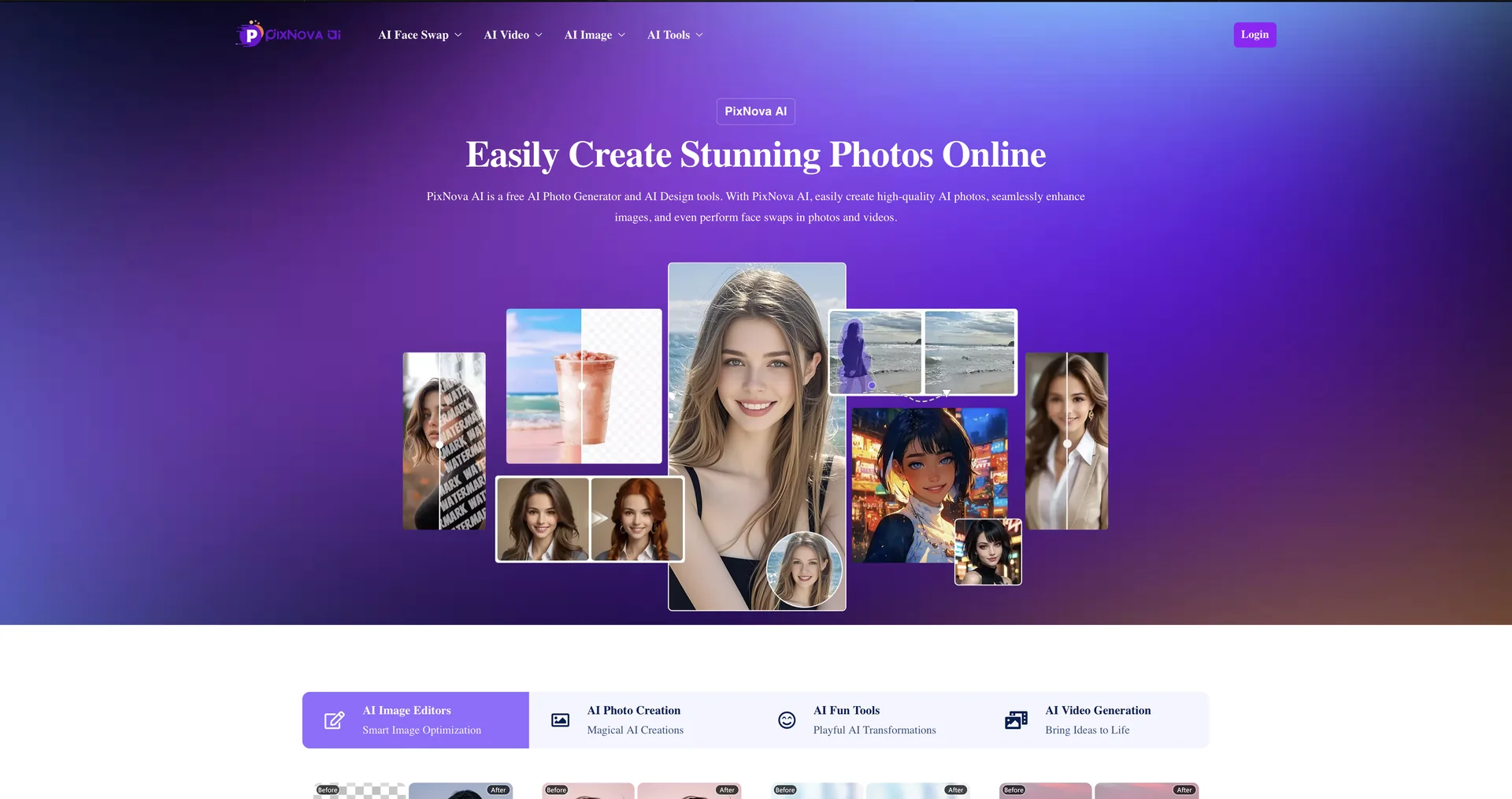
Description
🖼️ Tool Name:
PixNova
✏️ What makes PixNova unique in 2026?
Optimized for Characters: Unlike many generators that warp 2D faces, PixNova has a specialized engine for Anime and VTubers, maintaining perfect proportions while adding micro-expressions and blinks.
The "AI Hug" Trend: In 2026, PixNova became famous for its AI Hug & Kiss features, which can seamlessly animate two separate photos into a realistic video of people embracing.
High-Fidelity Motion: It supports HD (1080p) output and allows users to choose between a fast 4-second loop or a more detailed 8-second cinematic clip.
Instant B-Roll: For YouTubers and marketers, it serves as a "B-Roll Factory," turning product shots or travel photos into smooth, professional-grade inserts in seconds.
Zero Technical Barriers: You don't need to know about frames-per-second or keyframing. The AI automatically detects the subject (e.g., water, a person, or a car) and applies the correct physical motion.
Privacy & Access: It is one of the few high-tier tools that often allows for "Guest Use" (no login required for basic tasks), ensuring quick, private edits.
⭐️ User Experience (2026):
"The Viral Video Maker": Rated 4.6/5. Users love it for its speed and the "magic" feel of seeing a flat photo suddenly start moving realistically.
💵 Pricing & Plans (February 2026 Status)
PixNova uses a credit-based system that is very accessible for casual creators:
🎁 How to Get Started:
Visit pixnova.ai. Upload your image (JPG or PNG), select a motion style from the preset menu, and hit "Generate". Within 10-30 seconds, your video will be ready for download and social media sharing.
⚙️ Access or Source:
Official Website
Category: AI Video Generation, Image Animation, Social Media Tools.
Primary Use Case: Transforming static images into engaging social media clips, anime animations, and marketing B-roll.
🔗 Experience Link: