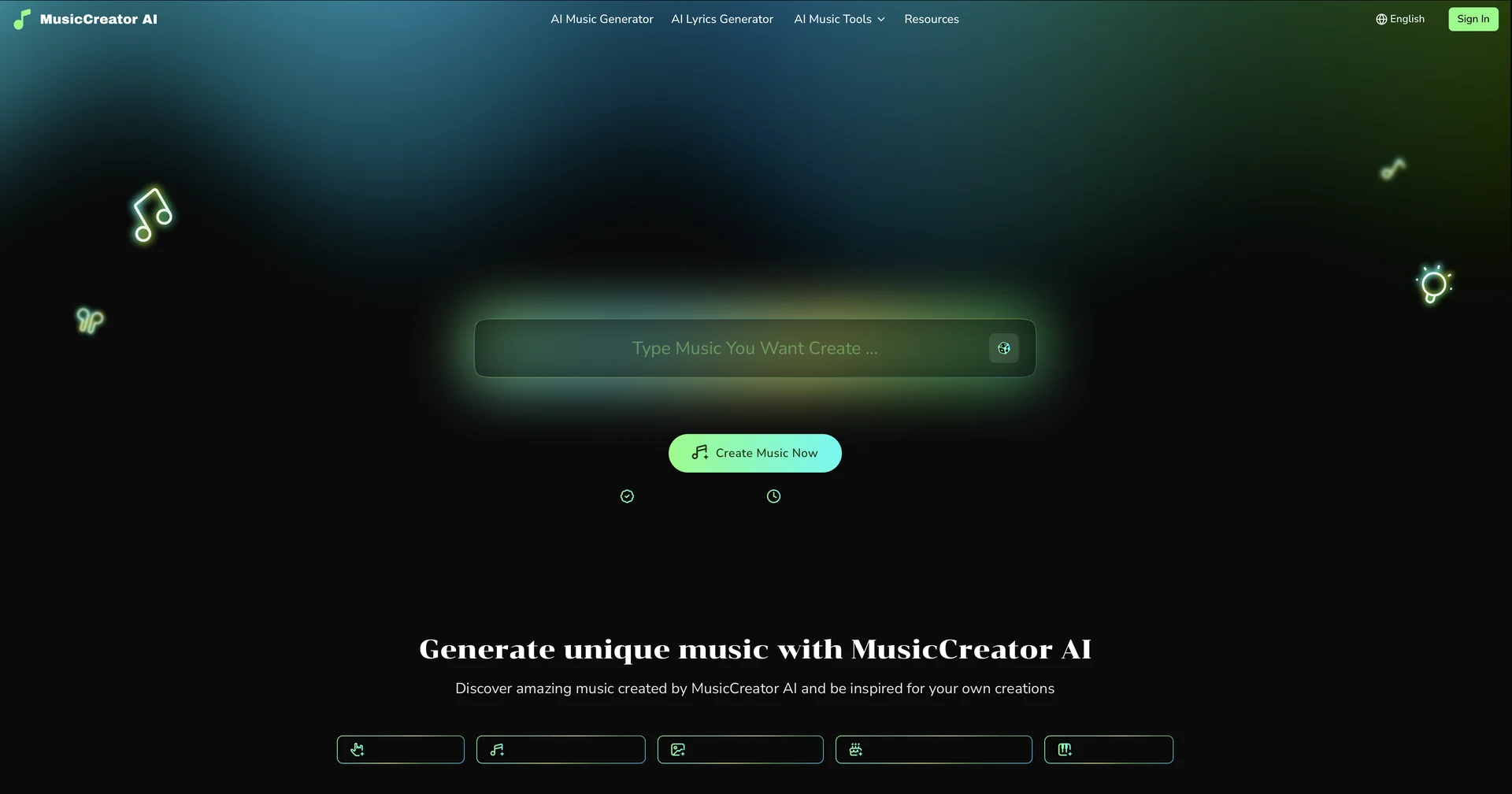
Features
- Generates royalty-free music from text prompts
- Creates music from uploaded photos
- Splits tracks into vocals, drums and bass stems
- Makes AI song covers with voice swapping and voice model training
- Edits generated music in a MIDI piano roll editor
- Analyzes songs for BPM, key, energy and happiness score
- Includes an AI lyrics generator and AI mastering
- Generates visualizers and lyric videos
Pricing Details
💵 Pricing & Plans (February 2026 Status) MusicCreator AI uses a tiered system focused on usage volume: Plan Price (Monthly) Key Features FREE $0 2 Songs/mo; Basic quality; Personal use only. Starter $10.49 200 Songs/mo; Commercial License; AI Lyrics Generator; Standard Master. Hobby $20.99 500 Songs/mo; Unlimited Downloads; Advanced Music Analyzer. Professional $34.99 1200 Songs/mo; AI Mastering; Voice Model Training; Stem Separation. 🎁 How to Get Started: Visit musiccreator.ai. You can start by typing a prompt like "Upbeat 80s synth-pop song about a digital nomad" or upload a photo to see the visual-to-music engine in action. No credit card is required for the free trial.