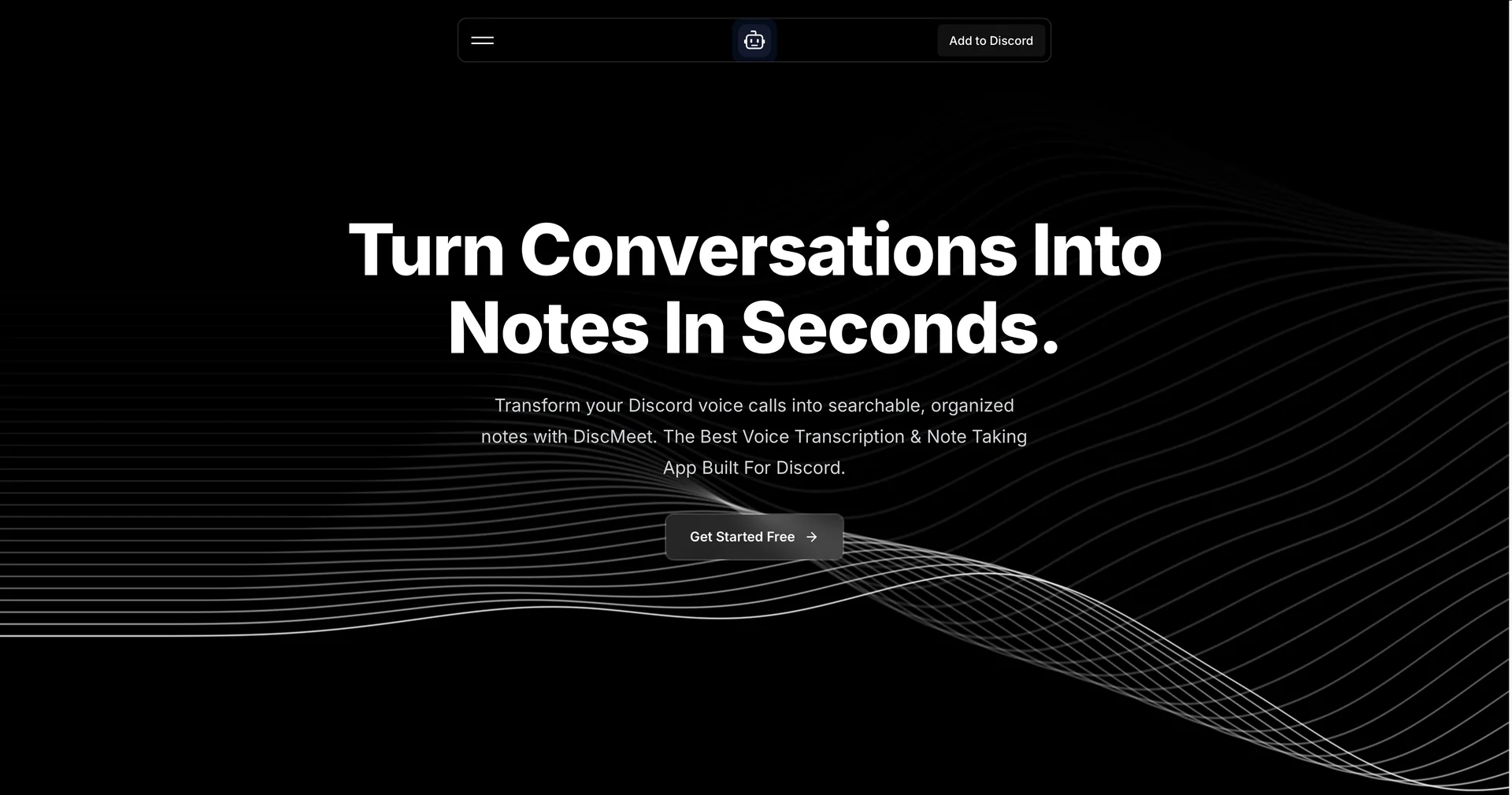
Description
🖼️Tool Name:
Discord DiscMeet
✏️ Overview & AI Features (2026 Edition):
High-Speed Transcription: DiscMeet processes audio at roughly 16x the speed of the meeting length. A 60-minute meeting is transcribed and summarized in just a few minutes.
Speaker Identification: The bot intelligently distinguishes between different users in a voice channel, labeling who said what to ensure accurate meeting minutes.
Smart Summarization: It doesn't just provide a wall of text; it generates "Executive Summaries" with bullet points highlighting the most important topics, moments, and quotes.
Global Language Support: With support for 100+ languages, it is a go-to for international Discord communities, handling translations and localized dialects with high precision.
Security & Privacy: (2026 Policy) The bot is designed to be secure. It automatically deletes raw audio files once the transcription and summarization process is completed, ensuring user privacy.
"Hands-Free" Commands: You can control the bot entirely via slash commands. Simply type
/discmeet jointo invite it, and/discmeet stopto receive your summary immediately in a direct message or a designated channel.
⭐️ User Experience (2026):
"The Voice of Productivity": Rated 4.7/5. It is highly valued for its "Zero-Friction" setup—taking less than 10 seconds to start transcribing your first meeting after installation.
💵 Pricing & Plans (February 2026 Status)
DiscMeet uses a tiered model based on transcription hours:
🎁 How to Get Started:
Visit discmeet.com or search for "DiscMeet" in the Discord App Directory. Add the bot to your server, grant the necessary permissions, and join a voice channel. Type /discmeet join to start your first AI-documented session.
⚙️ Access or Source:
Official Website
Category: AI Productivity, Meeting Management, Discord Integration.
Primary Use Case: Recording and summarizing professional meetings, gaming sessions, and educational study groups on Discord.
🔗 Experience Link: