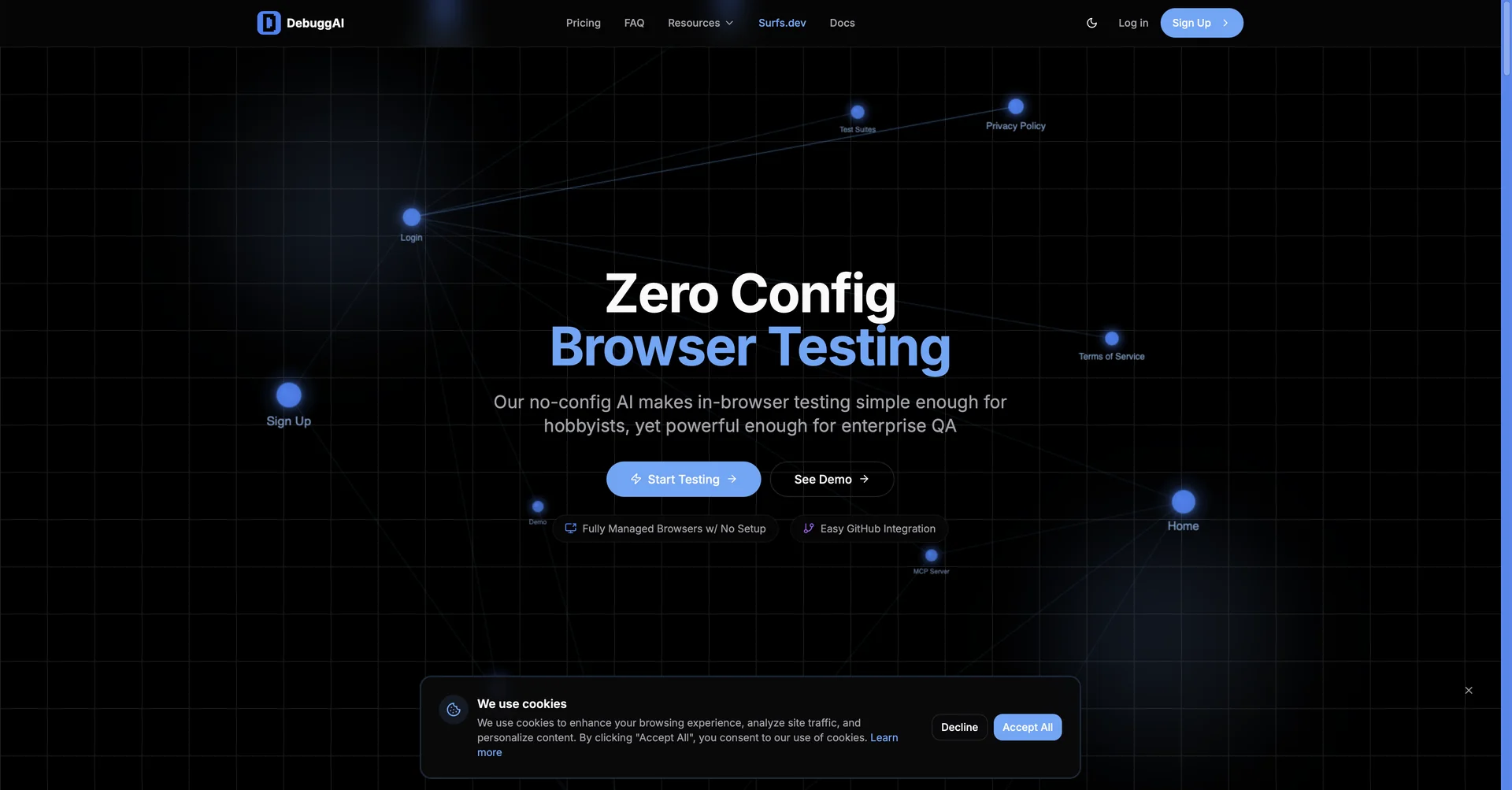
Features
- Builds and runs browser tests from plain-English requests
- Connects to GitHub and runs tests targeting only code changed in Pull Requests
- Tests localhost through a secure encrypted tunnel
- Supports Model Context Protocol so AI coding assistants can verify their code
- AI debug chat explains stack traces and suggests one-click fixes in the IDE diff view
- Step-by-step visual reports with failure GIFs, console logs and network activity
- VS Code extension integration
Pricing Details
💵 Pricing & Plans (February 2026 Status) DebuggAI offers a tiered model focused on usage and team collaboration: Plan Price (Monthly) Key Features Free Version $0 Basic E2E testing for open-source/small projects; Limited monthly test runs. Developer ~$20.00 Unlimited localhost testing; GIF recordings; IDE integration (VS Code). Team / Pro ~$97.00+ PR-based automated testing; MCP Protocol access; Team dashboards; Priority support. Enterprise Custom On-premise options; Dedicated high-throughput browsers; SLA guarantees; SOC2 compliance. 🎁 How to Get Started: Visit debugg.ai or install the extension from the VS Code Marketplace. Connect your GitHub account, start your local server, and use the shortcut ⌘ ⌥ C to trigger your first AI-managed test.