Synexa AI
Description
️ Tool name: 🖼
Synexa AI
Tool Category: 🔖
- CI/CD & DevOps
- Integrations & APIs
- Programming & Development
️ What does this tool offer? ✏
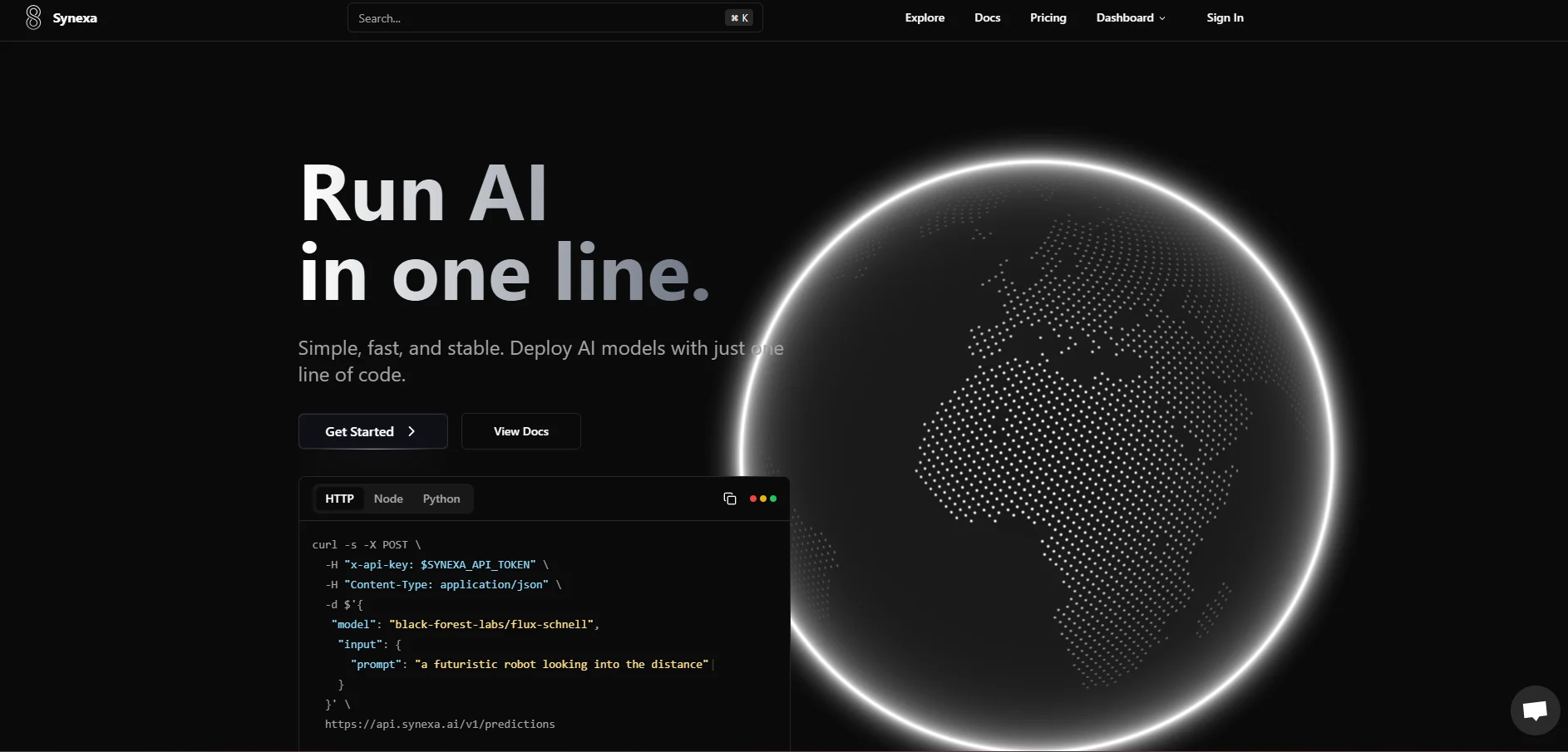
Synexa AI provides a complete runtime environment for generative AI models, with a focus on high performance and reliability in production environments. Users can run generative image, video, and 3D models directly via fast, off-the-shelf APIs. The platform supports multiple models such as FLUX.1 in various versions for image generation, Stable Diffusion XL, Wan 2.1 video models, and Hunyuan 3D models. Synexa AI offers the ability to integrate these models directly into applications, websites, and digital services without the need to manually manage the infrastructure, with support for Serverless operation to automatically turn off resources when not in use.
What does it actually offer based on user experience? ⭐
Users find Synexa AI to be a robust and reliable platform for running production AI. The platform allows models to be tried out in interactive test environments before they are actually deployed, and supports customization of models according to organizational requirements. Fast execution and accurate performance make it suitable for projects that rely on variable demand or discontinuous usage, with the ability to control the right hardware for the project to achieve high efficiency and low costs. The user experience focuses on easy API connectivity, fast content generation, resource stability, and the ability to turn models on and off automatically without manual intervention.
Does it include automation? 🤖
Yes, Synexa AI provides integrated automation that includes automatic start and stop of models, resource management as needed, Auto-Scaling for hardware scaling, and GPU utilization optimization based on demand. The system is designed to allow AI to be integrated into digital products and services without any manual intervention while ensuring accurate and efficient resource consumption.
Pricing model: 💰
Synexa AI is a pay-as-you-gosystem, not based on fixed monthly subscriptions. The cost of each generation or gear usage is calculated accurately, whether for images, video, or 3D models.
🆓 Free plan details:
There is no traditional free subscription, nor a set monthly Free Plan, but it is based on a technical Freemium principle. The user can create an account, explore the documentation, try out the interface and connect the API for free without any prior financial commitment. Payment is only made when actual content generation or hardware operations are performed, giving developers great freedom to test and use as needed.
Pricing details by usage: 💳
- Images:
FLUX.1 Quick model starts at $0.0015 per image.
FLUX.1 Pro up to $0.02 per image.
Stable Diffusion XL is about $0.002 per image.
- Video:Wan 2.1 Video at about $0.2 per video.
- 3D Modeling:Hunyuan 3D at about $0.025 per model.
- Infrastructure and hardware:GPU runs cost per second, such as the Nvidia H100 at $0.00083/second, about $2.99/hour, while the RTX 4090 and RTX 3090 are cheaper and suitable for less intensive projects.
️ How to access the tool: ⚙
Synexa AI can be accessed via browser directly through the official website, where you create an account, connect the API, select models, and manage resources. The platform provides easy-to-use APIs, full technical documentation, and an interactive testing environment to try out models before integrating them into projects.
Link to the demo or official website: 🔗
https://synexa.ai/?utm_source=chatgpt.com