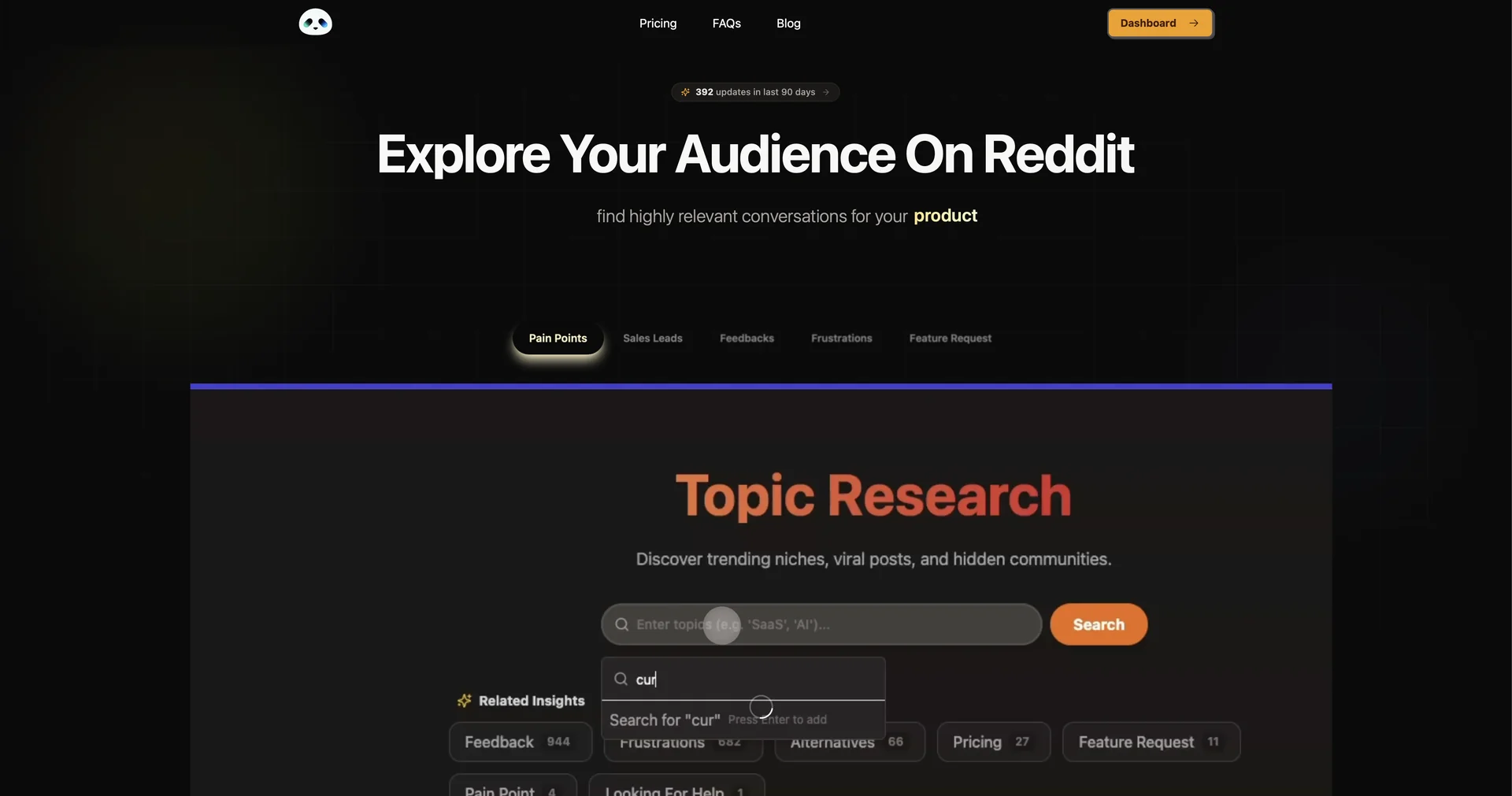
SniffSub
Analyze subreddits to find your target audience.
- Tasks & Projects
- No-Code Workflows
- Integrations & APIs
- Knowledge Base & Self-Service
- Analytics & Dashboards
Last updated
Features
- Detects rage clicks, dead clicks and excessive scrolling
- Summarizes session recordings in 30 seconds
- Predictive heatmaps based on eye-tracking simulation
- Supports dynamic frameworks like React, Vue and Next.js
- Conversion funnel visualization for checkout and sign-up flows
- Benchmarks usability scores against industry averages
- One-click WordPress integration
Pricing Details
💵 Pricing & Plans (February 2026 Status):
| Plan | Price (Approx.) | Key Features |
|---|---|---|
| Free Tier | $0 | Up to 1,000 recorded sessions/mo; basic heatmaps; AI alerts. |
| Pro Plan | ~$29 / mo | 10,000+ sessions; full conversion funnel analysis; AI session summaries. |
| Agency / Business | ~$79+ / mo | Unlimited sites; white-label reporting; priority support. |
🎁 How to Get Started:
Visit uxsniff.com. You can start by adding their lightweight JS snippet to your site or using their WordPress Plugin. Once installed, let the site run for 24 hours, and then check your AI Dashboard to see the first "Sniffed" usability warnings.
Related Tips
- Have you tried researching with AI instead of traditional, cumbersome methods? · Content Management, No-Code Workflows…
- Imagine summarizing a 300-page book or an hour-long video... in seconds! · Video Generation & Editing, Social Templates & Auto-Editing…
- Between writing 10 pages manually... or uploading a single file to Turboscribe.ai? · Video Generation & Editing, Social Templates & Auto-Editing…
- Imagine... every word spoken is recorded and turned into an instantly organized text! · Social Templates & Auto-Editing, Tasks & Projects…