Brisk Teaching
Features
- Browser extension that works directly over web pages
- Converts web pages and digital content into educational materials and interactive activities
- Analyzes student writing
- Adjusts text and activity difficulty to learners' levels
- Generates activities and suggests improvements automatically using page context
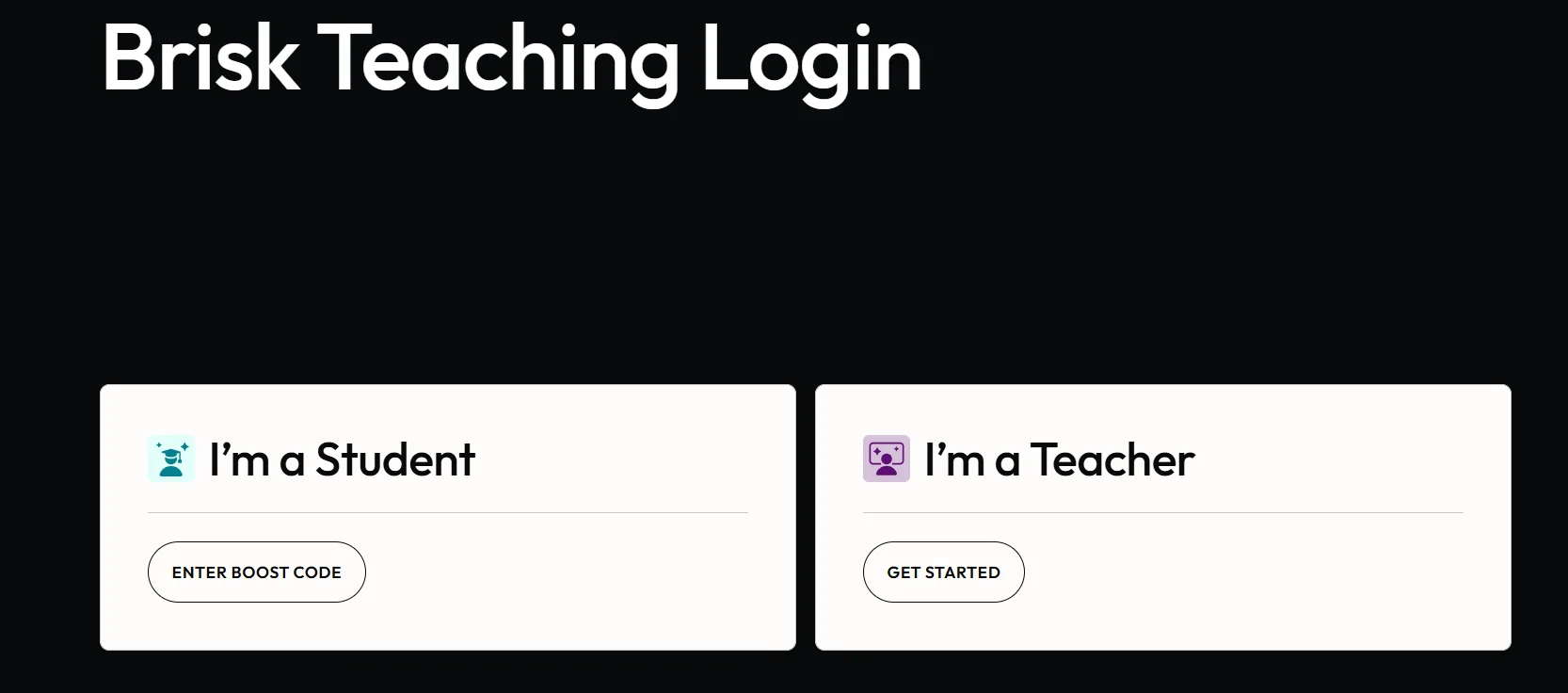
- Role selection for student or teacher at login
Pricing Details
The platform is based on a digital user interface accessible via a browser extension, allowing users to access the tool after logging into their account. The platform offers different usage tiers, starting with a basic experience that provides access to core features, and extending to more advanced options that vary depending on the subscription type or organization. Available information indicates that users can start using the tool for free by installing the extension and logging in, which allows them to experience the basic features related to creating educational activities and interacting with content while browsing. As for paid plans, although specific details regarding subscription prices or benefits are not available, they typically offer additional capabilities and broader use of AI features, as well as greater support for educational use within institutions.