Description

Tool Name: Inkdrop by

Categories: 🔖
• Notes and Analytics
• Content Management and Publishing

️ What does this tool offer? ✏
Inkdrop provides a dedicated workspace for developers and tech professionals to write and organize their notes using Markdown. The tool enables cloud-based note syncing and full support for writing code, with the ability to organize files into notebooks and use tags and statuses such as "Active" or "Pending." It also features a clean user interface with dark mode support and the ability to add plugins to customize the experience.

What does it actually offer based on user experience? ⭐
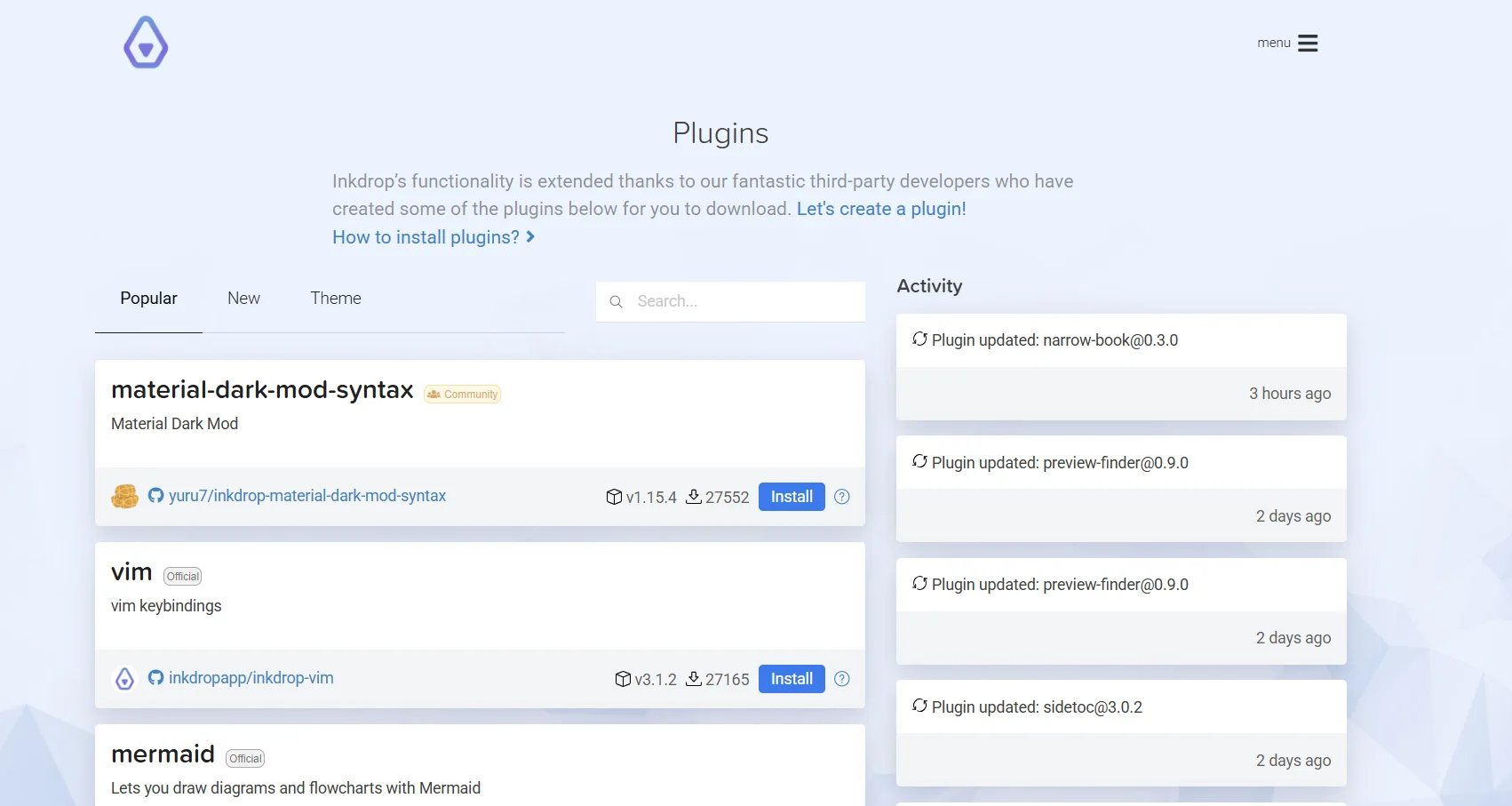
The tool provides a seamless writing experience for developers by supporting advanced syntax highlighting, such as Mermaid diagrams, linking notes together, and the ability to customize the interface via themes. It also gives users high flexibility in controlling their workspace by installing external plugins such as Vim or display optimization plugins, with an instant sync feature that ensures users can access their notes from various devices.

Does it include automation? 🤖
Yes, the tool includes automation features through support for plugins that automatically extend the app’s functionality. It also supports automatic note synchronization via the cloud (Cloud Sync) without manual intervention and offers features for quick search and automatic categorization based on status.

Pricing Model: 💰
The tool uses a monthly or annual subscription model after the free trial period ends.

🆓 Free Plan Details:
There is no permanent free plan, but the tool offers a 30-day free trial with full features. The tool does not charge any setup fees or hidden costs during this period, and billing begins only after the 30 days have ended.

Paid plan details: 💳
A Basic plan is available with two payment options: • Monthly payment: $9.98 per month. • Annual payment: Users receive a 15% discount when opting for annual billing. The paid plan includes the following features: • Full cloud sync. • Unlimited notes. • 30 GB of storage. • Access to all add-ons and features.

How to access the tool: 🧭
You can access the tool by downloading the app on your computer, or by visiting the official website to get updates and access the Plugins and Docs pages via the top menu.

Trial link or official website: 🔗 https://www.inkdrop.app/

Pricing Details

The tool operates on a monthly or annual subscription model following a free trial period. There is no permanent free plan, but the tool offers a 30-day free trial with full features. The tool does not charge any setup fees or hidden costs during this period; billing begins only after the 30 days have ended. A Basic plan is available with two payment options: • Monthly payment: $9.98 per month. • Annual payment: Users receive a 15% discount when opting for annual billing. The paid plan includes the following features: • Full cloud sync. • Unlimited notes. • 30GB of storage. • Access to all add-ons and themes.