WebWave (What is it? How is it used? Features? Pricing?)
· 2 min read
What is the tool?
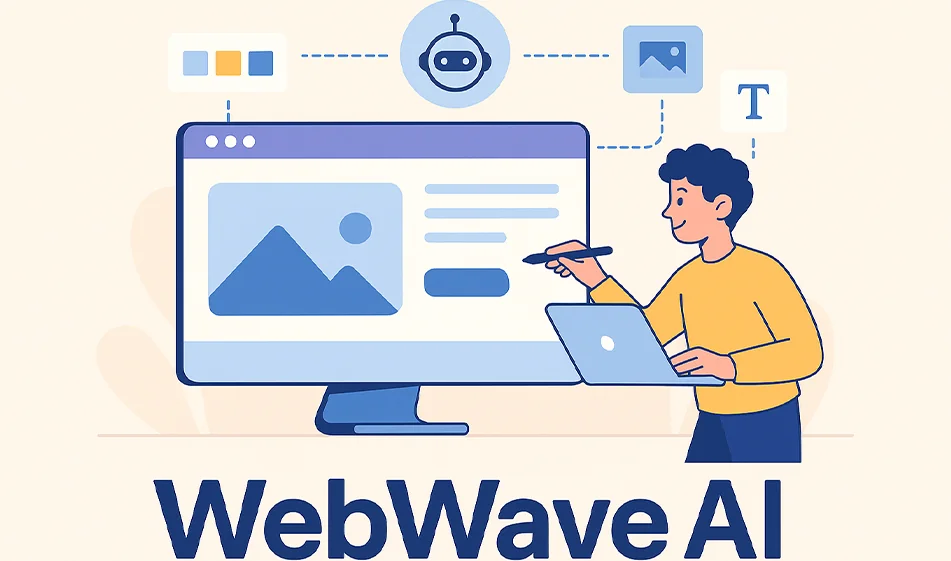
WebWave is an AI website building platform that allows you to create a professional website from a single idea, without any coding or design knowledge.
The platform automatically generates the template, text, images, and even the internal structure of the website.
Why does it matter?
-
Because you can create a complete website in minutes.
-
Ideal for small business owners, marketers, and freelancers who want to launch a website quickly and professionally.
-
AI automatically writes texts and suggests images and headings.
How to use it (3 simple steps):
-
Type in your website idea or industry (e.g. oriental restaurant, tech blog, photo gallery).
-
The AI will create a complete design with ready-made pages.
-
Customize colors, text, and images with drag-and-drop, then publish the site directly.
Key features:
-
Innovative AI: Automatically designs the template and text.
-
Fully visual editing: Everything is drag-and-drop.
-
Fast creation speed: You can launch a site in less than 10 minutes.
-
Versatile templates: (Companies, stores, blogs, personal pages).
-
Automatic SEO optimization: To help your site appear in search engines.
-
Free initial hosting: You can publish your site right away without buying a domain at first.
Pricing (abbreviated):
-
Free plan: Allows the creation of a basic site on a WebWave subdomain with full design features.
-
Paid plan (Pro): Starts at around $10 per month, and includes:
-
Connecting your own domain.
-
Removal of the WebWave logo.
-
More storage space and faster support.
-
-
Business Plan (Business): For organizations, adds features like managing multiple sites and a professional control panel.
Compass Tip:
-
Start with a clear idea: Determine the goal of the site before you create it (offer services/sales/resume).
-
Simplify the content: Choose simple words and clear images to maximize speed and aesthetics.
-
Test from your phone: Use the "mobile preview" feature to make sure it's suitable for all screens.
-
Save multiple versions: Try more than one template before the final launch.
About Category Content Management
Content Management
Tools in this category:
About Category Docs & Software Development Kit
Docs & Software Development Kit
Tools in this category: