️ Tool Name: 🖼
Obsidian
Categories: 🔖
- Productivity and Scheduling
- Knowledge Base and Self-Service
- Insights and Analytics
️ What does this tool offer? ✏
The Obsidian app offers a flexible writing and note-taking space based on the concept of building a “personal knowledge network” rather than traditional notes. It allows users to jot down ideas and link them together via internal links, transforming the content into an interconnected knowledge system resembling a personal wiki.
The app supports advanced tools such as Graph View, which visually illustrates the relationships between notes, and Canvas, which allows for complete freedom in organizing ideas. It also supports plugins to significantly expand functionality, making the experience nearly fully customizable.
Obsidian also stands out because it runs locally on the user’s device, providing full control over data and high privacy, with the option to add cross-device synchronization.
What does it actually offer based on user experience? ⭐
In practice, users use it to:
- Building interconnected notes in the form of a knowledge graph
- Managing long-term projects and ideas
- Organizing research and academic or creative writing
- Creating a “Second Brain” or personal digital mind
- Tracking knowledge and linking concepts in a non-linear way
It is also considered very powerful for long-term continuity in personal knowledge management compared to traditional note-taking apps.
Does it include automation? 🤖
It does not include built-in automation in the traditional sense, but semi-automated functions can be added via plugins, such as:
- Creating automatic templates
- Dynamically linking notes
- Running custom scripts and tools within the system
In other words, automation is “flexible and buildable” rather than built-in by default.
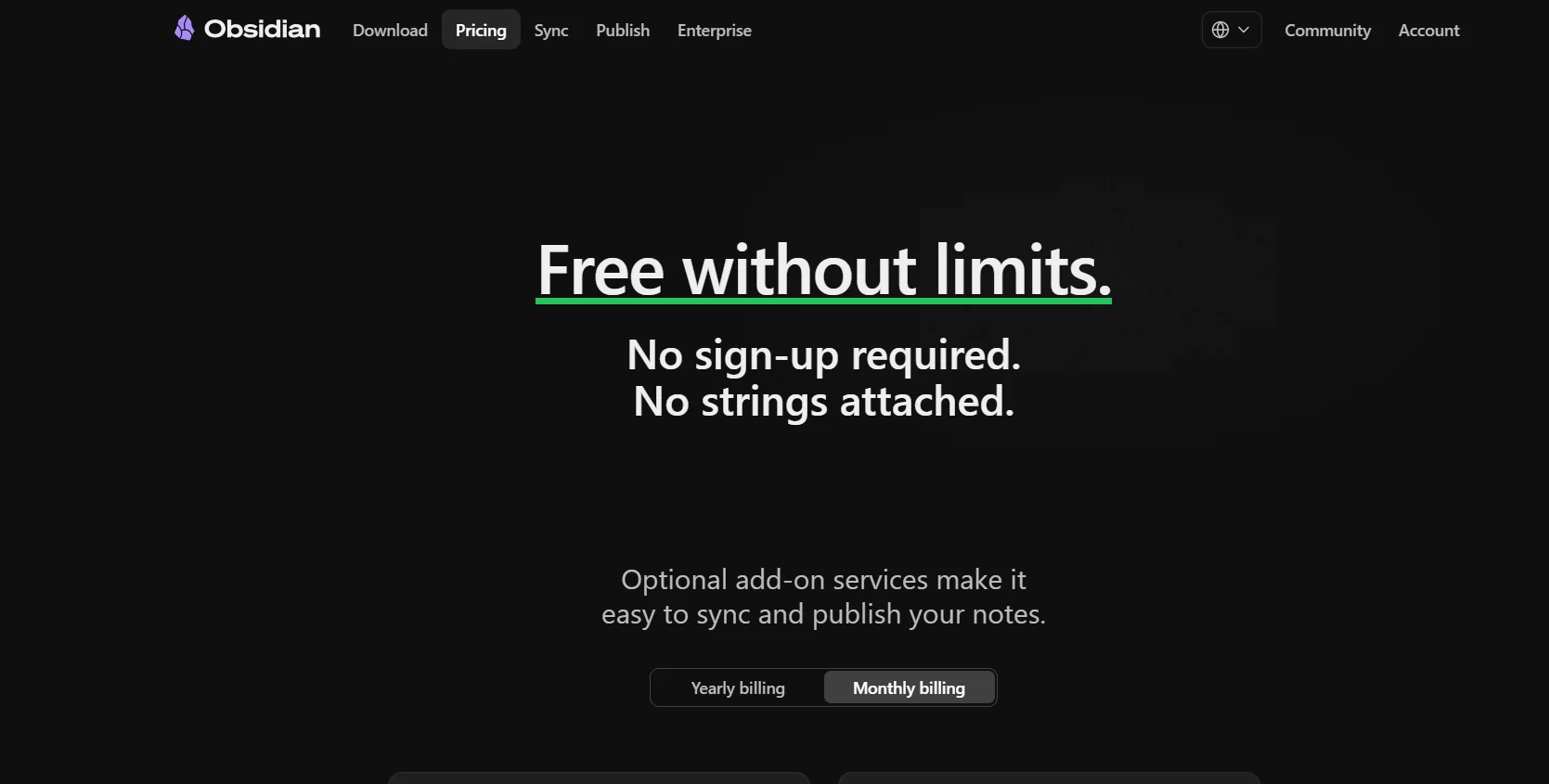
Pricing Model 💰
| Item | Details |
|---|
| Model Type | Freemium (Free + Optional Paid Services) |
| General Concept | Basic usage is free, with optional paid add-ons |
🆓 Free Plan Details
| Feature | Details |
|---|
| App Usage | Completely free |
| Number of notes | Unlimited |
| Storage | Local on device with no restrictions |
| Plugins | Fully supported |
| Graph View & Canvas | Available |
| Registration | Not required or optional |
| Cost | $0 |
Paid Plans 💳
| Service | Details | Approximate Price |
|---|
| Obsidian Sync | Cross-device sync | ~$4 per month (billed annually) |
| Obsidian Publish | Publish notes to the web | ~$8–$10 per month |
| Catalyst | Development support (one-time payment) | Starting at ~$25+ |
| Commercial License | Enterprise Use | ~$50 per user per year |
How to access the tool: 🧭
Desktop app + mobile app + web extension (Web support via sync)
Trial link or official website: 🔗
https://obsidian.md/pricing