CaptionCreator

Description
🖼 Tool Name:
CaptionCreator
🔖 Categories:
Text and Images to Video (Subtitling & Captioning)
Summaries, Headlines & Ideas (Audio/Video Transcripts)
RPA & Task Automation (Automated Speech-to-Text)
✏ What does this tool offer?
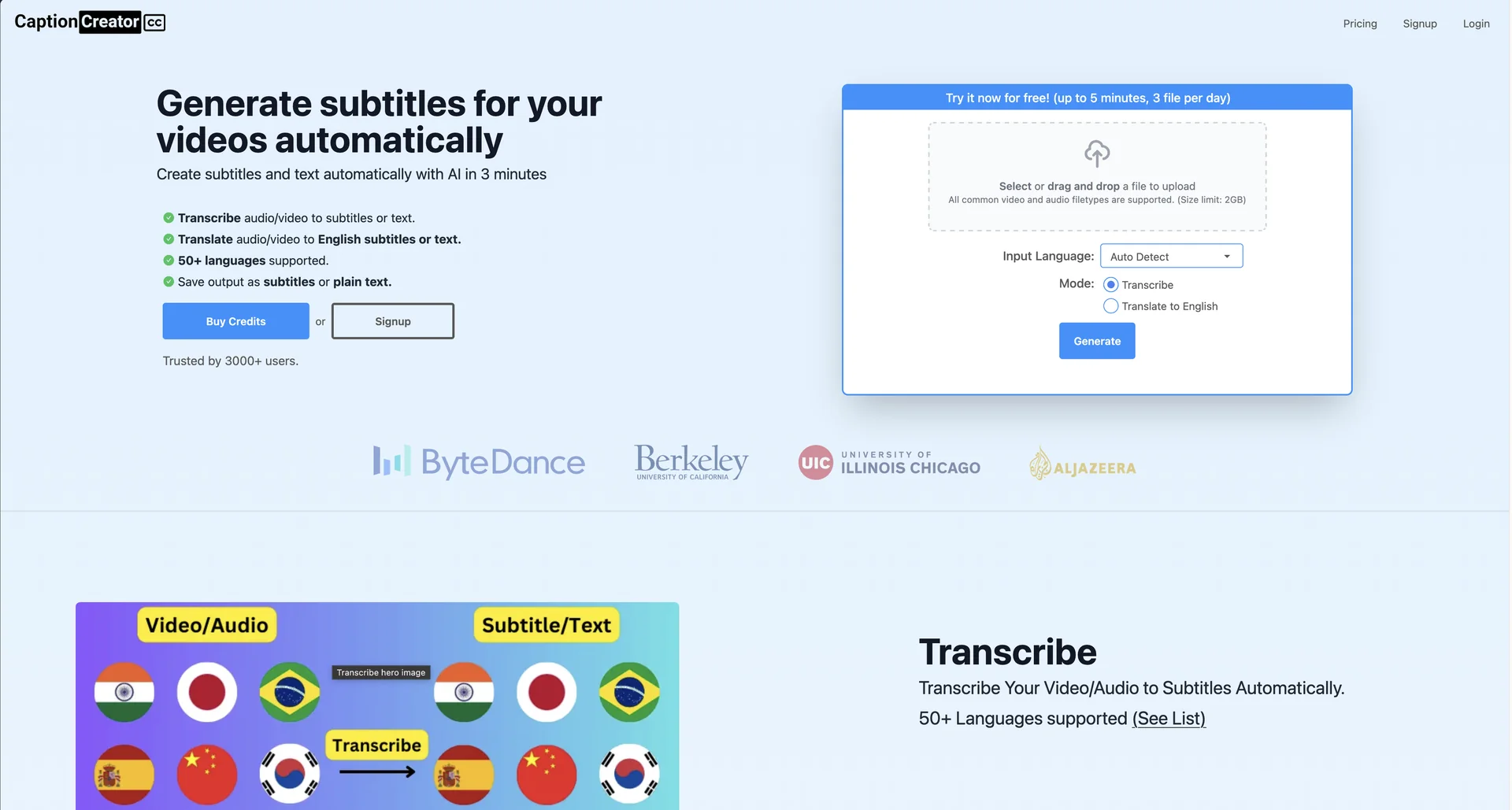
Instant AI Subtitle Generation: CaptionCreator is an agile, browser-based AI tool designed to automatically convert spoken audio and video dialogue into structured text subtitles in under three minutes.
Multilingual Audio Transcription: Powered by underlying speech-to-text infrastructure (built using OpenAI's Whisper model frameworks), the platform effortlessly transcribes speech across more than 50+ global languages.
Direct Translation to English: Features a built-in localization engine that can interpret foreign spoken dialogue and translate it directly into English subtitles or plain text documents.
Robust Background Handling: Specifically optimized to maintain high structural accuracy when parsing audio recorded in noisy environments, filtering out ambient sounds or heavy background music.
Agnostic Accent Parsing: Seamlessly processes varying regional dialects, vocal pacing, and diverse international accents without losing word-by-word tracking synchronization.
Native Subtitle Editor: Includes a clean, simplified timeline editor interface within the browser workspace, enabling users to manually modify typos, shift timestamps, and format layouts before finalizing.
⭐ What does it actually offer based on user experience?
Drastic Editing Acceleration: Content creators and short-form video editors heavily praise the platform for cutting down hours of tedious manual keyboard transcription into just a few minutes.
No-Friction Interface: Users appreciate its hyper-focused, minimalist design. There are no overly complex rendering setups or distracting feature bloat; you simply upload, generate, and export.
Flexible Industry File Support: Heavily favored for producing industry-standard, standalone subtitle files (such as
.SRTand.VTT) that map seamlessly into modern video editing pipelines or platforms like YouTube and TikTok.Accurate Cross-Talk Analysis: Even in multi-speaker videos where people frequently talk over one another, the AI is noted for successfully isolating and mapping clear transcript sentences.
🤖 Does it include automation?
Yes, CaptionCreator relies entirely on automated speech recognition workflows:
Automated Audio-to-Text Mapping: Autonomously scans uploaded
.MP4,.MOV, or.MP3files, calculates phonetic structures, and builds time-synced transcript blocks without human intervention.Autonomous Language Detection: Automatically recognizes the language being spoken in the clip, cutting out the need to manually toggle structural input profiles.
One-Click Format Restructuring: Automatically parses full paragraph blocks into clean, bite-sized, two-line caption splits that conform to classic mobile watching habits.
💰 Pricing Model
Item Details: Credit-based system or Freemium tiered account allowances.
General Concept: Delivers daily baseline generation limits for free, while charging scaled paid packs or subscription credits for managing heavy, bulk processing queues.
🆓 Free Plan Details
Feature: Free Anonymous / Basic Account Tiers.
Details:
Without an Account: Allows up to 3 file conversions per day (capped at under 5 minutes per file).
With a Free Registered Account: Grants access to process unlimited individual files, provided each single file remains under 5 minutes in duration.
Cost: Free ($0).
💳 Paid Plans (2026 Standards)
| Plan Tier | Price (Approx.) | Features & Quotas |
| 🔹 Premium Credit Packs | Varies by Volume | Extends access to process long-form audio/video files stretching past the 5-minute threshold, unthrottled priority queue processing, and persistent non-expiring credit tokens (provided the platform is utilized at least once a year). |
🧭 How to access the tool:
Entirely cloud-based web application managed directly via a desktop or mobile browser window at captioncreator.cc.