UnfoldAI

Description
🖼 Tool Name:
UnfoldAI
🔖 Categories:
No-Code WorkflowsRPA & Task AutomationAnalytics & Dashboards
✏️ What does this tool offer?
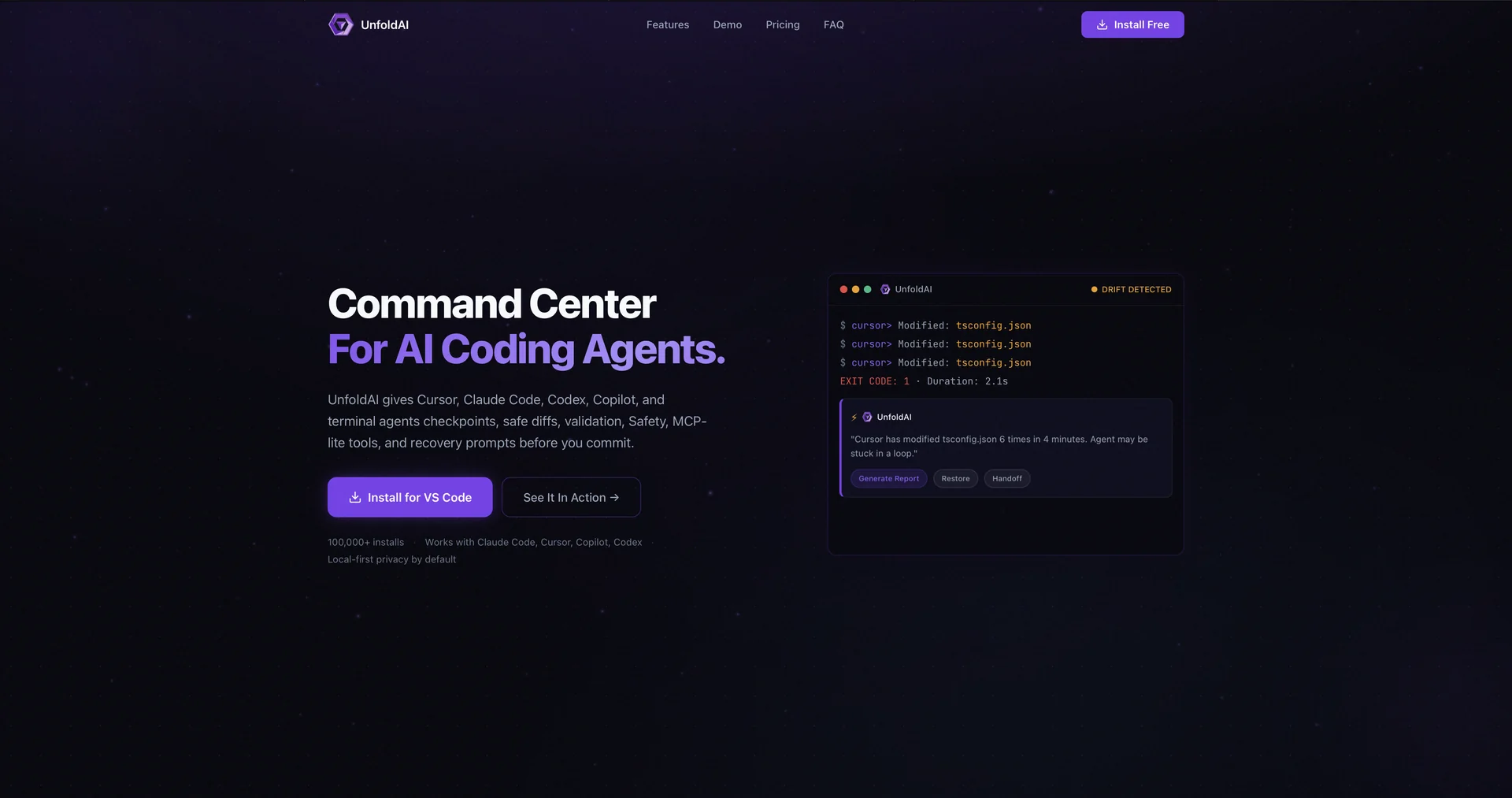
Supervision Infrastructure for AI Coding Agents: UnfoldAI is a developer monitoring and observability platform built as a VS Code sidebar extension. Instead of writing code itself, it passively monitors, audits, and checkpoints background actions performed by active autonomous AI coding agents (like Claude Code, Cursor, GitHub Copilot, Cline, and Roo Code).
Workspace Chat Command Center: Embeds an interactive, workspace-aware local chat interface with action cards. Developers can request instant status reports (e.g., "What changed in the latest AI session?") to review diffs and evaluate agent progress directly within the sidebar.
Failure Review & Drift Detection Issue Cards: Automatically groups multi-step terminal errors, code drift loops (e.g., an agent trying and failing the same terminal script repeatedly), and file modifications into single, organized "Episode" cards. It explains the failure root cause and suggests the safest recovery option.
Silent Workspace Checkpoints & Restore Points: Autonomously takes state snapshots of your project code and dependencies before an agent kicks off risky behaviors (like major package installations or structural modifications), enabling a one-click restore without corrupting your Git stash.
Pre-Commit Summaries & Safety Flags: Serves as a manual validation layer right before you commit code written by an AI. It highlights security risks, exposes dependency changes, triggers alerts if an agent overwrites your local human edits, and drafts clean AI commit summaries.
MCP-Lite Agent Tool Integration: Connects compatible coding agents to UnfoldAI’s Model Context Protocol (MCP) servers, granting external models access to metadata insights and safe summaries while keeping all physical approvals manual and visible in VS Code.
Local-First Privacy Architecture: Implements a security framework where all session data, paths, terminal outputs, and source diffs are captured and stored strictly on the local machine by default. Secrets are automatically redacted before any cloud-based AI feature (like chat or fix plans) is processed.
⭐ What does it actually offer based on user experience?
Prevents AI-Driven Workspace Destruction: Software engineers and technical leads praise the extension for acting as a critical safety net, ensuring a rogue or looping AI agent doesn't turn a productive workspace into an afternoon of chaotic Git debugging.
Eliminates Code Ingestion Fatigue: Developers working with fast, high-volume terminal agents value the "Episode" cards, which parse noisy terminal output down to exact file-level impacts and straightforward fix strategies.
Maintains Absolute Project Sovereignty: Teams handling proprietary or client code bases appreciate the local-only configuration, confirming that they can confidently utilize modern developer tools without leaking source code blocks.
🤖 Does it include automation?
Yes, UnfoldAI functions as a background supervisor, constantly tracking and checkpointing your developer environment:
Automated Activity Checkpoints: Programmatically snapshots workspace conditions and dependency state profiles before complex terminal operations run.
Autonomous Error Pattern Bundling: Automatically detects loops, agent drift, and related diagnostic errors, isolating them into structural issue logs.
Deterministic Session Validation: Autonomously reads active file histories and terminal lifecycles to build instant local validation cards.
💰 Pricing Model
Item Details: Freemium / Fixed Per-Seat Monthly Subscription SaaS.
General Concept: Keeps the baseline background tracking engine, manual checkpoint guidance, and light everyday AI chat access completely free-forever. High-volume AI automated deep-investigations, unlimited chat commands, and advanced recovery capabilities are gated behind tiered premium packages.
🆓 Free Plan Details
Feature: Baseline Local Safety Net Track.
Details: Delivers complete local background session tracking, basic safety card validations, standard manual checkpointing, MCP-lite setups, 10 AI chat messages per day, and 3 pre-commit review cycles per month.
Cost: Free ($0 entry tier; requires no initial API keys or account registration).
💳 Paid Plans (Official 2026 Standards)
Paid tiers remove prompt limits, increase contextual limits, and unlock full deep-investigation features. New premium plans feature an introductory $1.00 for 2 days trial window.
🧭 How to access the tool:
Your background coding agents can be observed, local safety checkpoints generated, and pre-commit summaries audited by downloading the extension directly from the VS Code Marketplace or signing up at unfoldai.io.