Datascale

Description
🖼 Tool Name:
Datascale
🔖 Approved Categories:
No-Code WorkflowsWarehouses & Modeling(Database design, visual data modeling, and schema lineage)
✏️ What does this tool offer?
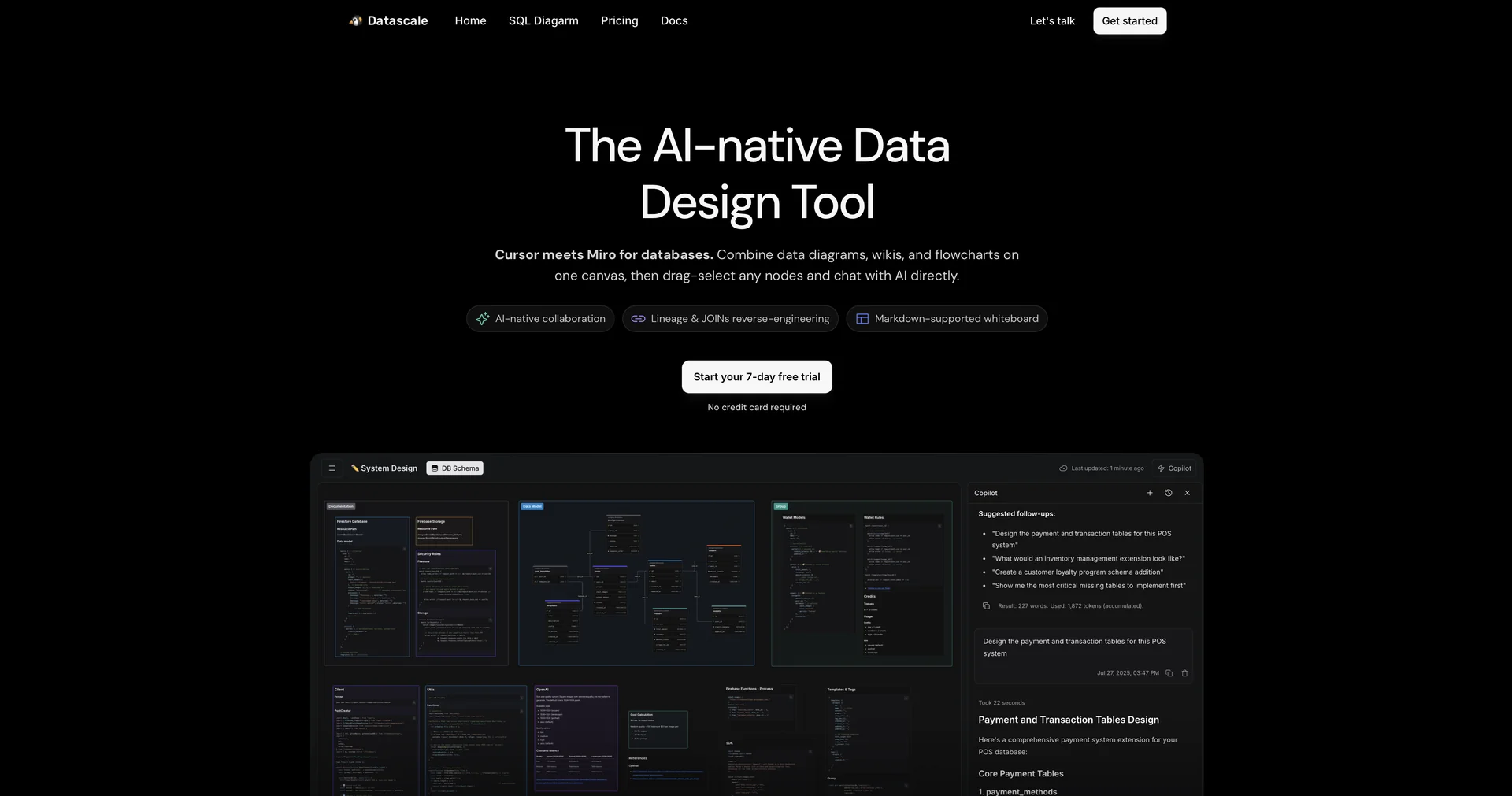
The AI-Native Data Design Workspace: Datascale acts as a hybrid digital whiteboard and database design environment (often described as "Cursor meets Miro for databases"). It helps software engineers, database administrators, and data architects collaboratively map out, document, and structure database systems.
Instant SQL Reverse-Engineering: Datascale programmatically reads and parses your raw DDL (Data Definition Language) statements, SQL views, and query scripts. It instantly transforms raw code into visual ER Diagrams (Entity-Relationship) and Data Lineage maps, exposing join conditions, table connections, and structural dependencies without requiring physical database integrations.
Interactive Node-Selection AI Chat: Users can drag-select any group of tables, endpoints, or blocks on the infinite visual whiteboard and chat directly with an integrated AI Copilot. You can ask the AI to optimize your schema, analyze performance bottlenecks, or evaluate architectural trade-offs (like normalization vs. denormalization).
Collaborative Design Docs & Markdown Wikis: Seamlessly pairs visual database flowcharts with native Markdown-supported workspaces. This lets teams draft design plans, write Product Requirement Documents (PRDs), and establish data governance specifications alongside their physical diagrams.
System-Wide Dependency Mapping: Automatically tracks CTAS (Create Table As Select) operations to visualize the exact downstream impact of schema migrations or query edits, ensuring teams can modify data structures without breaking active downstream pipelines.
⭐ What does it actually offer based on user experience?
Substantial Time Savings on Documentation: Engineering teams highly praise how quickly they can generate polished architectural documents and system design summaries from rough, unstructured ideas.
Smooth Visual Collaboration: Product managers and non-technical stakeholders appreciate the interactive visual maps, which make discussing complex system architectures much easier during alignment meetings.
Frictionless Setup: Developers love that they do not need to deal with complex database connection setups, migrations, or framework adjustments—it simply builds models straight from uploaded text files.
🤖 Does it include automation?
Yes, Datascale automates schema building, dependency tracing, and document generation:
Automated ER Diagram Generation: Autonomously builds relational databases and traces foreign key constraints directly from raw DDL syntax.
Predictive Data Lineage Auditing: Automatically maps parent-child dependencies across table nodes to construct live, searchable flowcharts.
AI-Powered Technical Drafting: Instantly structures rough developer notes into standardized technical documentation, specs, and PRDs.
💰 Pricing Model
Item Details: Freemium Productivity SaaS / Flat User-Based Subscriptions.
General Concept: Datascale relies on a transparent per-user monthly subscription. Teams can sign up for a trial period to evaluate the workspace interface and AI assistance before upgrading.
🆓 Free Plan Details
Feature: Evaluation Trial Access.
Details: Offers a 7-day free trial period allowing users to explore the whiteboard, run SQL reverse-engineering scripts, and interact with the AI-native workspace tools without upfront commitments.
Cost: Free Trial ($0).
💳 Subscription Plans (Official 2026 Standards)
🧭 How to access the tool:
Your raw SQL queries can be reverse-engineered into beautiful diagrams, databases modeled visually on an infinite collaborative whiteboard, and technical documentation generated on autopilot by starting your free trial over at getdatascale.com.