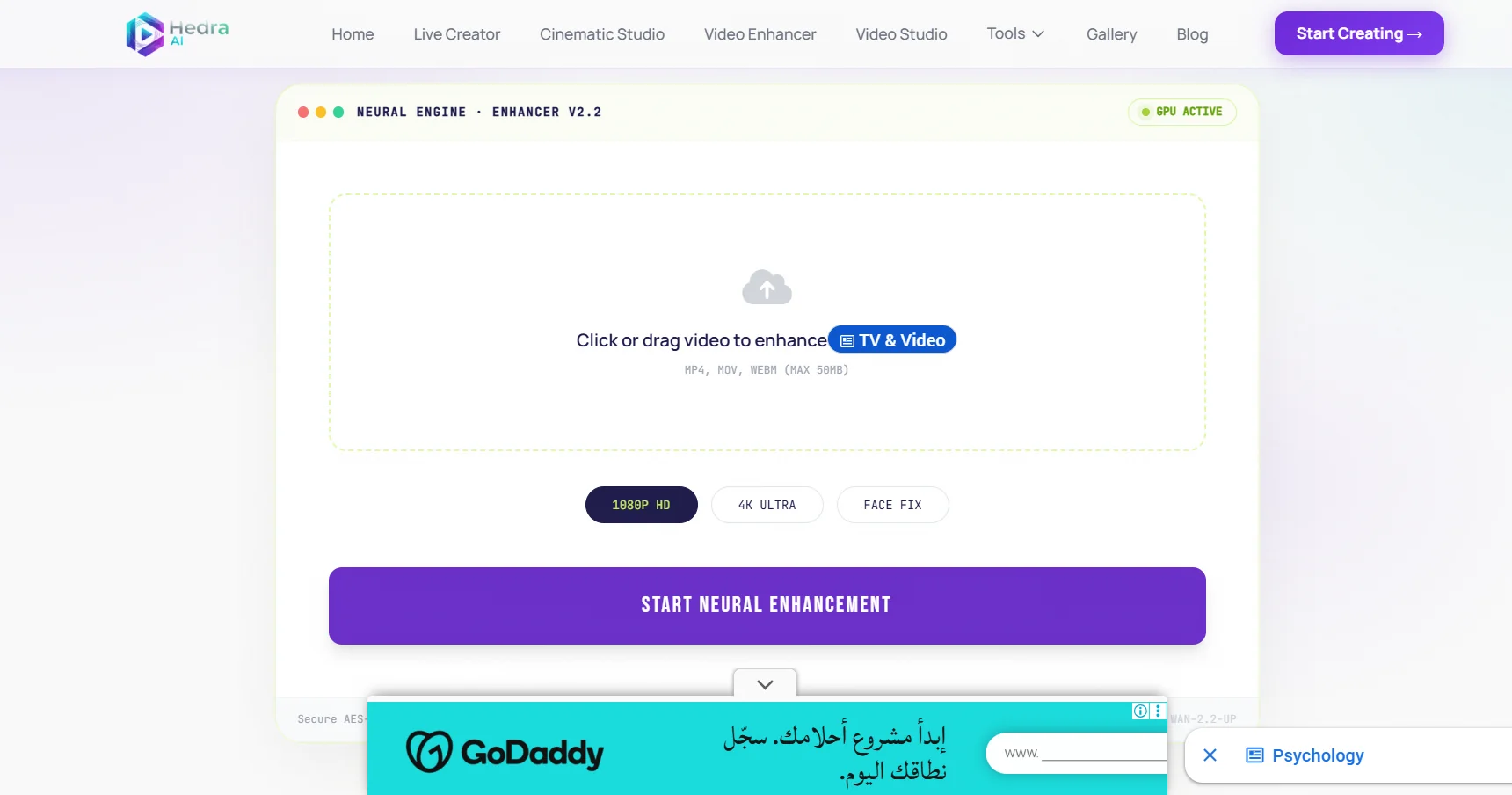
Description

️ Tool Name: 🖼

Hedra AI

Categories: 🔖

  • Text and Images to Video
  • Image Generation from Text
  • Video, Editing, and Motion Graphics
  • Video Ideas and Scripts
  • Audio, Voice, and Music
  • Voice Cloning
  • Music and Effects Generation
  • 3D Modeling and Rendering
  • Removing and Replacing Elements and Backgrounds
  • Editing/Enhancing/Up-scaling

️ What does this tool offer? ✏

Hedra AI is an advanced AI-powered video creation platform that allows users to turn ideas and text descriptions into high-quality cinematic videos without the need for cameras, filming equipment, or production teams.

The platform uses Prompt-to-Video technology, which allows you to write a simple description of a scene, and the AI then generates a complete video while taking into account elements such as:

  • lighting.
  • Motion.
  • Visual style.
  • The overall mood of the scene.

Hedra AI provides an integrated, in-browser production environment that combines:

  • Video creation.
  • Virtual characters.
  • Video enhancement.
  • Audio.
  • Visual effects.

The platform offers a range of creative tools, including:

  • Text-to-Video:
    Create videos based on text and descriptions.
  • AI Avatars:
    Create AI-powered digital characters that speak.
  • Live Creator:
    Animate virtual characters in real time.
  • Image-to-Video:
    Convert still images into animated videos.
  • Video Enhancer:
    Improve video quality.
  • Voice Cloning:
    Clone voices using artificial intelligence.
  • Cinematic Relighter Studio:
    Adjust scene lighting after filming.
  • 3D Forge:
    Creating 3D environments.
  • Additional tools include:
    • Background removal.
    • Image upscaling.
    • Creating music with artificial intelligence.

Hedra AI works in three basic steps:

  1. Write a description of the scene or idea in natural language.
  2. Choose the appropriate visual style, such as cinematic, realistic, anime, or 3D design.
  3. Export the video in up to 1080p or 4K quality.

The platform supports more than 40 languages and enables the use of content in:

  • Digital marketing.
  • Social media.
  • Education.
  • Presentations.
  • Creative projects.

What does it actually offer based on user experience? ⭐

  • Create videos from text in a short amount of time.
  • Producing visual content without the need for filming equipment.
  • Create virtual characters that speak.
  • Converting images into animated videos.
  • Improving the quality of clips.
  • Create voices and audio content using artificial intelligence.
  • Adjust the lighting and visual style of scenes.
  • Produce content suitable for marketing and social media platforms.
  • Export high-quality videos up to 1080p or 4K.
  • Enable commercial use of the resulting content.

Does it include automation? 🤖

Yes, Hedra AI relies on AI-powered automation through:

  • Automatically converting text descriptions into videos.
  • Creating digital characters.
  • Voice synthesis.
  • Automatically enhancing videos.
  • Creating music and sound effects.
  • Process images and convert them to video.

The platform also automatically deletes uploaded files within 24 hours and does not use them to train models, according to the information provided.


Pricing model: 💰

Freemium + paid subscription based on a credit system.

Hedra AI offers:

  • A free plan for initial use.
  • Paid plans based on the number of monthly credits.
  • Usage credits for creating and enhancing videos with AI.

🆓 Free Plan Details:

FeatureDetails
PriceFree
Video Creation5 videos per day
WatermarkExport without watermark
Quality1080p
Commercial UseAvailable for output content
Credit CardNot required

Paid Plan Details: 💳

PlanPriceFeatures
Basic$15/month1,500 Credits to use AI-powered video creation and enhancement features.
Creator$30/month5,400 Credits, ideal for creating more content than the Basic plan.
Professional$75/month14,400 Credits, providing greater production capacity for professional projects.
Business$150/month28,800 Credits, suitable for heavy use and business needs.

How to access the tool: 🧭

MethodAvailable
Web
AppNot specified
APINot specified
ExtensionNot listed

Link to the demo or official website: 🔗

https://hedra.me/tools/video-enhancer

Pricing Details

The Hedra Video Enhancer tool uses a credit-based pricing model, where users receive a set number of credits each month to use the AI-powered video creation and enhancement features. The platform offers a free plan that provides limited access to the tools so users can try out the service, with a limited number of creations and usage restrictions; this plan is suitable for users who want to test the tool’s capabilities before upgrading to a paid subscription. Hedra offers several paid plans based on the amount of credits available each month; the Basic plan starts at $15 per month and provides 1,500 Credits, while the Creator plan, priced at $30 per month, provides 5,400 Credits, the Professional plan costs $75 per month and includes 14,400 Credits, and the Business plan costs $150 per month and includes 28,800 Credits. Credit usage depends on the number of video creation or processing operations the user performs; the higher-tier plans offer a greater number of production operations, improved processing speed, and the ability to use a high-capacity plan suitable for professional projects and business needs.