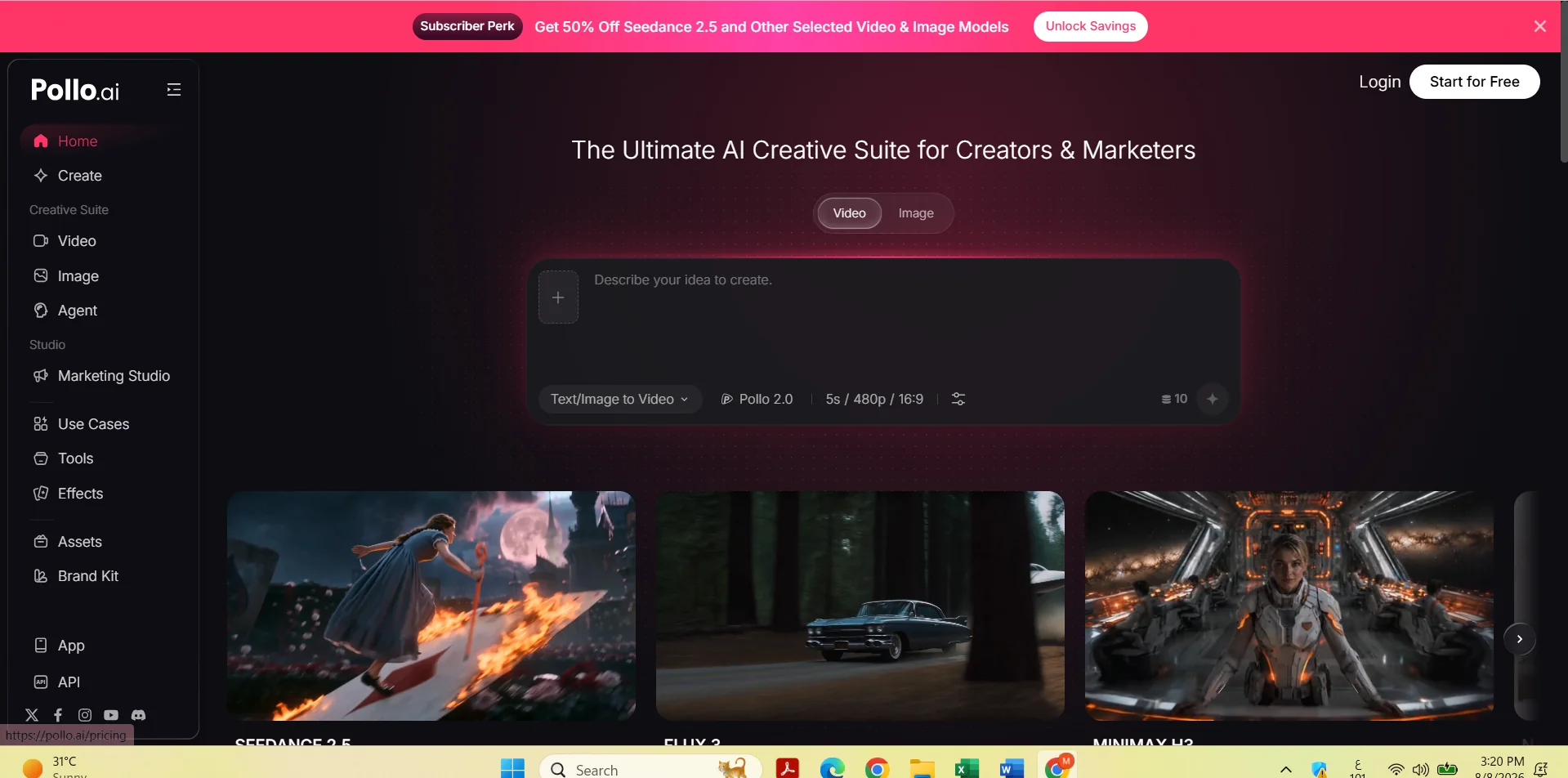
Description
️ Tool Name: 🖼
Pollo AI
Categories: 🔖
Image Design and Creation
Editing/Enhancement/Resolution Uplift
Object and Background Removal and Replacement
Text and Images to Video
Image Generation from Text
️ What does this tool offer? ✏
Pollo AI is an AI-powered platform that uses its Uncrop & Expand Image tool to expand images and reconstruct missing parts of them.
The tool allows users to upload images in JPEG, PNG, and WEBP formats, with a file size of up to 20 MB and a resolution of up to 4096 × 4096 pixels.
Users can choose from a range of aspect ratios, including 1:1, 3:4, 4:3, 9:16, 16:9, 2:3, and 3:2, as well as specify a custom aspect ratio.
After uploading the image and selecting the desired aspect ratio, the AI analyzes the image’s content, reconstructs missing areas, and generates new extensions that appear consistent with the original image’s content.
The tool uses AI Outpainting technology to generate new content beyond the image’s original boundaries, while maintaining the consistency of elements and edges as much as possible.
The tool can be used to restore cropped images, expand backgrounds, improve image composition, and prepare images for social media, advertisements, posters, product photos, and print materials.
The expansion process costs 20 credits per image, and users can try the tool for free according to the information provided on the website.
In addition to the image expansion tool, Pollo AI offers a range of other image editing tools, such as Image Inpaint,Image Enhancer, andBackground Remover,as well as tools for creating images and videos using artificial intelligence.
The platform also supports mobile apps and an API for developers, making it suitable for personal and creative use, as well as for graphic designers, marketers, and content creators.
What does it actually offer based on user experience? ⭐
- Enlarging images using AI.
- Recreating missing parts of images.
- Use the Uncrop & Expand Image tool.
- Support for JPEG, PNG, and WEBP images.
- Supports images up to 20 megabytes in size.
- Supports resolutions up to 4096 × 4096 pixels.
- Choose from multiple aspect ratios.
- Supports aspect ratios of 1:1, 3:4, 4:3, 9:16, 16:9, 2:3, and 3:2.
- Ability to specify a custom aspect ratio.
- Reconstructs missing areas and creates natural image extensions.
- Uses AI Outpainting technology to generate new content beyond the boundaries of the original image.
- Restore cropped images.
- Expand backgrounds.
- Enhance image composition.
- Prepare images for social media, ads, and posters.
- Use the tool with product images and print materials.
- Provide Image Inpaint.
- Provide Image Enhancer.
- Provide Background Remover.
- Providing tools for creating images and videos using artificial intelligence.
- Provide mobile apps.
- Provide an API for developers.
- The cost of image enlargement is 20 credits per image.
- You can try the enlargement tool for free, as explained on the website.
Is the process automated? 🤖
Yes. The image enlargement process relies on automated artificial intelligence; the system analyzes the original image, then reconstructs the missing areas and generates new content beyond its boundaries in a way that aligns with the existing elements and edges.
Pollo AI also provides an API for developers, allowing them to integrate some of the platform’s features into applications or software processes.
Pricing Model: 💰
Paid subscription based on a credit system
Pollo AI offers monthly or annual billing, with a discount of up to 50% when choosing the annual subscription, according to the information provided.
🆓 Free Plan Details:
| Feature | Details |
|---|---|
| Try the tool | You can try the image enlargement tool for free, as explained on the website |
| Enlargement Cost | 20 credits per image when using credits |
| Free Use | No specific number of free credits is specified in the information provided |
Paid plan details: 💳
| Plan | Price when paying annually | Monthly Allowance | Specified limit for photos/videos | Concurrent Tasks | Benefits |
| Lite | $10 per month instead of $15 | 300 credits | Up to 60 videos or 300 photos per month | 2 tasks | Faster generation speeds and discounted rates for certain AI models, with access to specific models based on your plan |
| Pro | $14.50 per month instead of $29 | 800 credits | Up to 160 videos or 800 images per month | 3 tasks | Faster generation speeds and discounted rates for certain AI models, with access to specific models based on your plan |
| Ultra | About $109 per month instead of $139 | 5,000 credits | Up to 1,000 videos or 5,000 images per month | 6 tasks | Faster generation speeds and discounted rates for certain AI models, with access to specific models based on the plan |
The plans also include unlimited or free access to a selection of specific AI models, such as Nano Banana Pro, Pollo 2.5, Kling 3.0, and Google Nano Banana,with available features varying by plan.
The plans also offer discounted prices for certain AI models.
How to access the tool: 🧭
- Web: Pollo AI can be used via the website.
- Mobile apps: The platform offers mobile apps.
- API: An API is available for developers.
- AI tools: The platform provides access to tools for creating and editing images and videos.
Trial link or official website: 🔗
https://pollo.ai/
