• Text and images to video
• Business document creation
• Motion graphics, titles, and subtitles
• Image design and creation
Description
️ Tool name: 🖼
AiPPT.com
Tool category: 🔖
️ What does this tool offer? ✏
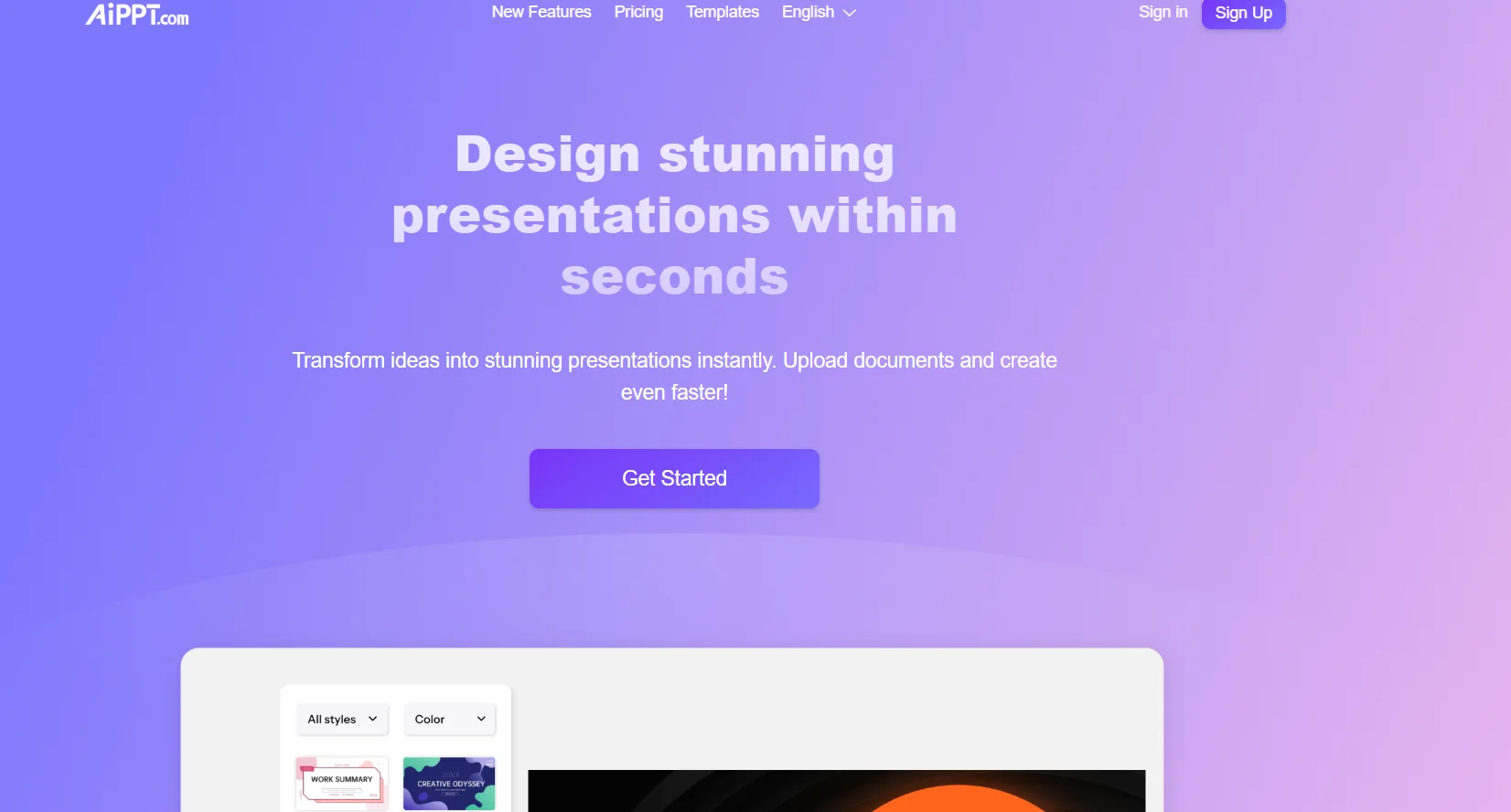
AiPPT.com enables users to quickly and easily create professional presentations using artificial intelligence. The tool offers features such as automatic slide generation, text and image editing, importing local and reference files, and using ready-made PPT templates. It also supports the creation of presentations in multiple languages and provides advanced tools to improve appearance and quality, including Nano Banana Mode for generating high-quality images and slides.
What does it actually offer based on user experience? ⭐
AiPPT.com offers users a seamless experience in designing presentations, with the ability to generate rich and accurate visual content, import documents from Google Drive or web links, and use artificial intelligence to edit slides, text, and images. Users praise the flexibility of the templates, ease of use, and accuracy of graphics and text in different languages.
Does it include automation? 🤖
Yes, the tool uses artificial intelligence to automate presentation creation, slide editing, image design, and automatic template matching to the topic.
Pricing model: 💰
🆓 Free plan details:
Price: $0.0
AI generation: Twice daily (6 total)
PPT template downloads: Twice daily
Import local files
AI image credit: 40 points
Maximum number of slides generated by AI: 10 slides
AI editing: 5 times per day (30 total)
Template replacement: twice a day
Customer support
Paid plan details: 💳
Plus – $7/month (or $84 annually)
AI generation + PPT template uploads: 20 times per day
Import local files
AI image credit: 500 points/month
Maximum number of slides: 20 slides
Nano Banana Mode: 600 points/month
AI editing: 30 times per day
Template replacement: Unlimited
Export PPT/PDF/Images
Import reference files from Google Drive or URL
Outline upload
Customer support
Pro – $11/month (or $132 annually)
AI generation + PPT template downloads: 40 times per day
Import local files
AI image credit: 1000 points/month
Maximum slides: 50 slides
Nano Banana Mode: 1200 points/month
AI editing: Unlimited
Template replacement: Unlimited
Export PPT/PDF/Images
Import reference files from Google Drive or URL
Outline Download
Customer support
How to access the tool: 🧭
The tool can be accessed directly through your browser. Create an account to activate the free plan features or subscribe to paid plans.
Trial link or official website: 🔗
https://www.aippt.com
Pricing Details
The pricing model at AiPPT.com includes a free plan and paid plans with advanced features. The free plan is available at $0 and allows users to generate content using AI twice a day for a total of 6 times, download PPT templates twice a day, import local files, with an AI image credit of 40 points. The maximum number of slides generated by AI is 10, in addition to the ability to edit slides five times a day for a total of 30 times, replace the template twice a day, and full customer support. Paid plans start with the Plus plan at $7 per month or $84 per year, allowing AI content generation and PPT template downloads 20 times per day, importing local files, with an AI image credit of 500 points per month, a maximum of 20 slides, use of Nano Banana Mode with 600 points per month, 30 edits per day, unlimited template replacement, export of presentations in PPT, PDF, and image formats, import of reference files from Google Drive or links, and Outline download, with customer support. The Pro plan, priced at $11 per month or $132 per year, offers AI content generation, 40 PPT template downloads per day, local file import, and 1000 AI image credits per month. a maximum of 50 slides, Nano Banana Mode with 1200 points per month, unlimited template editing and replacement, exporting presentations in PPT, PDF, and image formats, importing reference files from Google Drive or links, downloading the Outline, and full customer support.