Tool name:
CapGo
Tool category: 🔖
• Data preparation and cleaning
• Data and analytics
• Automation and smart agents
️ What does this tool offer? ✏
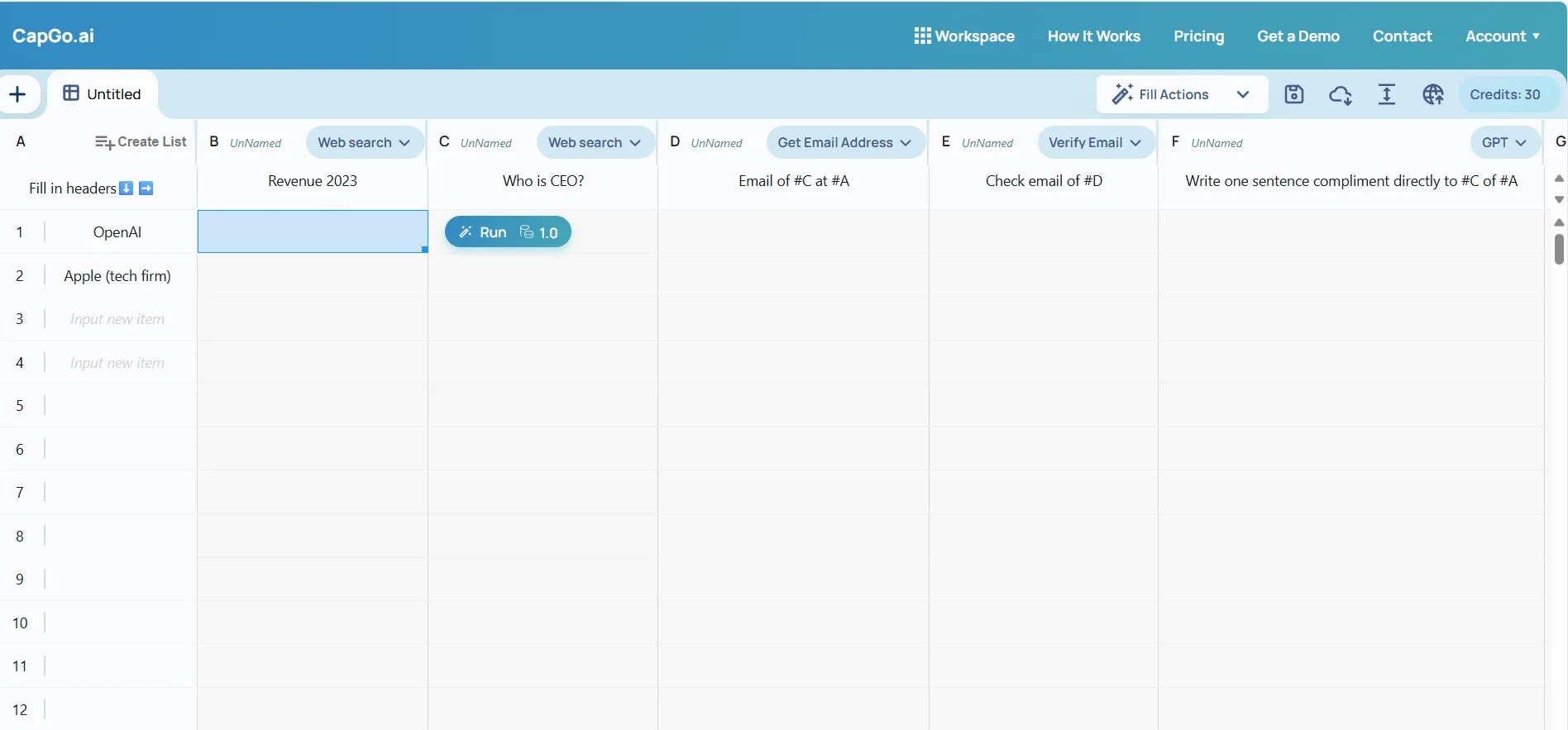
CapGo provides smart features that help save time within Google Sheets, combining artificial intelligence capabilities with direct interaction with PDF files within the Sheets environment. It allows access to the GPT model with web browsing, PDF file analysis, content creation, and fast and efficient data processing within the spreadsheet itself.
What does it actually offer based on user experience? ⭐
The tool enables users to analyze PDF file content and extract data directly into Google Sheets, as well as create text, summaries, or smart data processors using GPT with web browsing capabilities. These features help speed up work within Sheets and reduce reliance on external tools.
Does it include automation? 🤖
Yes, CapGo relies on artificial intelligence to provide automated functions such as reading PDF files, converting their content into tables, and generating content or smart processors within Google Sheets using GPT.
Pricing model: 💰
CapGo uses a monthly subscription model with multiple options depending on usage level and required credit, as well as a one-time credit purchase option.
🆓 Free plan details:
There is no explicit information about a free plan in the description provided; all available plans are paid with a 7-day trial period at discounted prices that give a certain credit to use the features within the app.
Paid plan details: 💳
Premium:
Costs $1 for 7 days for 400 credits, then $24 per month x 12 months, includes 1200 credits per month and 100 PDF files per week with all basic GPT Workspace features.
Pro:
Costs $3 for 7 days for 800 credits, then $58 per month x 12 months, includes 3600 credits per month and 300 PDF files per week, and includes all Premium features.
Max:
Costs $5 for 7 days for 1,500 credits, then $114 per month x 12 months, includes 9,000 credits per month and 300 PDF files per week, includes all Premium features.
One-time credit:
2,000 credits can be purchased for a one-time fee of $98 without a monthly subscription.
How to access the tool: 🧭
You can manage your subscription and access CapGo features via the account page within the app, with options to upgrade or cancel at any time. Payment is made via the Stripe platform. The tool works independently of Google Workspace subscriptions.
Trial link or official website: 🔗
https://capgo.ai