Description
🖼️ Tool name:
Pixlr
✏️ What does this tool offer?
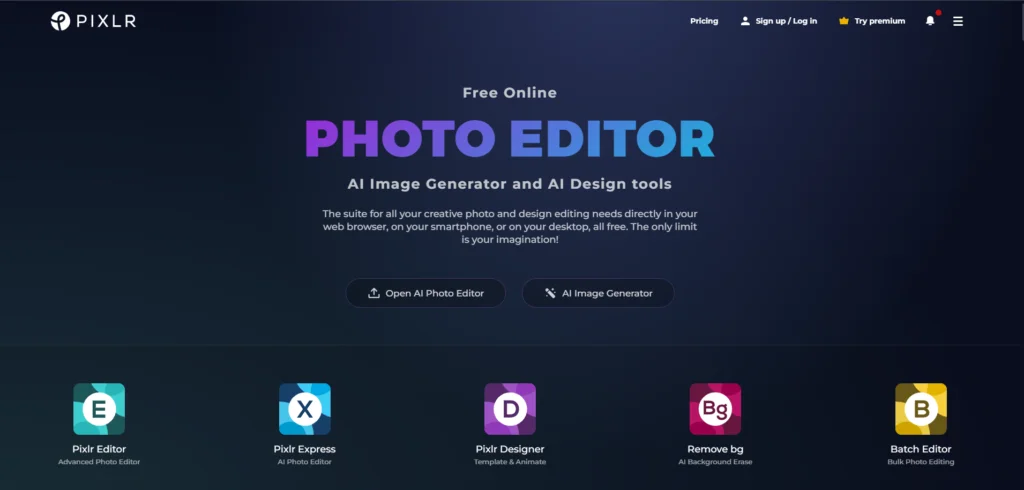
Pixlr is a comprehensive AI-powered photo editing and design suite accessible via web browsers, mobile, and desktop. Its 2025 version offers:
AI Image Generator: Creates high-quality visuals from text prompts.
Generative Fill & Expand: Adds, removes, or extends parts of an image using AI.
Advanced & Express Editors: (Pixlr E & X) cater to both professional layer-based editing and quick one-click adjustments.
AI Face Swap: Swaps faces between photos with realistic blending.
Background Removal: One-click automated isolation of subjects.
Template Library: Thousands of designs for social media, marketing, and banners.
⭐️ What does the tool actually offer based on user experiences?
Based on 2025 user feedback, Pixlr is highly regarded for:
Ease of Use: Acts as a lightweight, browser-based alternative to Photoshop with a minimal learning curve.
Speed: AI tools like "Super Sharp" and "Auto-Fix" provide instant professional results for social media managers.
Accessibility: Users love that it works across devices (Phone, Tablet, PC) with cloud-synced projects.
Note: Free users occasionally report that ads can be intrusive, and some advanced AI features require a paid subscription for high-resolution exports.
🤖 Does the tool have automation features?
Yes, Pixlr integrates significant automation through:
AI Batch Editor: Automates cropping, resizing, and color correction for hundreds of photos simultaneously.
Auto-Design: Intelligent placement of elements based on the selected template.
One-Click Cutouts: Automatically identifies and removes backgrounds or objects without manual masking.
💵 Type of tool (in terms of cost):
Pixlr follows a tiered subscription model (monthly/annual):
Plus Plan: ~$1.99/month (Ad-free, unlimited saves, 80 AI credits).
Premium Plan: ~$7.99/month (Full access, 1,000 AI credits, 10M+ premium assets).
Team Plan: ~$12.99/month (Includes 5 seats with 1,000 AI credits each and management tools).
🎁 Is the free version a trial or completely free?
Pixlr offers a "Free Always" version supported by ads, as well as a 7-day free trial for the Premium version.
💳 What does the free version offer?
Access to basic editing tools (Pixlr X and E).
A limited set of overlays, stickers, and templates.
Ability to perform basic AI tasks with limited daily saves/credits.
Ad-supported experience.
💳 What does the paid version offer?
Completely ad-free experience.
Large monthly allocation of AI credits for generative tools.
Access to a massive library of 10 million+ premium fonts, graphics, and 3D files.
Support for high-resolution images (up to 8192 x 8192).
Private mode for AI generations.
⚙️ Access or source:
Official Website:
Platforms: Web Browser, iOS, Android, and Desktop (Windows/Mac).
🔗 Experience Link: