💡 Compass Tip
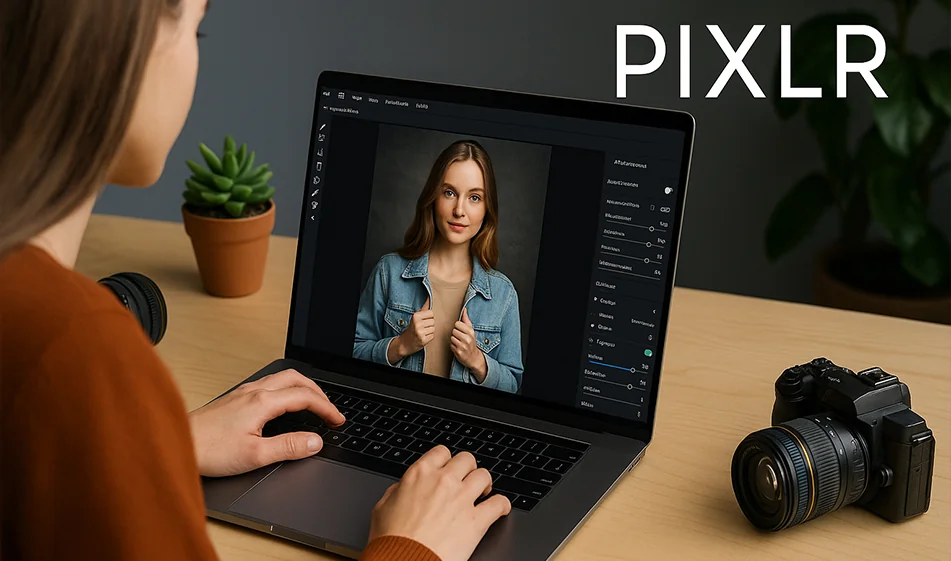
If you're looking for a fast and powerful photo editor that works from the browser without downloading heavy software, try Pixlr.
This tool gives you the ability to edit, optimize, and add professional touches to your photos in seconds, thanks to its built-in AI technology.
️ ⚙ How does it work?
- Open Pixlr and choose an editing mode (Quick - Advanced).
- Upload your photo directly from the device or from a link.
- Use the AI tools: Remove background, optimize lighting, fix imperfections.
- Add text, filters, or ready-made effects.
- Download the final image in high quality and ready to publish.
⭐ Highlights
- Instant background removal in high resolution.
- Automatic color and lighting enhancement in one click.
- Skin repair and smoothing tools for portraits.
- Ready-made templates for quick designs and ads.
- Easy interface that works on your computer and phone without installing software.
💰 Plans and Pricing
- Free Plan: Basic tools with good quality for everyday use.
- Paid plan (starting at $5/month):
- Additional professional filters.
- Watermark removal.
- Advanced AI tools and high-quality output.
- Pro/Teamsplan: Suitable for designers and businesses with group editing features.
🧭 Golden Compass Tip
✨ Start by optimizing the lighting before any other adjustment.
Good lighting makes a photo look professional even without many filters.
Also try Auto Adjust for a quick balance of colors and shadows.
Compass Conclusion
Pixlr is a cloud-based photo editor that's both easy and professional.
Whether you want a simple edit for a portrait or a quick design for a marketing post,Pixlrhas all the tools you need - right from your browser, without the complexity.