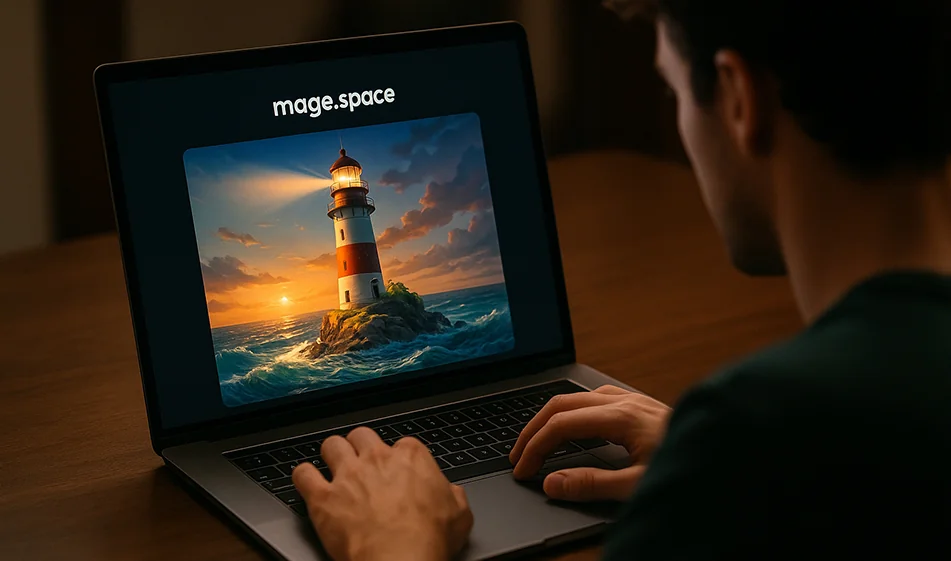
Mage.space - easy and fast AI image generation
· 2 min read
💡 Compass Tip
Looking for a powerful and easy tool to create professional images from just words?
Mage.spaceoffers one of the best AI image generation experiences, with a simple interface, amazing results, and no setup or signup complexities.
️ ⚙ How does it work?
- Type your textual description (Prompt) of what you want to generate, such as:
"Mountain view at sunset in a realistic cinematic style" - Choose the style that suits you best:Realistic, Anime, Fantasy, 3D...
- Click Generate and watch the image take shape in seconds.
- Tweak the description or style to optimize the result to your liking.
⭐ Highlights
- Free and fast imagegeneration from text.
- Multiple art styles for advertising, design, and comics.
- Optimize resolution and adjust details with simple settings.
- Easy interface for beginners and professionals.
- Supports the creation of a large number of images without complex limits.
💰 Plans and Pricing
- Free Plan: Generate images at a decent resolution with basic capabilities.
- Paid plans (starting at around $8/month):
- Higher resolution and HDquality.
- Faster generation and greater stability.
- Advanced output editing capabilities.
- Professional plan: For designers and companies that need frequent visual output.
🧭 Golden Compass Tip
✨ Start with a clear description and gradually add details.
Use words that describe lighting, style, and atmosphere such as:
"Warm lighting - cinematic style - foggy view."
Every little tweak in Prompt gives you a completely new result.
Compass Compendium
Mage.space is an excellent choice for fast image generation with amazing results, whether for creative projects, visual content, or quick designs.
Write your description... and let the AI paint your visual world as you imagine it.
About Mage.Space
- Generates images from text prompts
- Supports styles such as anime, realistic and fantasy
- Advanced controls including negative prompts, seed, quality and generation settings
- Switches between AI models
- Browser-based use without login for basic features
- Regenerates results and shares work
- Pro tools include LoRA, Textual Inversion, ControlNet and image animation
Related Tips
- How to Use the Pokecut Tool to Easily Extract Images
- A professional prompt for turning a meal name into a full recipe infographic
- Bosala Brand Studio Explains: How to Create a Complete Visual Identity from a Logo in Minutes?
- An Explanation of GeminiGen AI for Creating Videos and Images for Children
- A Comparison of VisualGPT and NoteGPT for Creating Free Images and Designs on GPT Image 2