️ Tool Name: 🖼
Bing Image Creator
Tool Category: 🔖
Image Design and Creation
Image Generation from Text
Batch and Style Conversion
️ What does this tool offer? ✏
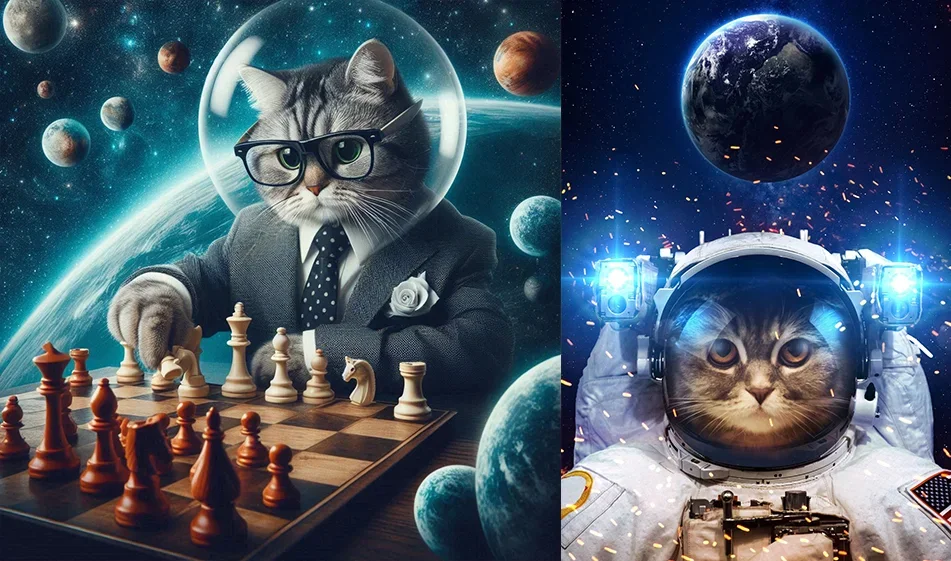
The tool allows you to create images based on a text description using artificial intelligence, relying on the DALL·E 3 model to generate a variety of images in different styles, such as realistic and artistic. It can also be used for image design, producing game assets, and creating visual content for social media, with support for generating multiple results (Variations) per request.
What does it actually offer based on user experience? ⭐
It offers a simple and fast user experience without requiring any design skills; you can enter a text description and get several ready-made images. It also helps create diverse content such as social media designs, creative images, and visual assets, with the ability to utilize them in semi-automated processes like preparing repetitive visual content.
Does it include automation? 🤖
Yes, it supports full automation in converting text to images, with the ability to use it partially for automating the creation of visual content, especially for social media.
Pricing Model: 💰
The tool operates on a free model with a points system called Boosts to speed up the image generation process.
🆓 Free Plan Details:
It offers full free access with:
- A limited number of Boosts points daily for high-speed image generation.
- The ability to continue creating images after points run out, but at a slower speed.
- Access to all core features without a paid subscription.
Paid Plan Details: 💳
There are no direct paid subscription plans; acceleration is based solely on the Boosts system.
How to access the tool: 🧭
- Sign in with a Microsoft account.
- Access the tool via Bing or Copilot.
- Enter a text description of the image, then generate results immediately.
Demo link or official website: 🔗
https://www.bing.com/create