Turn a description into a professional image on Mage.space (3 steps) | Free
· 1 min read
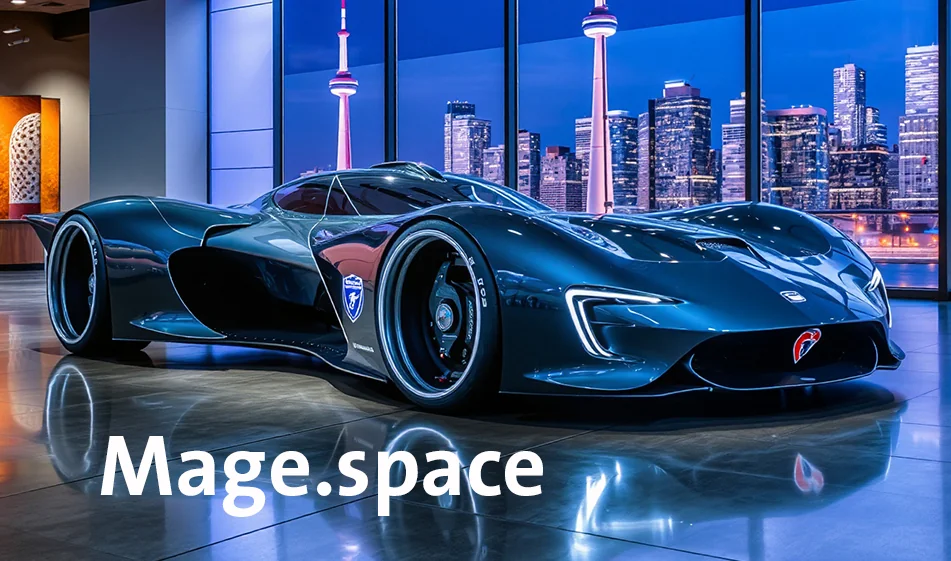
In this video, I'll demonstrate the fastest way to generate professional images from a short text using Mage.space.
Type in your short description, choose a realistic or cinematic style and size, then click Generate.
You can then optimize the resolution via Upscale to get crisp details for publication.
The result: a high-resolution image in about 20 seconds-from just one description.
For more smart tools, visit bosala.ai, and don't forget to subscribe to the channel.
About Mage.Space
- Generates images from text prompts
- Supports styles such as anime, realistic and fantasy
- Advanced controls including negative prompts, seed, quality and generation settings
- Switches between AI models
- Browser-based use without login for basic features
- Regenerates results and shares work
- Pro tools include LoRA, Textual Inversion, ControlNet and image animation
Related Tips
- How to Create a Series of Educational Videos Using ChatGPT, PixVerse, and Nabat?
- Revid AI vs. Fliki: Which is better for creating ready-to-go Reels from a single idea?
- Integrating Claude and JXP Veo to Create Fun Science Videos for Kids
- A Comparison of Twistly and PageOn for Creating AI-Powered Presentations
- Storyboarder.ai: A tool for turning your idea into a professional storyboard