Animate Sketch - Sketch.metademolab.com
· 2 min read
What is the tool?
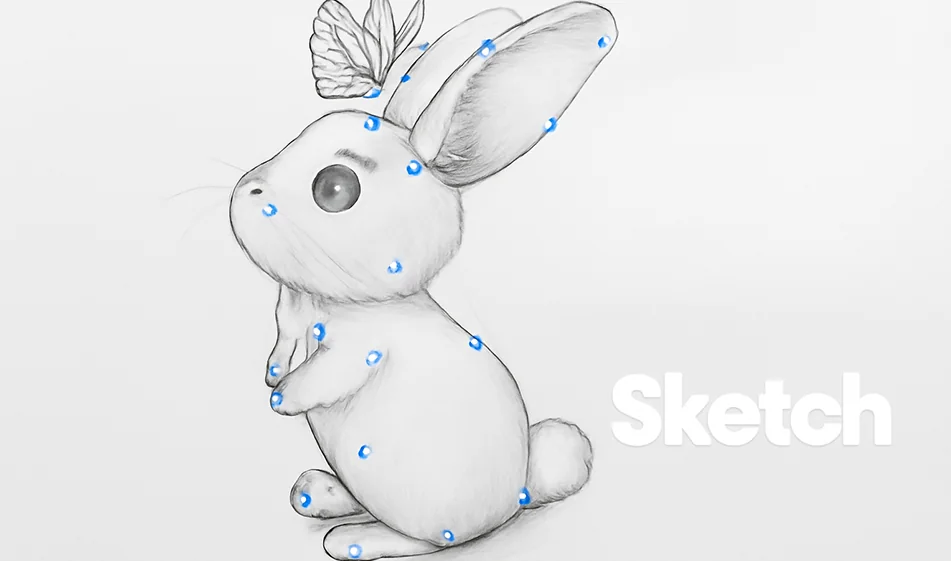
is an experimental AI-based tool for animating hand drawings: Upload a simple drawing, automatically select the character, adjust the joints, and choose a ready-made animation to output a GIF or video.
Why does it matter?
- Ideal for children's content and quick visual learning.
- Increases engagement on platforms with engaging before/after shots.
- No animation experience required; the steps are straightforward.
How to use it (3 step process):
- Prepare the drawing: White paper, thick black lines, one clear character, it's best to keep the arms separate from the body.
- Lift and adjust: Lift the drawing, check the character's definition, adjust the joint points if necessary (shoulder/elbow/knee...).
- Choose movement and export: Try ready-made movements (walking/jumping/greeting/dancing), then export a GIF or a vertical 9:16 video for publishing.
Notable features:
- Automatic character detection and customizable joint map.
- Ready-made animation library that fits most simple sketches.
- Quick export in social media-friendly formats.
Pricing (abbreviated):
- Free for trial use in a web environment. (Available features may vary with updates; check inside the tool before large projects).
Compass tips for a clean result:
- Keep the line thick and continuous;avoid overlapping coloring inside the edges.
- Leave white space around the character for easy identification.
- If unnatural movement appears, reposition the joints or reduce the range of motion.
- To increase interactivity, include in the video: Static Drawing → Quick Adjustment → Motion → Before/After.
Compass summary:
Draw simply, adjust the joints precisely, and use a before/after shot within the video.This short recipe will increase completions, likes,and subscriptions in Shorts.
About Sketch2App
- Converts hand-drawn or digital UI sketches into app interfaces
- Generates frontend code or exports to code editors
- Refines UI and interactions in a drag-and-drop editor
- Provides real-time prototyping and instant previews
- Deploys to web or mobile platforms with one click
- Includes prebuilt components, logic blocks and layout tools
Related Tips
- A video prompt that gives you the feel of GTA with an Arabic twist
- 2 million free tokens to create videos! on Seedance
- How to Create a Series of Educational Videos Using ChatGPT, PixVerse, and Nabat?
- An Explanation of GeminiGen AI for Creating Videos and Images for Children
- A brief overview of Vidu and how to create entertaining animated videos