KwiCut
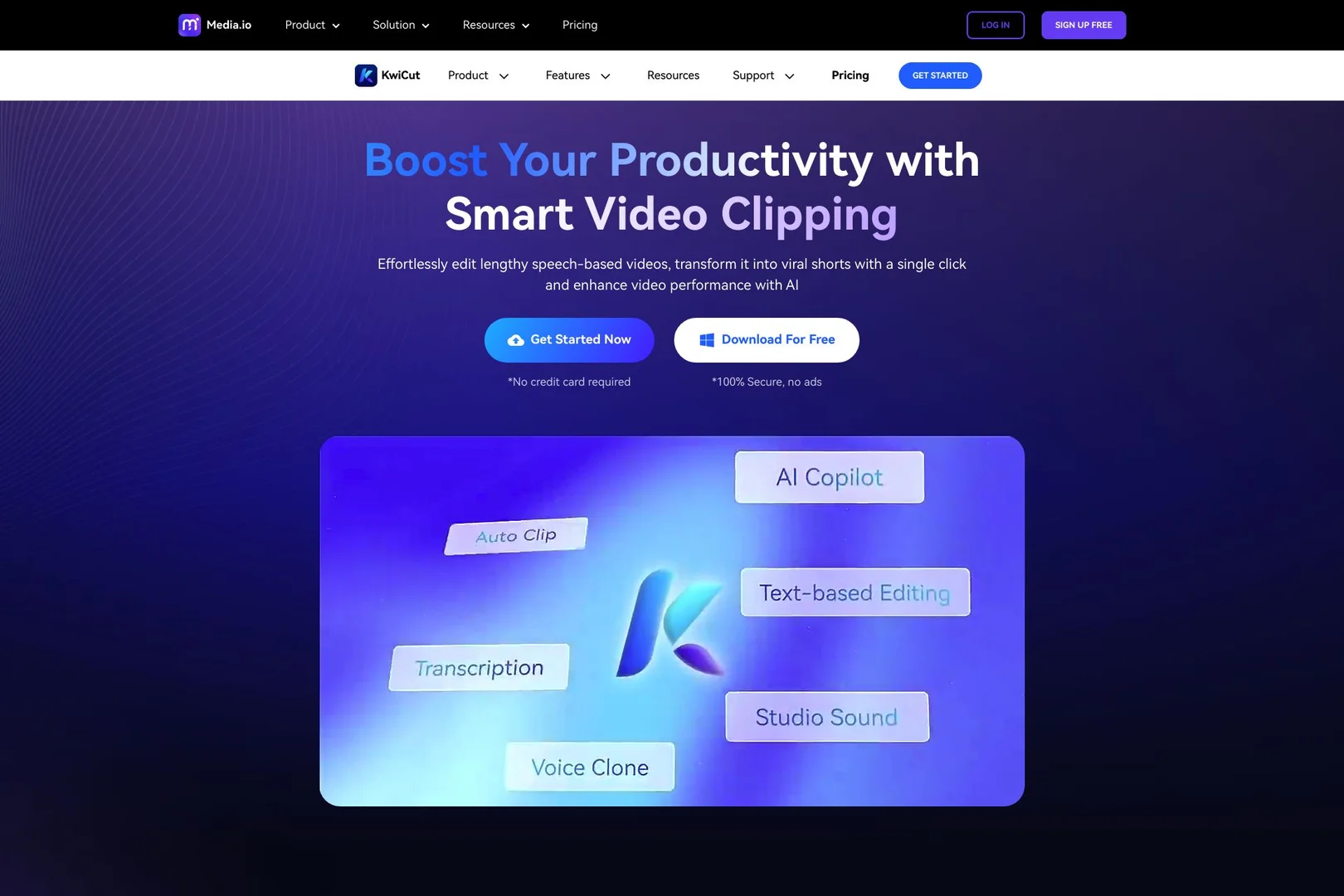
Effortlessly edit lengthy speech-based videos, transform it into viral shorts with a single click and enhance video performance with AI
- Text-to-Speech / Speech-to-Text
- Voice Cloning
- Audio Cleanup & Mixing
- Motion, Titles & Subtitles
- Video Summaries & Clips
- Social Templates & Auto-Editing
Last updated
Features
- Edits video by deleting sentences from the transcript
- Removes filler words and long silences with one click
- Clones your voice to fix recording mistakes without re-shooting
- Generates synced auto-captions with dynamic animated styling
- Summarizes long videos and extracts highlights as vertical clips
- Enhances audio with noise reduction and vocal balancing
- Resizes videos for TikTok, YouTube and Instagram while keeping the speaker centered
- Transcribes Arabic dialects and technical jargon
- Writes video descriptions, tags and social hooks with GPT-4
- Available as a mobile app on the App Store and Google Play
Pricing Details
💵 Pricing
KwiCut offers a tiered system based on transcription minutes and AI feature access.
| Plan | Price (Monthly) | Key Features |
|---|---|---|
| Free / Basic | $0 | 30 mins transcription/mo, 1080p export, limited AI features (with watermark). |
| Pro | ~$12.99 | 300 mins transcription, 4K export, No watermark, Voice Cloning, GPT-4 Co-pilot. |
| Unlimited | ~$39.99 | Unlimited transcription & exports, priority rendering, multi-seat for teams. |
🎁 Is the free version a trial or completely free?
It is a Freemium model. You can use the basic editor for free indefinitely, but you get a limited amount of "AI Minutes" (usually 30 per month). For professionals, a 7-day Free Trial of the Pro version is often available to test the Voice Cloning and 4K features.
💳 What does the Paid version offer?
4K Ultra HD Exports: High-resolution output for YouTube and professional projects.
Advanced Voice Cloning: The ability to create a digital version of your voice for future use.
Full GPT-4 Integration: Use the AI to write video descriptions, tags, and even social media hooks.
No Watermark: Clean, unbranded videos for your business or personal brand.
Related Tips
- How to Create a Series of Educational Videos Using ChatGPT, PixVerse, and Nabat? · Audio & Voice, Text-to-Speech / Speech-to-Text…
- Revid AI vs. Fliki: Which is better for creating ready-to-go Reels from a single idea? · Video Generation & Editing, Text and Images to Video…
- FocalML Review: A Tool That Creates Videos from Concept to Timeline · Video Generation & Editing, Text and Images to Video…
- How to Make a Movie Using Artificial Intelligence (Free Trial) · Video Generation & Editing, Text and Images to Video…
- Claude and Kling have teamed up to create fun educational videos for children to teach English letters in Arabic · Video Generation & Editing, Text and Images to Video…